Sottotitoli automatici per video
Crea una bozza di sottotitoli dalle parole pronunciate nel video. Controlla testo e tempi, poi scarica un file per il montaggio.

Esempio di risultato
Esempio letto ad alta voce. Ascolta il passaggio o scarica il file corrispondente.
Formati dei file
- Video di origine
- MP4 · MOV · WebM · MKV
- File di sottotitoli con tempi
- SRT · VTT
- Video con sottotitoli
- MP4
Come funziona

Scegli la fonte
Scegli la registrazione salvata che vuoi controllare.
Controlla la bozza
Confronta le righe e verifica i tempi nella stessa versione del video.
Salva il risultato
Scegli il formato adatto alla consegna.
Caso d’uso
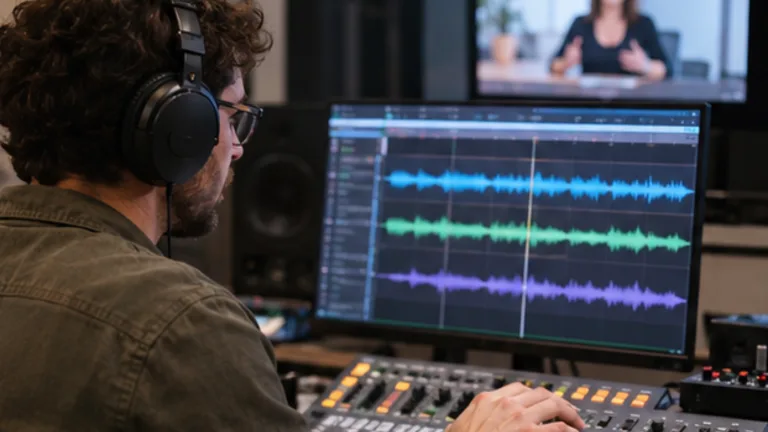
Controlla la bozza
Per una guida pratica, verifica che il sottotitolo compaia prima dell'azione mostrata.
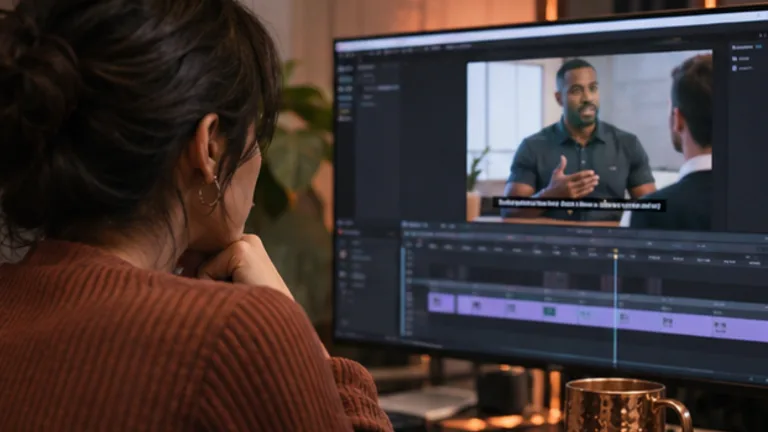
Controllare il cambio scena
Verifica che l’ultima riga scompaia prima che il video passi al passaggio successivo.
What you can do with a transcript

Read the summary and follow its links to the original passages.
User reviews
Illustrative examples
The translation matched the same cut
I checked the translated captions next to the original. I shortened a long line and then exported both languages for the same edit.
Samira PatelLocalization editorI fixed the cue in the SRT I had
I already had an SRT. I corrected the product name and adjusted when its line appeared, then saved the revised subtitle file.
Milo GrantCaption reviewerA late cue was easy to spot
The caption came up after the speaker started. I checked the finished video, adjusted the cue, and exported the updated subtitle file.
Felix ReedPost-production editorWe caught the misheard name in the captions
The transcript misspelled a name. I checked the line in the MP4, fixed it, and exported a fresh caption file.
Alma BrooksVideo producerI had captions ready for the web player
I checked the cue timing in the walkthrough and used the VTT in our player. The next person had the plain transcript for the help article.
Ivy RomeroWeb producerThe captions match the final cut
We trimmed the intro before publishing. I transcribed the final cut, checked when the first line starts, then imported the SRT into my video editor.
Mina ParkVideo editor

Domande frequenti
- Come aggiungo i sottotitoli alla versione finale?
- Importa il file SRT o VTT nel tuo programma di montaggio, insieme alla stessa versione del video.
- I tempi coincidono con un montaggio diverso?
- Usa la stessa versione della trascrizione. Se tagli l’inizio o un passaggio, verifica nuovamente i tempi.