Interview Transcription for Research
Get a timestamped transcript from a recorded interview. Replay the surrounding sentences before you quote a participant.

Listen and follow the transcript
Play the interview or select a timestamp to hear that line.
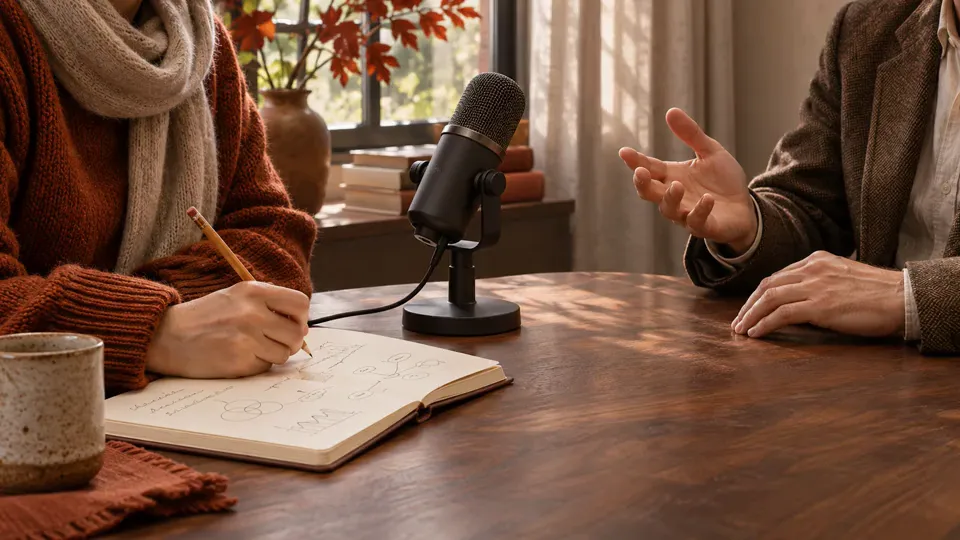
Check the word you’re about to quote.
The practice draft says “table.” Replay 00:05 to check what the speaker said, then edit the line.
Your correction will carry through to the downloads.
Choose an export format
[00:00] We tested the first draft with three readers.

[00:05] Two readers missed the button below the chart.

[00:10] We moved it beside the title for the next round.
How it works
- Upload your audioPick a file and its spoken language.
- Listen and reviewReplay a timestamp and edit the wording.
- Download the transcriptSign in to export your own file.
From interview to research evidence
Verify a quote before coding it
Compare the transcript with the original recording before you assign a theme to what the participant said.
Attach the source to a finding
Keep the checked quote and timestamp together so a teammate can audit the claim in your research notes.

How it works

Upload the interview
Use the recording that contains the full question and answer. Pick the language the participants spoke.
Verify the passage
Open the timestamp, replay the preceding sentence and correct words or speaker labels.
Keep the source with the quote
Export the verified wording and keep the recording name, participant label and timestamp with it.
File formats
- Audio input
- MP3, M4A, AAC, WAV, FLAC, OGG, Opus
- Transcript files
- TXT, Markdown, CSV, JSON
- Timed subtitle files
- SRT, VTT
User reviews
Illustrative examples
The recording settled the wording
I had written that nobody spotted the button. When I replayed the interview, the speaker said two people missed it. I changed the line in my report.
Adrian ChenUX researcherI checked the number before calling
A callback came in while I was away. I found the number in the transcript and replayed that line before dialing.
Theo SantosSupport coordinatorA voice memo became a Word draft
I dictated what to add to an old proposal. I opened the TXT in Word later and copied the instruction into the paragraph I was editing.
Clara MorganWriterI could tell who made the point
Two speakers answered the same question. I checked the audio against their labels and fixed the attribution before handing off the transcript.
Hana MorrisInterview producerEach quote keeps its place in the interview
I sent the team a short list of quotes with timestamps. When someone asked for context, we knew which part of the recording to replay.
Devon LiuResearch assistantThe timestamp went into the show notes
When I pull a line for the show notes, I keep its timestamp next to it. That gives my co-host a quick way to check the quote.
Jonah ReyesPodcast producer

Common questions
- Can I label participants by ID?
- Yes. Edit the speaker labels in the transcript and use the participant identifiers from your research plan.
- What should I keep with a quote?
- Keep the recording name and the timestamp with the verified wording. Include the question or surrounding remarks when they change the meaning.
- Can I export the whole interview?
- Yes. Sign in to download the full transcript and keep a separate copy of any quotes you use.