Transcribe meetings and check the follow-up
Get an editable transcript and summary from a meeting recording. Replay a decision at its timestamp to check who agreed to do what and by when.
Transcribe a meeting recordingThe conversation behind the action.
“I start with the transcript. Then I pull out decisions, useful examples, and questions to follow up.”
Meeting follow-up, ready to review.
Owner: not specified · Due: not specified
Review before assigning or sending.
Check the details before sharing a recap
Replay the agreement and the question that led to it.
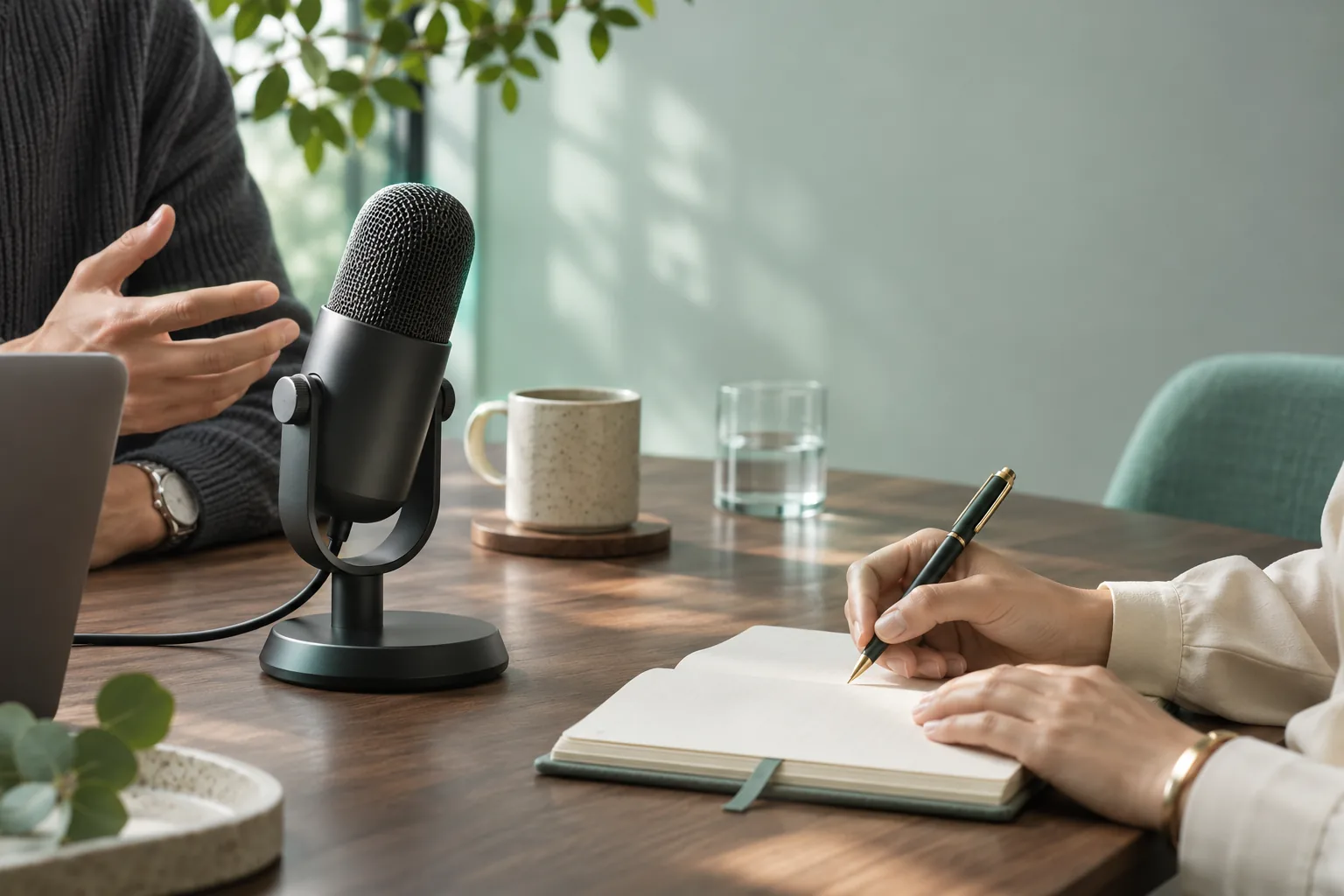
Send a meeting recap
Replay the handoff to check who owns the estimate and when it goes out.
Yes. I'll send it Wednesday morning, once Maya confirms the measurements.
Recap note
Record the question behind a decision
Keep the site-visit question with your recap so a teammate can replay the context.
Can we send the revised estimate after Tuesday's site visit?
Recap reference

Write down what the group agreed to
Replay the lines around a decision to check whether it was agreed or only proposed. In your recap, record the action, owner and due date when the conversation confirms them.
Check a date or name before you send the recap
If someone mentioned both Thursday and Friday, play the timestamp where they settled the date. Correct the transcript and add the timestamp to your notes if a teammate may need the context.
Keep recurring meetings in one project
Give each recording a date and move it into the project for that meeting series. Keep the previous transcript handy when a decision carries over.
What you can do with a transcript

Read the summary and follow its links to the original passages.
User reviews
Illustrative examples
The recap got the deadline right
I replayed the agreement before sending the recap. The revised estimate was due Wednesday morning, after the measurements were confirmed.
Nora BennettProject leadThe handoff shows what comes first
I needed to know whether the estimate could go out right after the site visit. In the Zoom recording, Alex said to wait until Maya confirmed the measurements.
Isabel TanOperations leadThe out-of-office teammate had a recap
I rechecked the decision and who owns the next step, then added both to the written recap for the teammate who missed the call.
Samira ClarkeTeam coordinatorThere was a person beside each follow-up
Some next steps came up twice on the call. I checked the final answer and used the agreed owner in the recap.
Lewis TanImplementation leadThe recap kept the open question
I included the question about the site visit in the recap. It pointed the team to the right part of the saved call when they needed the context.
Maya EllisClient success leadThe recap fits our Word template
Our team uses the same Word template each week. I open the TXT, check the owner and deadline, and copy both into the action table.
Ellis FosterProject coordinator

Frequently asked questions
- Can I get a summary of my meeting recording?
- Open Summary after transcription to review the key points. Replay the source before adding an action, owner or due date to your recap.
- How can I verify who agreed to an action item?
- Replay the passage at its timestamp and check the speaker label before you name the owner in your recap.
- Can I keep several meetings together?
- Create a project and move the related recordings into it. Open each transcript from that project when you need the original discussion.
- What does Unlimited include?
- Starter and Team previews list unlimited transcriptions and up to 10 hours per recording. Checkout is in test mode. Compare plans.
- How large or long can my file be?
- Free includes 3 transcriptions a day, up to 10 minutes and 100 MB per recording.
- Where can I find the refund and cancellation rules?
- See Refunds and cancellation for the current checkout status.