Create a podcast transcript
Transcribe a podcast clip, replay the source to check quotes and edit the wording. Sign in to download the reviewed transcript.
Replay a line before you quote it
Play a timestamp from the episode, then download the transcript.
- HostWrite an outline before recording the episode.
- HostAfter recording, mark the moments listeners might want to revisit.
How it works
Choose the episode version
Use the finished episode if the timestamps should match the published cut. Use the original interview if you need the full discussion.
Transcribe the episode file
Upload the audio and start transcription. HearDraft detects the recording language automatically.
Review and export the transcript
Check guest names and references. Mark topic transitions for your episode notes and sign in when you are ready to export.
Put your episode transcript to work
Use checked wording and timestamps when you write about the episode.

Draft show notes from an episode
Replay the host’s tip about marking moments and use it in the episode description.
After recording, mark the moments listeners might want to revisit.
Show notes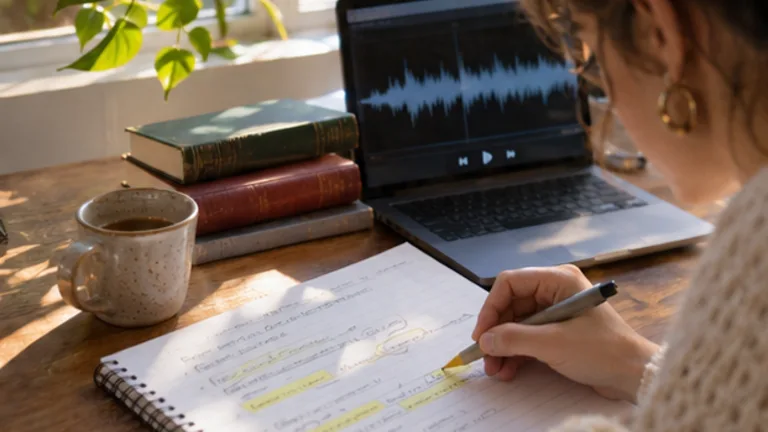
Pull a line for an episode post
Check the exact wording of the opening tip before using it in a post.
Write an outline before recording the episode.
Quote for a post

Supported files and exports
Use a transcript for notes and quotes. Choose SRT or VTT when captions need timing.
- Audio and video uploads
- MP3
- M4A
- AAC
- WAV
- FLAC
- OGG
- Opus
- MP4
- MOV
- WebM
- MKV
- Transcript downloads
- TXT
- Markdown
- CSV
- JSON
- Timed subtitles
- SRT
- VTT
What you can do with a transcript

Read the summary and follow its links to the original passages.
User reviews
Illustrative examples
The timestamp went into the show notes
When I pull a line for the show notes, I keep its timestamp next to it. That gives my co-host a quick way to check the quote.
Jonah ReyesPodcast producerI checked the published episode
We shortened the intro after recording. Before posting the show notes, I checked that the timestamp still lands on the right line in the finished episode.
Sofia CostaPodcast editorListeners can read along
I reviewed the guest names and added the plain text transcript to the episode page for people who wanted a reading copy.
Lina ChoPodcast publisherThe post uses the words the host actually said
I picked a line for the episode post and replayed the surrounding exchange. It helped me trim the quote without changing its meaning.
Noel CostaPodcast marketerThe guest could find the line I sent
I sent the guest the quote with its timestamp. We could both check it against the episode before the post went live.
Ari NakamuraPodcast coordinatorWe had a place to start the chapter notes
I used the transcript to find where the topic changed. I replayed the break and added the checked time to our chapter notes.
Emilia HughesAudio producer

Frequently asked questions
- Should I upload the raw interview or finished episode?
- Choose the finished episode for published timestamps. Choose the raw interview when you want to review material that was cut.
- How should I check a guest’s name?
- Replay their introduction by timestamp. Confirm the spelling from a written source before correcting it in the transcript.
- Can I use the episode transcript as captions?
- Transcribe the audio from the cut you publish, check the cue timing and sign in to export SRT or VTT for your editor.
- What does Unlimited include?
- Starter and Team previews list unlimited transcriptions and up to 10 hours per recording. Checkout is in test mode. Compare plans.
- How large or long can my file be?
- Free includes 3 transcriptions a day, up to 10 minutes and 100 MB per recording.
- Where can I find the refund and cancellation rules?
- See Refunds and cancellation for the current checkout status.