Video to MP3 Converter
Extract audio from a saved video and download MP3. Play the result before you save it.
Drop a video here
MP4, MOV, MKV, WebM and more · Up to 1 hour · 100 MB max
Keep the sound from your video
MP3 audio
Preview and download the full audio from the recording as an MP3.
Editable transcript
Start from the converted MP3. Free transcription covers the first 10 minutes.
How to convert a video to MP3
Choose a video
Add one video with sound, up to 1 hour long.
Convert the audio
Convert to MP3. When transcription is available, you can start it from the same action.
Listen and download
Check the extracted audio in the player and save the MP3. Open the transcript from the result when it is available.
What to do with the extracted audio
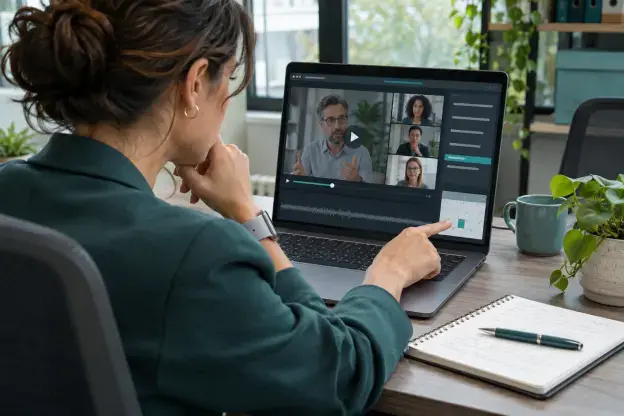
Turn a screen recording into MP3
Replay the narration while you work in another window. If the recording captured tab sound, that sound stays in the MP3.
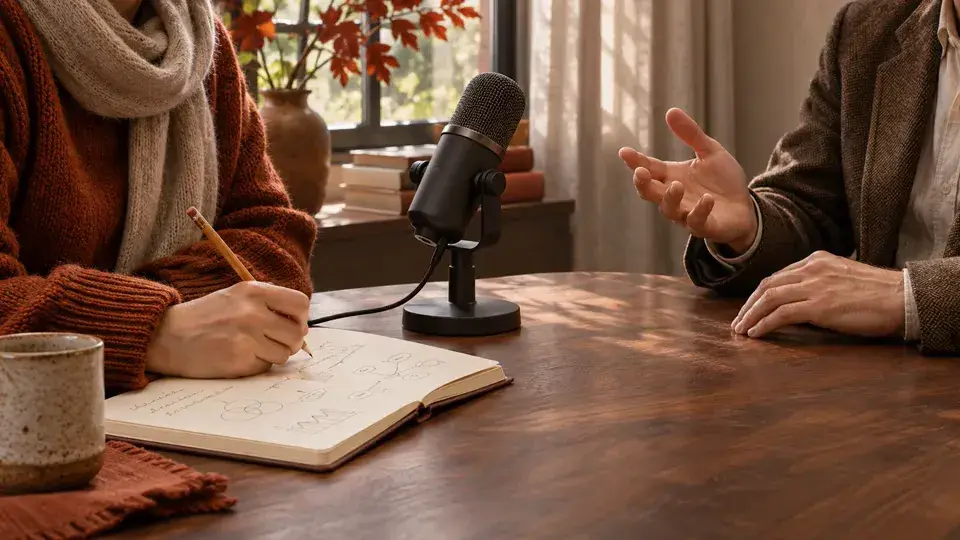
Recorded interviews
Replay an answer before quoting it in your notes or sharing it with a teammate.
Classes and talks
Keep the spoken explanation for reviewing away from the screen.
After you extract the audio
Transcribe the MP3 to review what was said.
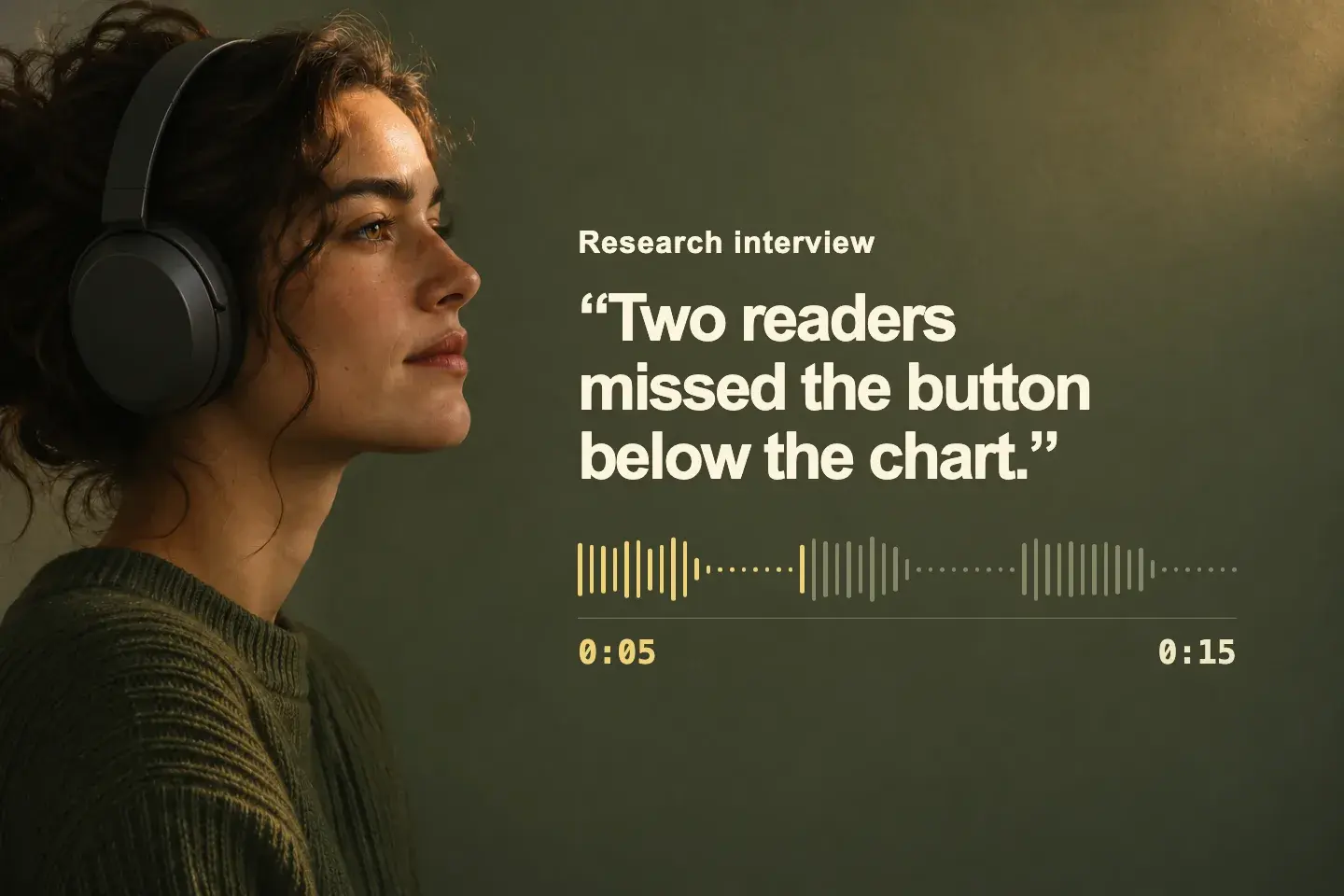
Click a timestamp or highlight to hear that part of the recording.
User reviews
Illustrative examples
I took the narration with me
I converted the saved demo to MP3 and listened to the instructions while I worked through them in another window.
Elena RamosTraining coordinatorThe team could listen without the picture
I sent the MP3 from the recorded interview to a teammate who needed to hear the answer in the speaker’s own words.
Marcus BellResearch producerThe class has a listening copy
I extracted the sound from the lecture video, checked that the explanation came through, and kept the MP3 with my lesson notes.
Omar MalikTraining editorI checked the extracted track first
Before downloading the MP3, I played it to make sure it had both the narration and the sound I captured from the app.
Tae SeoScreen recording editorThe audio was ready for transcription
After converting the clip, I started a transcript from the MP3 result. I kept the full MP3 as a separate download.
Jun SatoVideo producerI kept the sound from a saved clip
I needed a listening copy from an old video. I converted the local file, checked the result and saved the MP3 alongside the original.
Nadia KarimMedia archivist

Video to MP3 FAQ
- Which videos can I convert to audio?
- Add one video with sound, up to 1 hour long. MP4, MOV, WebM and MKV are common examples.
- Can I turn a screen recording into an MP3?
- Yes. Open the saved screen recording. The MP3 contains the audio the recorder captured, such as microphone narration or tab sound.
- Can I transcribe the audio after converting it?
- Yes. Start transcription from the result to create an editable transcript.
- Why does my video have no audio?
- A video can have no audio track even if it plays normally. Try the original recording or a copy exported with sound.
- Do I need to save the MP3 before transcribing?
- Start transcription from the result. The free preview covers up to the first 10 minutes. The full MP3 is available to download.