Video Summarizer
Summarize what was said in your video. Read the key points and replay a timestamped chapter to check the original wording.
See a summary from a research interview
Open the sample summary and replay the feedback at 0:05.
Research interview.mp4
Three readers tested the first draft. Two missed the button below the chart, so the team moved it beside the title for the next round.
- 0:00Testing the draft
- 0:05Feedback and next steps
How it works
Choose a video
Upload a video with speech, such as an MP4 screen recording or a MOV interview.
Open the summary
HearDraft transcribes the speech, then uses the transcript to write the summary and find chapter breaks.
Replay a chapter
Click its timestamp to check the recording before you use a point from the summary.
What to summarize
Review a recorded lesson
Go straight to the worked example when you revisit a concept.
Catch up on a workshop
Find the decisions, then replay the discussion around each one.
Review a research interview
Find the feedback about a specific part of the design and check the original wording.
What you can do with a transcript
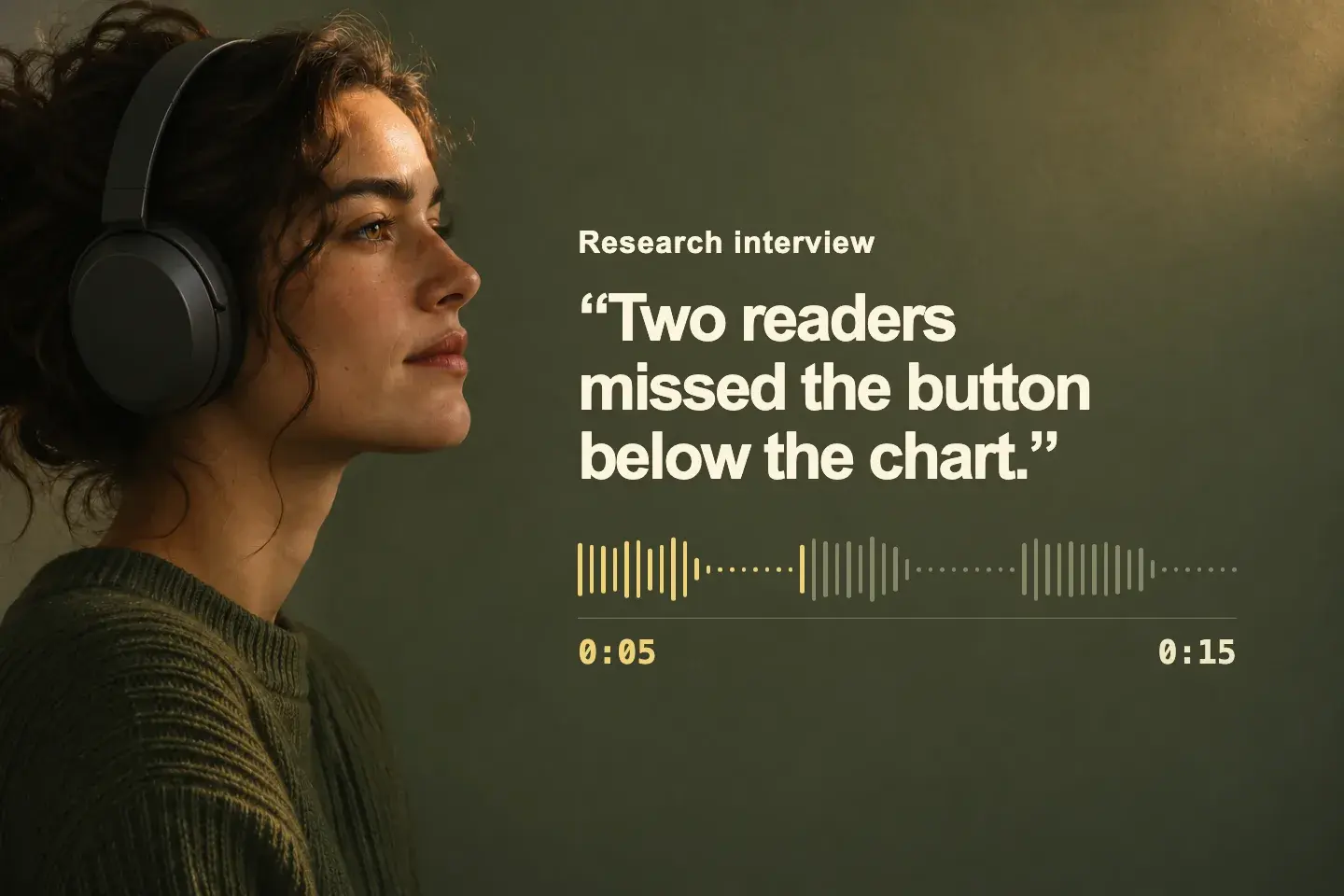
Click a timestamp or highlight to hear that part of the recording.
User reviews
Illustrative examples
The recording settled the wording
I had written that nobody spotted the button. When I replayed the interview, the speaker said two people missed it. I changed the line in my report.
Adrian ChenUX researcherThe handout follows the lesson
I used the paper-folding steps from the class video for a handout. Replaying each step helped me put the instructions in the order I taught them.
Leila HassanTeacherThe walkthrough became release notes
The person recording the demo said where the preview link should go. I replayed that line and added the checked instruction to the release notes.
Rina PatelProduct specialistThe out-of-office teammate had a recap
I rechecked the decision and who owns the next step, then added both to the written recap for the teammate who missed the call.
Samira ClarkeTeam coordinatorThere was a person beside each follow-up
Some next steps came up twice on the call. I checked the final answer and used the agreed owner in the recap.
Lewis TanImplementation leadI could quote the speaker in context
The speaker pointed at the chart mid-sentence. I watched that part again before quoting the line in our article.
Ren WalkerEditorial assistant

Frequently asked questions
- What part of the video gets summarized?
- The summary follows the spoken transcript. Check the original video for silent demonstrations, slides and on-screen details.
- Can I check where a point came from?
- Use a chapter timestamp to play that section of the video. You can also open the transcript and check the exact words.
- Which video formats can I upload?
- Choose an MP4, MOV, WebM or MKV file from your device.
- What does Unlimited include?
- Starter and Team previews list unlimited transcriptions and up to 10 hours per recording. Checkout is in test mode. Compare plans.
- How large or long can my file be?
- Free includes 3 transcriptions a day, up to 10 minutes and 100 MB per recording.
- Where can I find the refund and cancellation rules?
- See Refunds and cancellation for the current checkout status.