字幕を自動生成
動画の音声から字幕の下書きを作成。言葉と表示時間を確認してから、編集ソフトで使える字幕ファイルを保存できます。
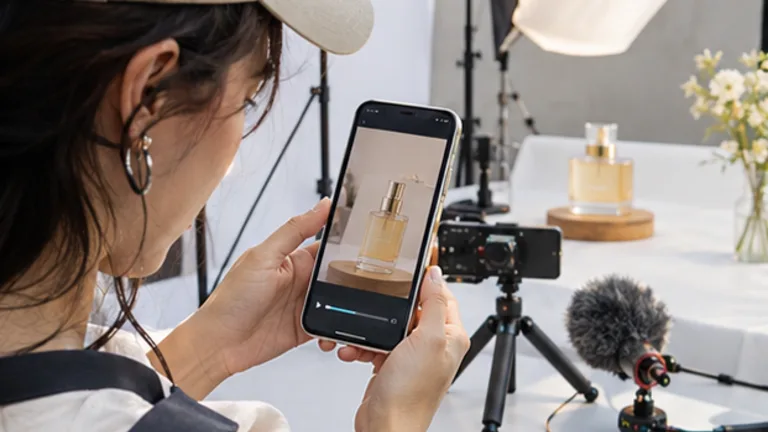
仕上がりの例
読み上げサンプルです。時刻を選んで聞くか、同じ内容のサンプルを保存できます。
対応形式
- 入力動画
- MP4 · MOV · WebM · MKV
- タイムコード付き字幕ファイル
- SRT · VTT
- 字幕付き動画
- MP4
使い方
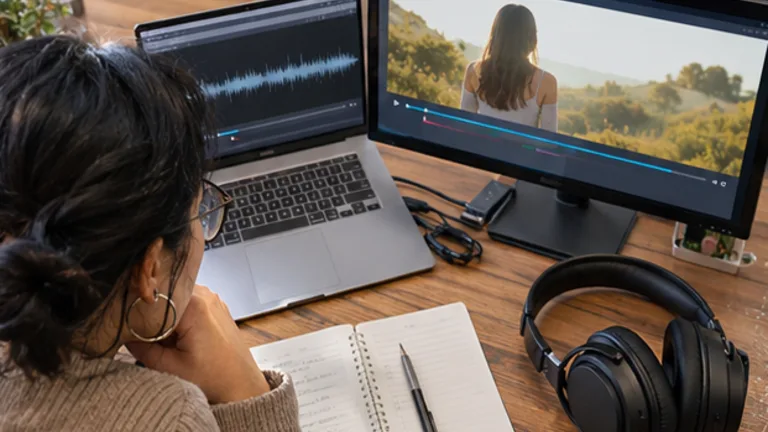
素材を用意
校正や共有に使う録音ファイルを用意します。
内容を確認
原文と訳文を行ごとに見比べ、動画に合わせて表示時間を確認します。
結果を保存
渡す相手に合った形式を選んで保存します。
活用例
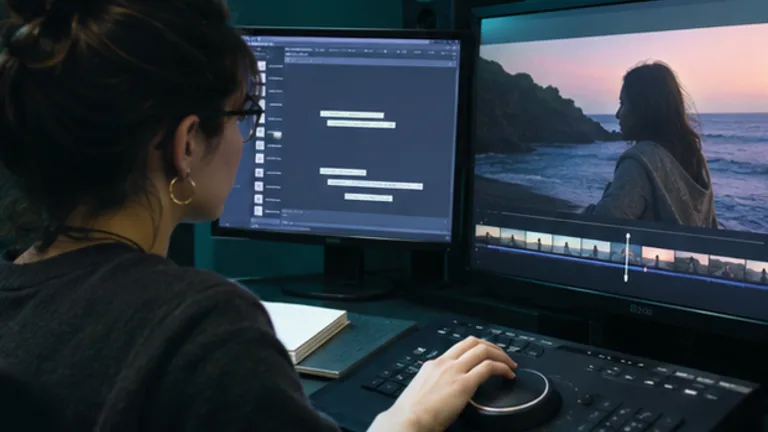
内容を確認
商品名の表記を揃え、字幕が画面の実演と同じタイミングで出るか確認します。
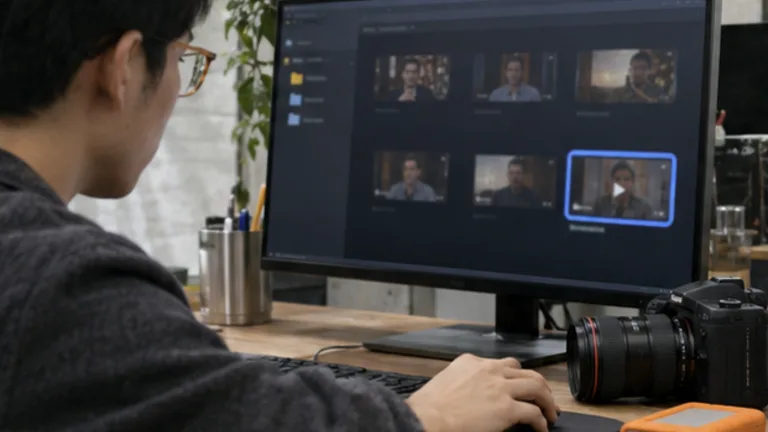
表示時間を確かめる
操作を見ている間に読めるよう、長い説明を字幕の行ごとに分けます。
What you can do with a transcript

Read the summary and follow its links to the original passages.
User reviews
Illustrative examples
The translation matched the same cut
I checked the translated captions next to the original. I shortened a long line and then exported both languages for the same edit.
Samira PatelLocalization editorI fixed the cue in the SRT I had
I already had an SRT. I corrected the product name and adjusted when its line appeared, then saved the revised subtitle file.
Milo GrantCaption reviewerA late cue was easy to spot
The caption came up after the speaker started. I checked the finished video, adjusted the cue, and exported the updated subtitle file.
Felix ReedPost-production editorWe caught the misheard name in the captions
The transcript misspelled a name. I checked the line in the MP4, fixed it, and exported a fresh caption file.
Alma BrooksVideo producerI had captions ready for the web player
I checked the cue timing in the walkthrough and used the VTT in our player. The next person had the plain transcript for the help article.
Ivy RomeroWeb producerThe captions match the final cut
We trimmed the intro before publishing. I transcribed the final cut, checked when the first line starts, then imported the SRT into my video editor.
Mina ParkVideo editor

よくある質問
- 字幕入りの動画を保存できますか?
- ここではSRTやVTTの字幕ファイルを用意します。動画へ焼き付ける場合は、動画編集ソフトに読み込んでください。
- 別の編集版でも時刻は合いますか?
- 文字起こしに使った版と合わせてください。冒頭を削除した場合や途中を切った場合は、新しい版で時刻を見直します。