녹음 파일을 텍스트로 변환
휴대폰 녹음이나 인터뷰를 편집 가능한 녹취록으로 만드세요. 이름과 숫자가 맞는지 해당 구간을 다시 들을 수 있습니다.
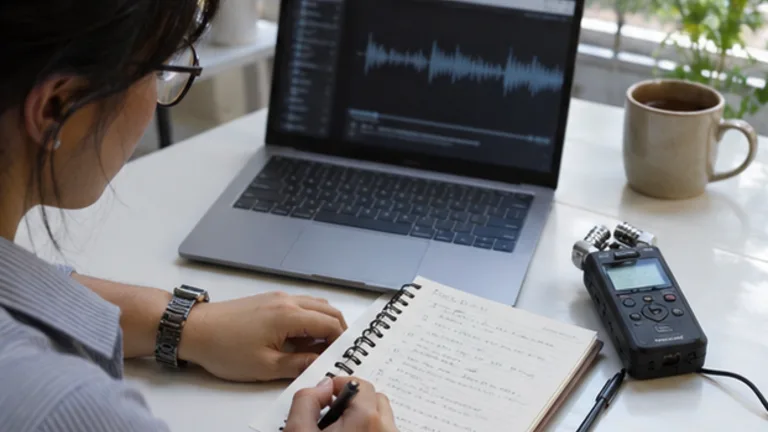
결과 예시
낭독 예시입니다.

- 수요일 오전에 재고를 확인하고 견적서를 보내 주세요.
사용 방법
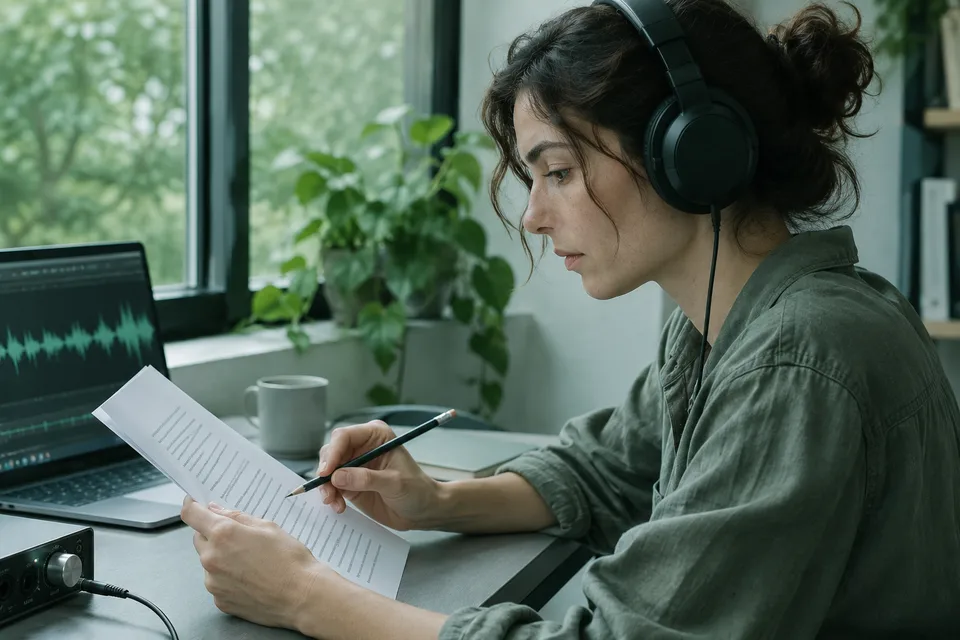
원본 선택
검토하거나 전달할 녹음 파일을 선택하세요.
초안 검토
해당 구간을 다시 듣고 이름, 숫자, 표현을 확인하세요.
결과 저장
전달 목적에 맞는 파일 형식을 선택하세요.
활용 예
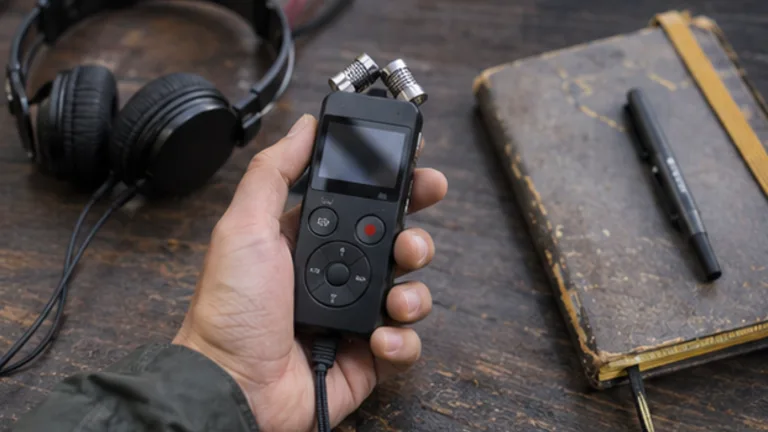
초안 검토
현장에서 남긴 음성 메모를 텍스트로 정리한 다음 담당자와 마감일을 확인하세요.
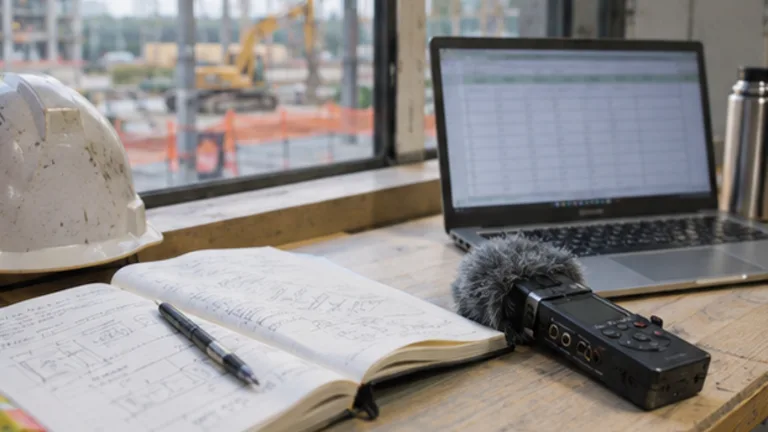
단위를 확인하기
견적에 쓰이는 숫자와 단위를 같은 녹음 구간에서 들은 뒤 전달하세요.
파일 형식
- 원본 오디오
- MP3, M4A, AAC, WAV, FLAC, OGG, Opus
- 텍스트 변환 파일
- TXT, Markdown, CSV, JSON
- 타임코드가 있는 자막 파일
- SRT, VTT
What you can do with a transcript

Read the summary and follow its links to the original passages.
User reviews
Illustrative examples
We kept the speaker’s wording
I transcribed the recording in the language the speaker used, then replayed the introduction to check a person’s name before sharing the text.
Hana MorrisInterview producerA term made sense in context
I compared a phrase in the transcript with the written brief. The time beside the line helped me hear how the participant actually said it.
Adrian ChenUX researcherA short sample was enough to start
I started with a few clear sentences on Auto detect. Once I recognized the language, I selected it and compared the same passage again.
Yara ColeCopy editorWe checked each language on its own
The recording switches languages midway through. I checked a short excerpt from each part before using the wording in our notes.
Isabel TanOperations leadEach quote keeps its place in the interview
I sent the team a short list of quotes with timestamps. When someone asked for context, we knew which part of the recording to replay.
Devon LiuResearch assistantThe existing text was enough to start
I opened the TXT I already had and cleaned up the wording before exporting the version I could send to the team.
Owen HaleContent editor

자주 묻는 질문
- 휴대폰 녹음도 올릴 수 있나요?
- 녹음을 파일로 저장한 뒤 M4A, MP3, WAV 등 지원되는 형식으로 선택하세요.
- 편집본이 바뀌어도 시간이 맞나요?
- 시간 정보는 처음 사용한 파일에 맞춰져 있습니다. 앞부분이나 중간을 편집했다면 새 파일에서 다시 확인하세요.