동영상 자막 자동 생성
영상 속 대화에서 자막 초안을 만드세요. 문장과 표시 시간을 확인한 뒤 SRT 또는 VTT 파일로 내려받을 수 있습니다.
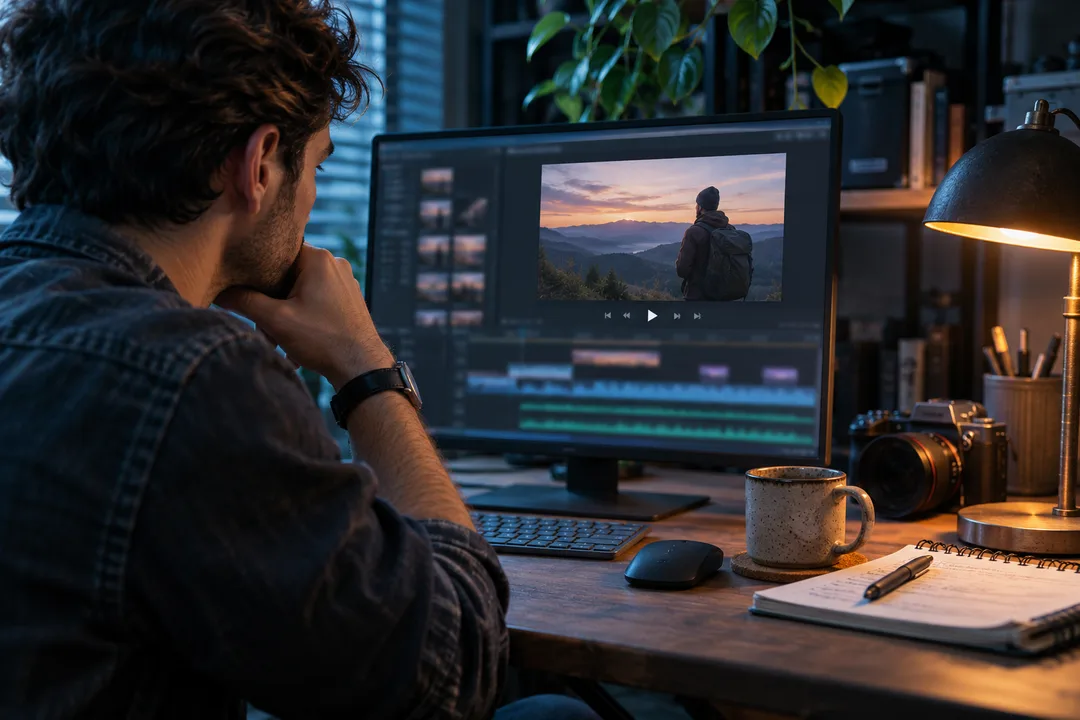
결과 예시
낭독 예시입니다. 시간 표시를 눌러 듣거나 같은 구간의 예시 파일을 받아 보세요.
파일 형식
- 원본 동영상
- MP4 · MOV · WebM · MKV
- 타임코드가 있는 자막 파일
- SRT · VTT
- 자막이 포함된 동영상
- MP4
사용 방법

원본 선택
검토하거나 전달할 녹음 파일을 선택하세요.
초안 검토
원문과 번역문을 한 줄씩 비교하고 같은 버전의 영상에서 표시 시간을 확인하세요.
결과 저장
전달 목적에 맞는 파일 형식을 선택하세요.
활용 예
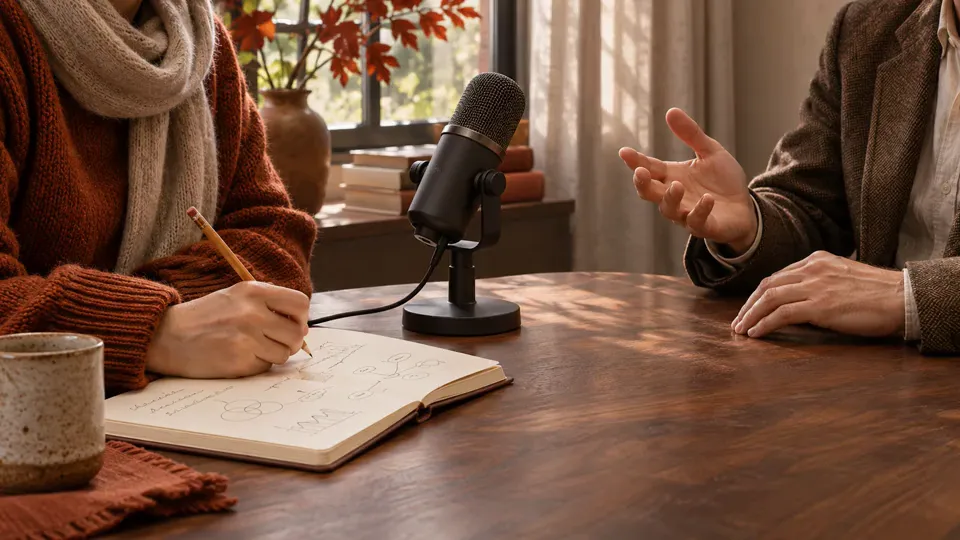
초안 검토
교육 영상의 화면 전환에 맞게 자막이 너무 일찍 뜨거나 오래 남지 않는지 확인하세요.
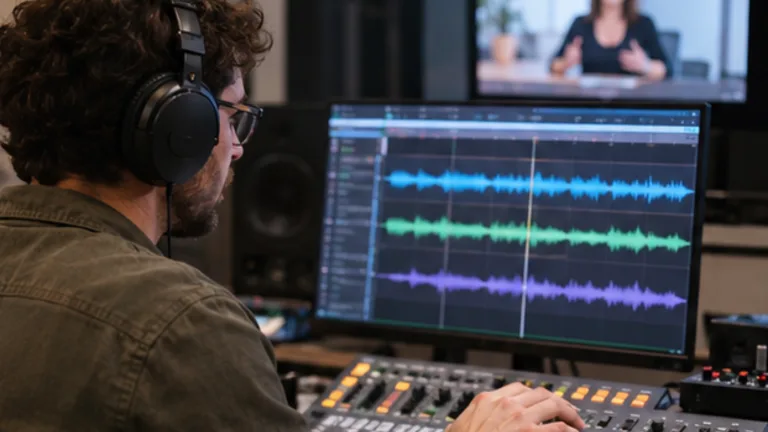
화면 전환 점검하기
편집을 마친 영상에서 자막이 다음 장면까지 남아 있지 않은지 확인하세요.

What you can do with a transcript

Read the summary and follow its links to the original passages.
User reviews
Illustrative examples
The translation matched the same cut
I checked the translated captions next to the original. I shortened a long line and then exported both languages for the same edit.
Samira PatelLocalization editorI fixed the cue in the SRT I had
I already had an SRT. I corrected the product name and adjusted when its line appeared, then saved the revised subtitle file.
Milo GrantCaption reviewerA late cue was easy to spot
The caption came up after the speaker started. I checked the finished video, adjusted the cue, and exported the updated subtitle file.
Felix ReedPost-production editorWe caught the misheard name in the captions
The transcript misspelled a name. I checked the line in the MP4, fixed it, and exported a fresh caption file.
Alma BrooksVideo producerI had captions ready for the web player
I checked the cue timing in the walkthrough and used the VTT in our player. The next person had the plain transcript for the help article.
Ivy RomeroWeb producerThe captions match the final cut
We trimmed the intro before publishing. I transcribed the final cut, checked when the first line starts, then imported the SRT into my video editor.
Mina ParkVideo editor

자주 묻는 질문
- 영상에 글자가 바로 입혀지나요?
- 자막 파일을 내려받아 사용 중인 영상 편집기에 가져오세요.
- 편집본이 바뀌어도 시간이 맞나요?
- 시간 정보는 처음 사용한 파일에 맞춰져 있습니다. 앞부분이나 중간을 편집했다면 새 파일에서 다시 확인하세요.