Legendas automáticas para vídeo
Gere um rascunho de legendas com base na fala do vídeo. Revise o texto e a duração de cada trecho antes de baixar o arquivo.

Exemplo de resultado
Exemplo lido em voz alta. Ouça o trecho ou baixe o arquivo correspondente.
Formatos de arquivo
- Vídeo de origem
- MP4 · MOV · WebM · MKV
- Arquivos de legenda com marcação de tempo
- SRT · VTT
- Vídeo com legendas
- MP4
Como funciona

Selecione o original
Escolha a gravação salva que você quer revisar.
Revise o rascunho
Compare as linhas e confira os tempos na mesma versão do vídeo.
Salve o resultado
Escolha o formato de acordo com o que será entregue.
Caso de uso
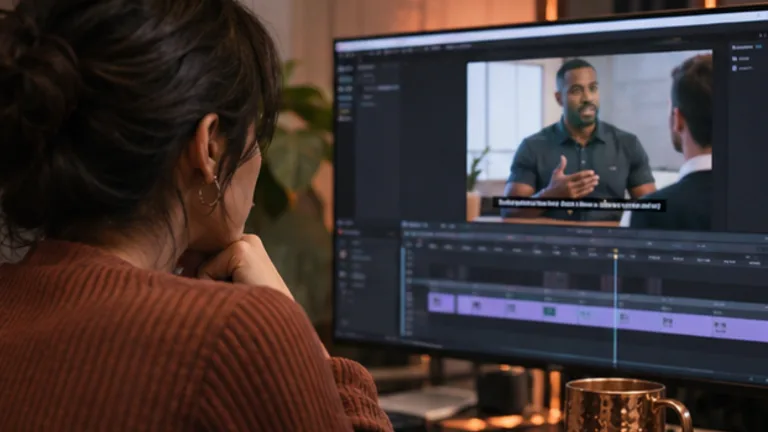
Revise o rascunho
Em um vídeo de treinamento, verifique se a instrução aparece antes da ação demonstrada.
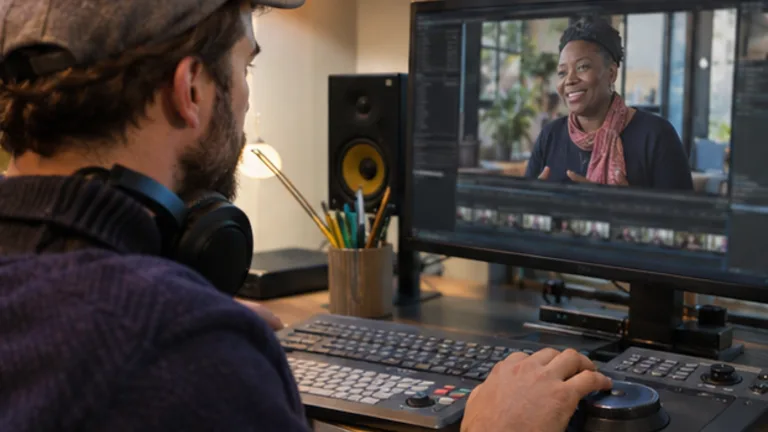
Conferir a troca de cena
Reproduza a versão final para verificar se a legenda sai de cena junto com a instrução.
What you can do with a transcript

Read the summary and follow its links to the original passages.
User reviews
Illustrative examples
The translation matched the same cut
I checked the translated captions next to the original. I shortened a long line and then exported both languages for the same edit.
Samira PatelLocalization editorI fixed the cue in the SRT I had
I already had an SRT. I corrected the product name and adjusted when its line appeared, then saved the revised subtitle file.
Milo GrantCaption reviewerA late cue was easy to spot
The caption came up after the speaker started. I checked the finished video, adjusted the cue, and exported the updated subtitle file.
Felix ReedPost-production editorWe caught the misheard name in the captions
The transcript misspelled a name. I checked the line in the MP4, fixed it, and exported a fresh caption file.
Alma BrooksVideo producerI had captions ready for the web player
I checked the cue timing in the walkthrough and used the VTT in our player. The next person had the plain transcript for the help article.
Ivy RomeroWeb producerThe captions match the final cut
We trimmed the intro before publishing. I transcribed the final cut, checked when the first line starts, then imported the SRT into my video editor.
Mina ParkVideo editor

Perguntas frequentes
- Como coloco as legendas no vídeo?
- Importe o SRT ou VTT no seu editor e alinhe o arquivo à mesma versão do vídeo.
- Os tempos servem para outra edição?
- Use a mesma versão que foi transcrita. Depois de cortar a abertura ou um trecho, confira as marcações na nova versão.