Arabic Transcription
Turn an Arabic interview, meeting or voice note into an editable transcript. Replay names and dialect phrases before exporting.

Replay the original Arabic
Spoken excerpt.
- المتحدث: أرسلنا النسخة الثانية صباح الخميس.
How it works

Choose your source
Use the saved recording you want to review.
Review the draft
Play the passage and check the wording against the source.
Save the result
Choose the file type needed for your handoff.
Use it for

Review the draft
Use the recording to check numbers and company names when speakers alternate between Arabic and English.
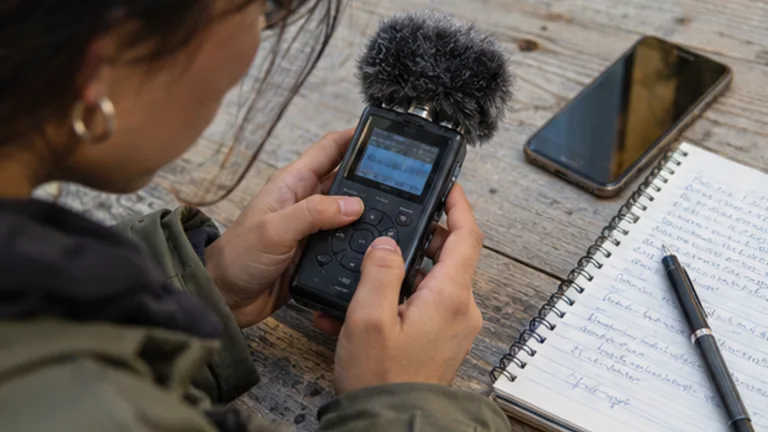
Prepare a transcript for someone else
Open the exported text in a right-to-left document. Inspect dates and Latin product names inside Arabic sentences.
File formats
- Audio input
- MP3, M4A, AAC, WAV, FLAC, OGG, Opus
- Transcript files
- TXT, Markdown, CSV, JSON
- Timed subtitle files
- SRT, VTT
What you can do with a transcript

Read the summary and follow its links to the original passages.
User reviews
Illustrative examples
We kept the speaker’s wording
I transcribed the recording in the language the speaker used, then replayed the introduction to check a person’s name before sharing the text.
Hana MorrisInterview producerA term made sense in context
I compared a phrase in the transcript with the written brief. The time beside the line helped me hear how the participant actually said it.
Adrian ChenUX researcherA short sample was enough to start
I started with a few clear sentences on Auto detect. Once I recognized the language, I selected it and compared the same passage again.
Yara ColeCopy editorWe checked each language on its own
The recording switches languages midway through. I checked a short excerpt from each part before using the wording in our notes.
Isabel TanOperations leadEach quote keeps its place in the interview
I sent the team a short list of quotes with timestamps. When someone asked for context, we knew which part of the recording to replay.
Devon LiuResearch assistantThe existing text was enough to start
I opened the TXT I already had and cleaned up the wording before exporting the version I could send to the team.
Owen HaleContent editor

Common questions
- What if the recording mixes Arabic and English?
- Start with the dominant spoken language, then replay the passages where speakers switch languages and edit the draft.
- Will the timing match a different edit?
- Use the same version that you transcribed. If you remove an opening or make a cut, review the times against the new version.
- What does Unlimited include?
- Starter and Team previews list unlimited transcriptions and up to 10 hours per recording. Checkout is in test mode. Compare plans.
- How large or long can my file be?
- Free includes 3 transcriptions a day, up to 10 minutes and 100 MB per recording.
- Where can I find the refund and cancellation rules?
- See Refunds and cancellation for the current checkout status.