Video to Mind Map
Turn a video or audio recording into an editable mind map. Move branches, replay the original speech from a timestamp, and download your map as a PNG.
Try a mind map from a research interview
Open the sample to rename or move a branch, then play the original quote at 0:05.

How it works
Upload a recording
Choose a video or audio file with speech. HearDraft transcribes the recording and uses the summary to build a draft map.
Review the branches
Open Mind map in the editor. Move a finding under the right topic, or use its timestamp to check the original wording.
Download the map
Choose PNG from the map toolbar. Keep the recording in HearDraft when you need to replay its sources later.
Ways to use a mind map
Review an interview
Group findings by topic. Play an answer before you quote it in your research notes.
Study from a recorded lecture
Put a worked example under its definition, then replay the explanation before you try the problem.
Outline a podcast episode
See where the conversation changes topic. Save the branches you plan to use in the episode notes.
What you can do with a transcript
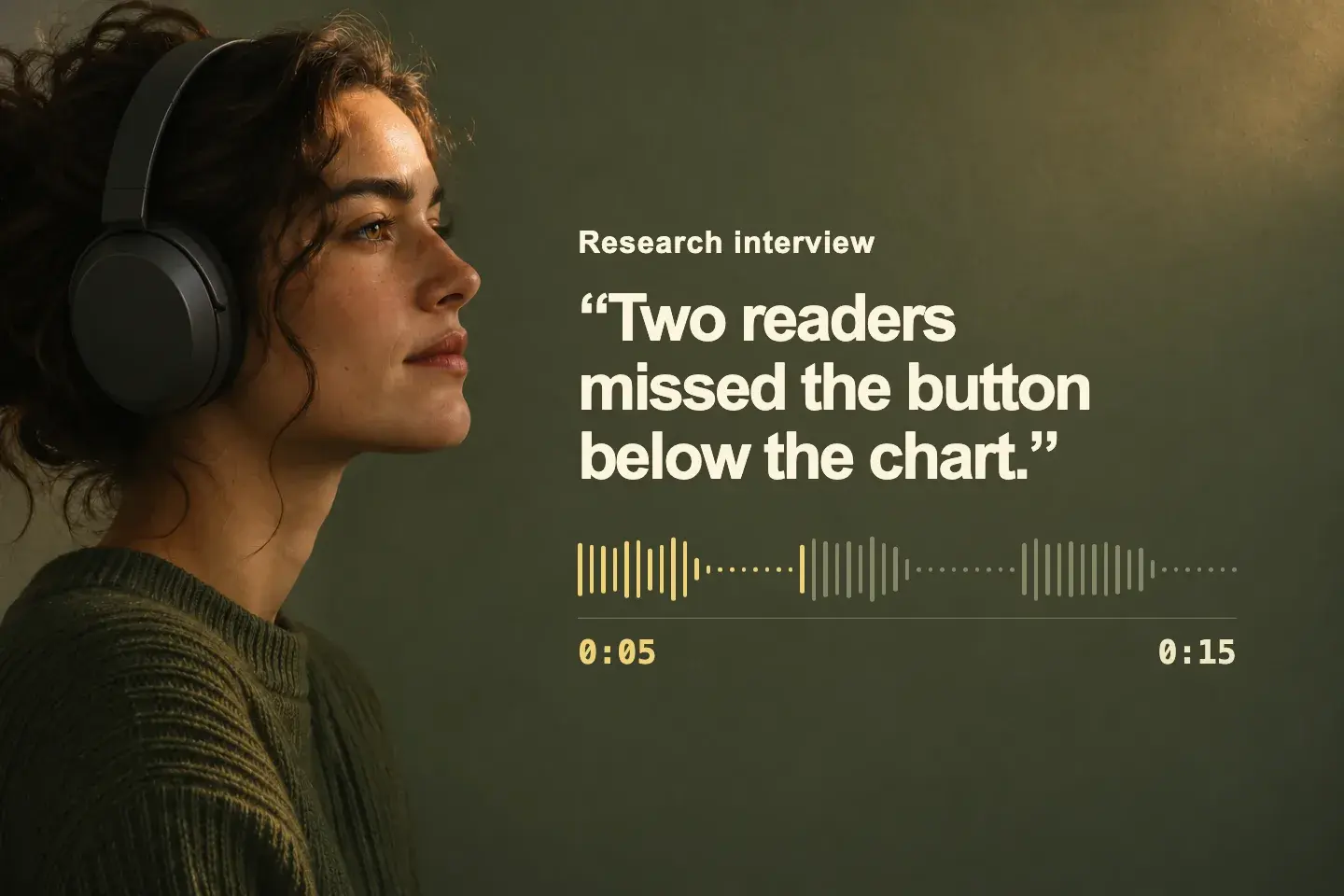
Click a timestamp or highlight to hear that part of the recording.
User reviews
Illustrative examples
The captions match the final cut
We trimmed the intro before publishing. I transcribed the final cut, checked when the first line starts, then imported the SRT into my video editor.
Mina ParkVideo editorThe handout follows the lesson
I used the paper-folding steps from the class video for a handout. Replaying each step helped me put the instructions in the order I taught them.
Leila HassanTeacherThe walkthrough became release notes
The person recording the demo said where the preview link should go. I replayed that line and added the checked instruction to the release notes.
Rina PatelProduct specialistI could quote the speaker in context
The speaker pointed at the chart mid-sentence. I watched that part again before quoting the line in our article.
Ren WalkerEditorial assistantWe caught the misheard name in the captions
The transcript misspelled a name. I checked the line in the MP4, fixed it, and exported a fresh caption file.
Alma BrooksVideo producerI had captions ready for the web player
I checked the cue timing in the walkthrough and used the VTT in our player. The next person had the plain transcript for the help article.
Ivy RomeroWeb producer

Frequently asked questions
- Can I turn an audio recording into a mind map?
- Yes. Upload your audio here the same way you upload a video. MP3, M4A, WAV and other supported audio files use the same editor.
- What does HearDraft use from my video?
- It builds the draft from the spoken transcript. If a slide shows an equation that nobody reads aloud, add it as a node yourself.
- Will updating the summary overwrite my edits?
- Your edited map is saved separately. You can update the summary and return to the map you already organized.
- Can I export the mind map as a PNG?
- Yes. The free export includes a small HearDraft watermark. Starter and Team include watermark-free PNG export.
- Can I use a YouTube link?
- This converter takes uploaded video and audio files.
- What does Unlimited include?
- Starter and Team previews list unlimited transcriptions and up to 10 hours per recording. Checkout is in test mode. Compare plans.
- How large or long can my file be?
- Free includes 3 transcriptions a day, up to 10 minutes and 100 MB per recording.
- Where can I find the refund and cancellation rules?
- See Refunds and cancellation for the current checkout status.