Chuyển video thành văn bản
Tải lên video đã lưu để tạo bản ghi lời thoại có mốc thời gian. Nghe lại từng đoạn trước khi xuất sang TXT, Markdown hoặc SRT.
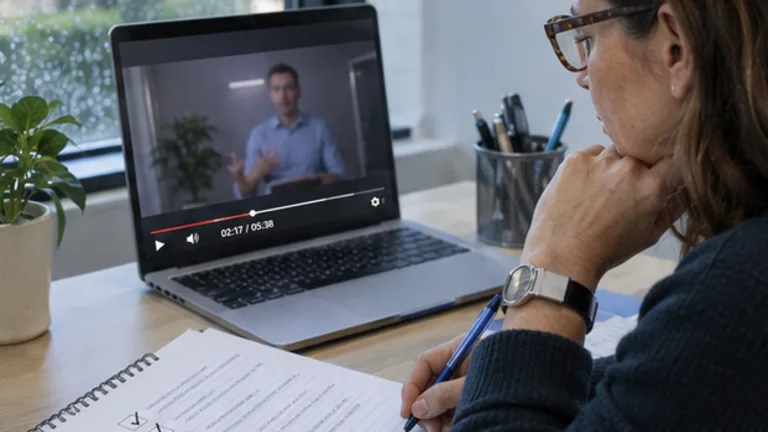
Ví dụ đối chiếu lời thoại

Ví dụ minh họa
Chúng tôi sẽ gửi bản cập nhật báo giá trước năm giờ chiều thứ Sáu.Nhảy thẳng tới giây cần kiểm tra thay vì tua thủ công cả video dài.
Định dạng tệp
- Video gốc
- MP4, MOV, WebM, MKV
- Tệp bản chép lời
- TXT, Markdown, CSV, JSON
- Tệp phụ đề có mốc thời gian
- SRT, VTT
Cách hoạt động

Chọn tệp video
Tải lên MP4, MOV, WebM hoặc MKV có âm thanh giọng nói rõ ràng.
Nghe lại và chỉnh sửa
Nhấn vào từng câu để nghe lại bản gốc và sửa dấu thanh hoặc tên riêng.
Xuất tệp hoàn chỉnh
Đăng nhập để tải văn bản TXT, Markdown, CSV hoặc tệp phụ đề SRT, VTT.
Ứng dụng
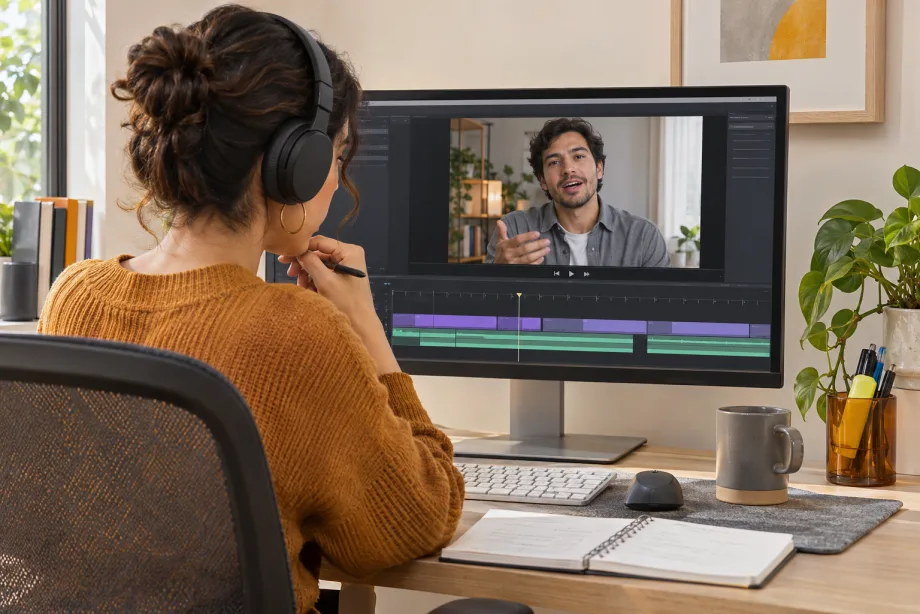
Ghi chép bài giảng và hội thảo
Lưu lại toàn bộ lời giảng từ video thành văn bản để tra cứu và tổng hợp ghi chú.
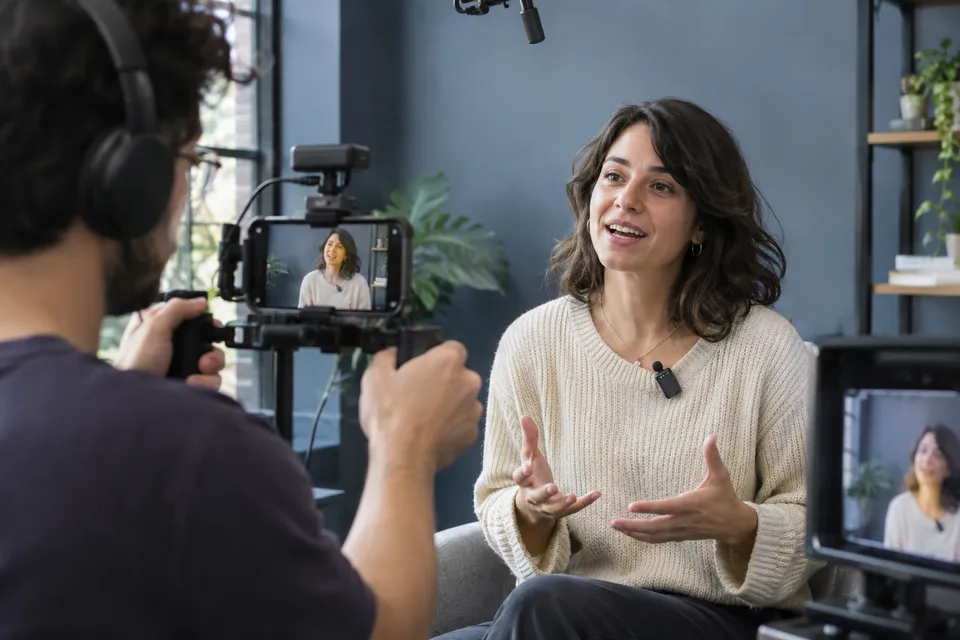
Soạn nội dung từ video phỏng vấn
Đối chiếu câu nói gốc trước khi trích dẫn vào bài viết hoặc bản tin.

What you can do with a transcript
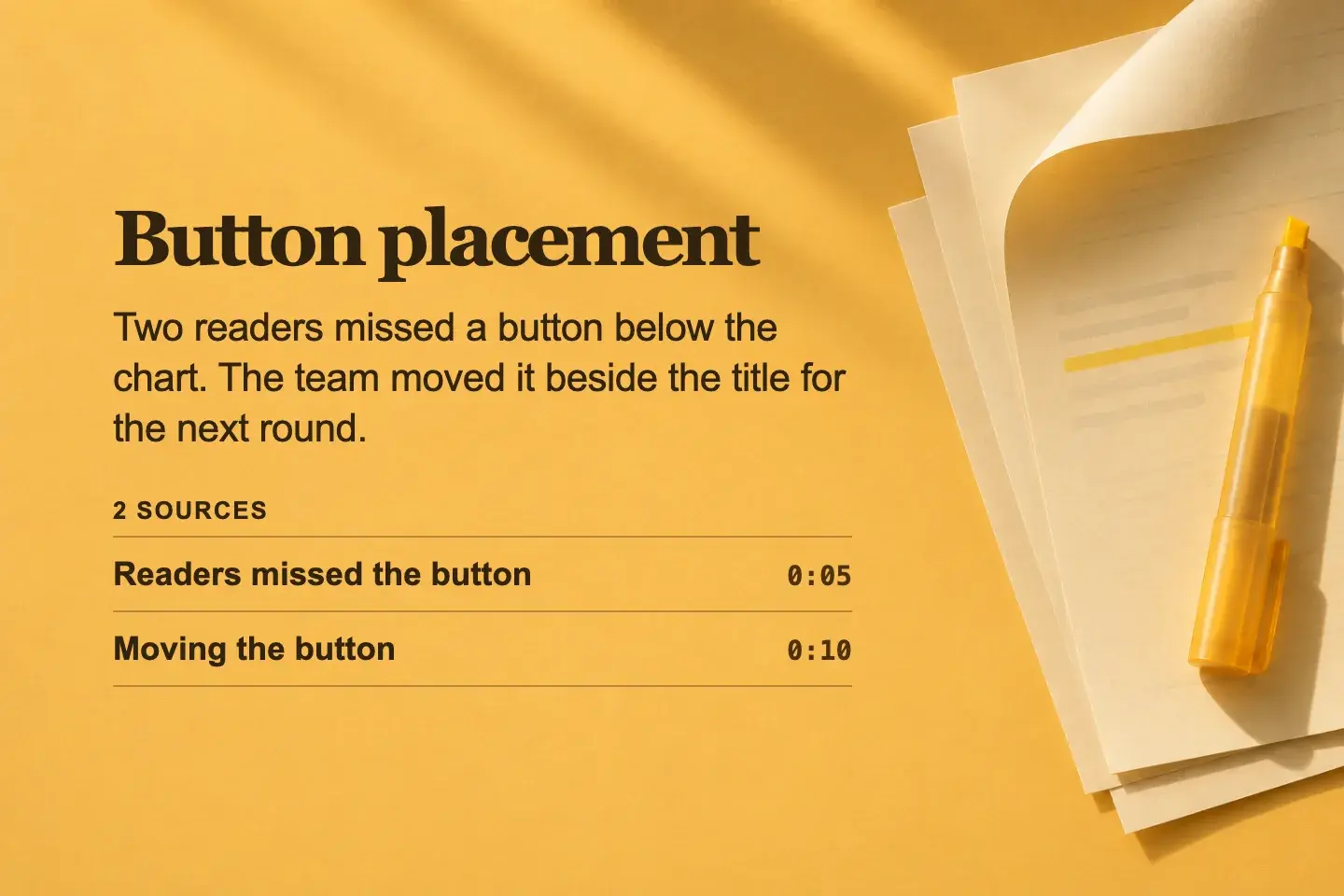
Read the summary and follow its links to the original passages.
User reviews
Illustrative examples
The captions match the final cut
We trimmed the intro before publishing. I transcribed the final cut, checked when the first line starts, then imported the SRT into my video editor.
Mina ParkVideo editorThe handout follows the lesson
I used the paper-folding steps from the class video for a handout. Replaying each step helped me put the instructions in the order I taught them.
Leila HassanTeacherThe walkthrough became release notes
The person recording the demo said where the preview link should go. I replayed that line and added the checked instruction to the release notes.
Rina PatelProduct specialistI could quote the speaker in context
The speaker pointed at the chart mid-sentence. I watched that part again before quoting the line in our article.
Ren WalkerEditorial assistantWe caught the misheard name in the captions
The transcript misspelled a name. I checked the line in the MP4, fixed it, and exported a fresh caption file.
Alma BrooksVideo producerI had captions ready for the web player
I checked the cue timing in the walkthrough and used the VTT in our player. The next person had the plain transcript for the help article.
Ivy RomeroWeb producer

Câu hỏi thường gặp
- Tôi có thể chỉnh sửa dấu tiếng Việt trong trình soạn thảo không?
- Có. Bạn có thể nghe lại đúng đoạn nói đó và sửa chính tả, dấu thanh hoặc tên người nói trước khi xuất tệp.
- Gói miễn phí giới hạn những gì?
- Gói miễn phí cho phép chép lời tối đa 3 lần mỗi ngày, mỗi tệp dài tối đa 10 phút và 100 MB.