录音转文字
把手机录音或语音备忘导成可编辑文字。遇到姓名、数字和时间,点回原句听一遍再确认。
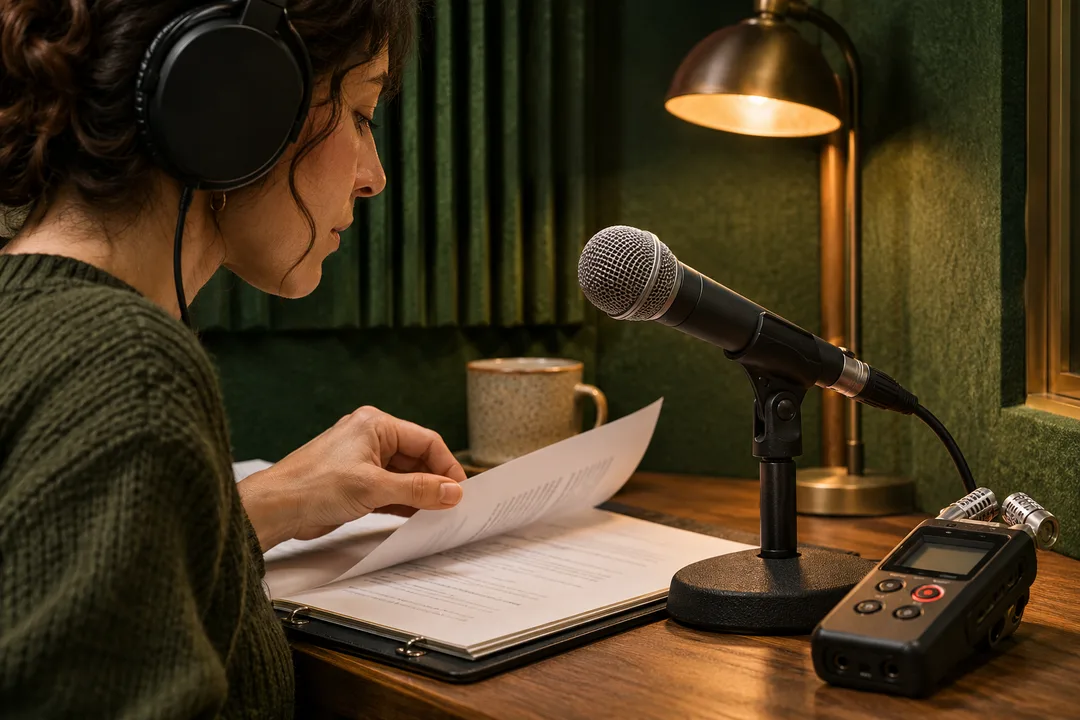
结果样例
朗读样例。

- 请先确认东门的净宽,周五再把尺寸发给安装人员。
操作步骤
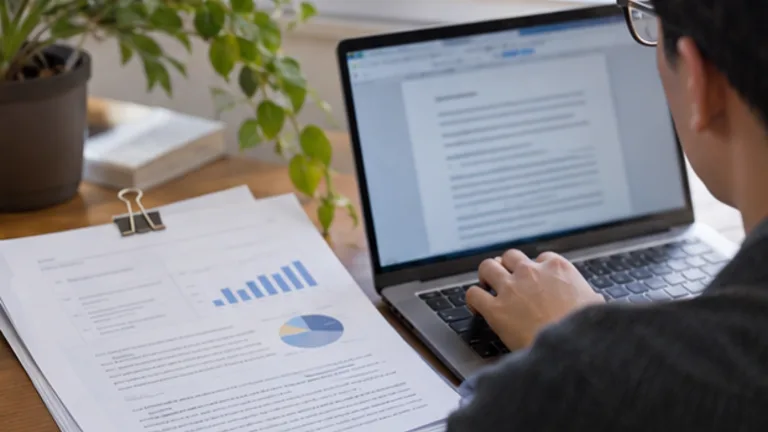
选择素材
选择要核对或交接的原始录音文件。
校对结果
回听对应段落,核对姓名、数字和关键措辞。
保存结果
按交接用途选择格式,保存校对后的结果。
适用场景
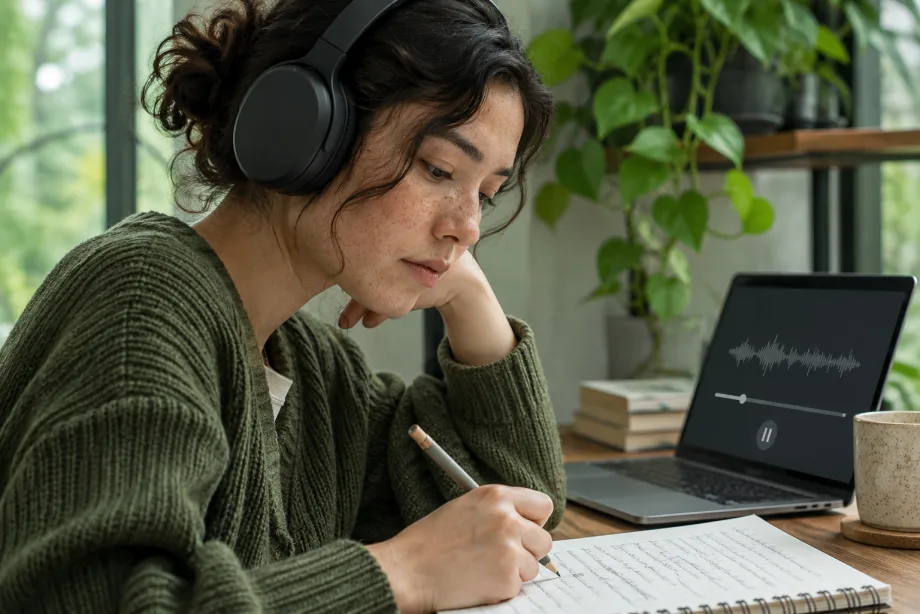
校对结果
把现场口述整理成跟进清单,交接前回听关键数字。
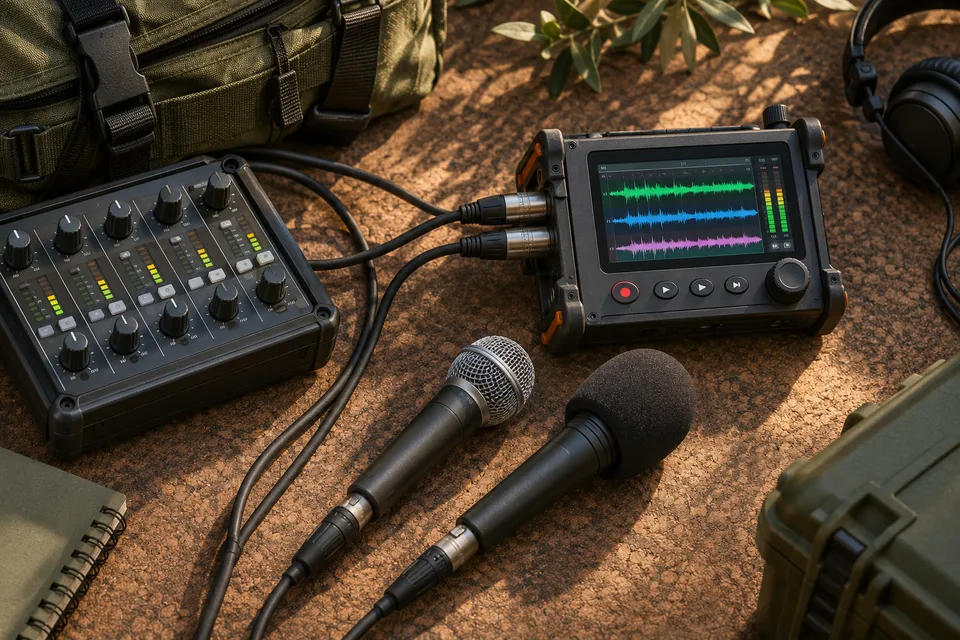
复查尺寸
从逐字稿跳回报数的那一句,把尺寸、单位和适用位置一起核对。

文件格式
- Audio input
- MP3, M4A, AAC, WAV, FLAC, OGG, Opus
- Transcript files
- TXT, Markdown, CSV, JSON
- Timed subtitle files
- SRT, VTT
What you can do with a transcript

Read the summary and follow its links to the original passages.
User reviews
Illustrative examples
We kept the speaker’s wording
I transcribed the recording in the language the speaker used, then replayed the introduction to check a person’s name before sharing the text.
Hana MorrisInterview producerA term made sense in context
I compared a phrase in the transcript with the written brief. The time beside the line helped me hear how the participant actually said it.
Adrian ChenUX researcherA short sample was enough to start
I started with a few clear sentences on Auto detect. Once I recognized the language, I selected it and compared the same passage again.
Yara ColeCopy editorWe checked each language on its own
The recording switches languages midway through. I checked a short excerpt from each part before using the wording in our notes.
Isabel TanOperations leadEach quote keeps its place in the interview
I sent the team a short list of quotes with timestamps. When someone asked for context, we knew which part of the recording to replay.
Devon LiuResearch assistantThe existing text was enough to start
I opened the TXT I already had and cleaned up the wording before exporting the version I could send to the team.
Owen HaleContent editor

常见问题
- 可以用手机录音吗?
- 先将录音存成文件,再选择 M4A、MP3 或 WAV 等音频文件。
- 换了剪辑版本,时间码还能用吗?
- 时间码对应原素材。剪掉了片头或中间一段,就用新版重新核对。