影片自動上字幕
將影片中的對話轉成帶時間碼的字幕。修正斷句與顯示時間後,下載字幕檔交給剪輯。
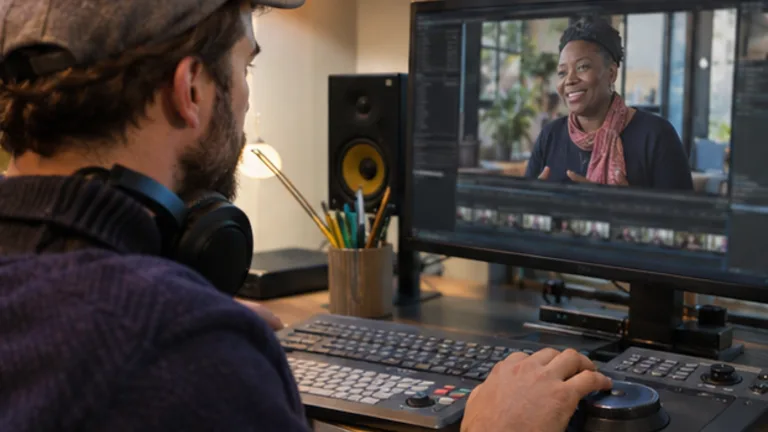
成果範例
這是朗讀範例。點時間碼回聽,或下載同一段的範例檔。
檔案格式
- Video input
- MP4 · MOV · WebM · MKV
- Timed subtitle files
- SRT · VTT
- Video with subtitles
- MP4
操作步驟
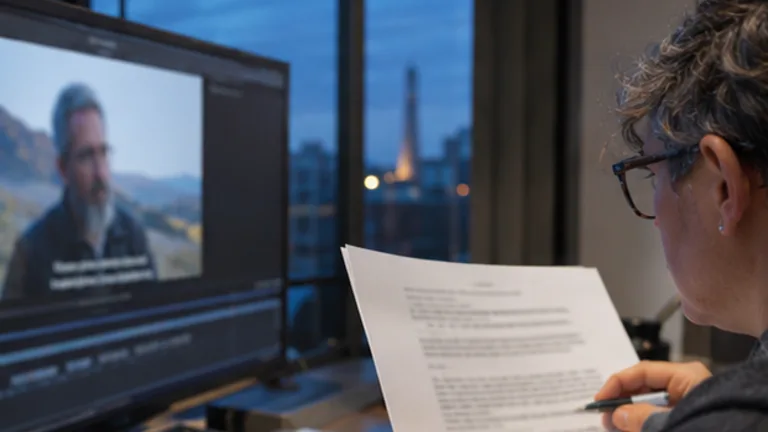
選擇素材
選擇要校對或交付的原始檔案。
校對內容
逐行比對原文與譯文,再用同一版影片確認顯示時間。
儲存成果
依交付用途選擇格式,儲存校對後的結果。
使用情境

校對內容
對照定剪版核對動作與字幕出現的時間,再交付給剪輯師。
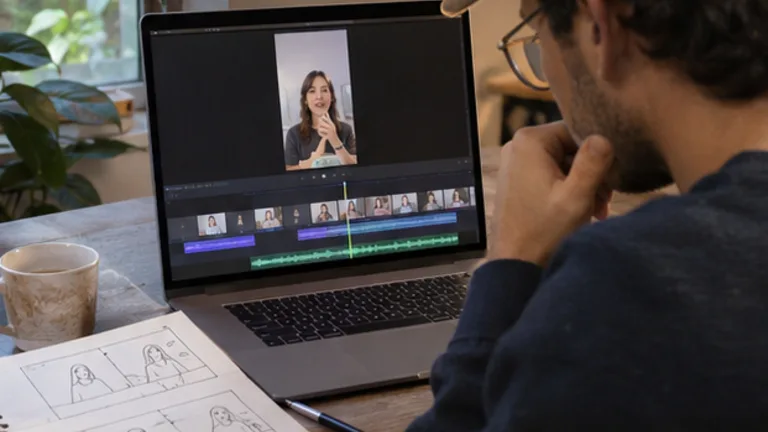
核對口播與畫面
字幕出現的位置須與當下畫面相符。剪輯調整後先檢查是否還同步。
What you can do with a transcript

Read the summary and follow its links to the original passages.
User reviews
Illustrative examples
The translation matched the same cut
I checked the translated captions next to the original. I shortened a long line and then exported both languages for the same edit.
Samira PatelLocalization editorI fixed the cue in the SRT I had
I already had an SRT. I corrected the product name and adjusted when its line appeared, then saved the revised subtitle file.
Milo GrantCaption reviewerA late cue was easy to spot
The caption came up after the speaker started. I checked the finished video, adjusted the cue, and exported the updated subtitle file.
Felix ReedPost-production editorWe caught the misheard name in the captions
The transcript misspelled a name. I checked the line in the MP4, fixed it, and exported a fresh caption file.
Alma BrooksVideo producerI had captions ready for the web player
I checked the cue timing in the walkthrough and used the VTT in our player. The next person had the plain transcript for the help article.
Ivy RomeroWeb producerThe captions match the final cut
We trimmed the intro before publishing. I transcribed the final cut, checked when the first line starts, then imported the SRT into my video editor.
Mina ParkVideo editor

常見問題
- 會產出已上字幕的影片嗎?
- 此流程下載 SRT 或 VTT。若要把字幕寫進影片,請把字幕檔匯入剪輯軟體。
- 換了剪輯版本,時間碼還會對得上嗎?
- 時間碼以當時的素材為準。剪掉片頭或一段內容後,請用新版重新核對。