語音轉文字與錄音逐字稿
把手機錄音、訪談或語音備忘變成可編輯的逐字稿。聽不清楚的地方可以回到原音確認。

成果範例
朗讀範例。
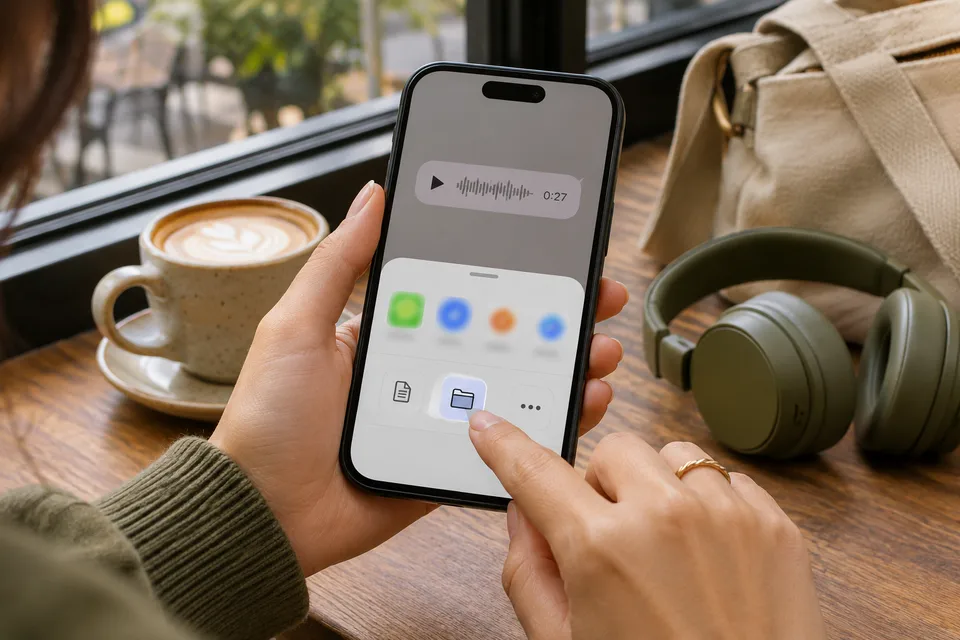
- 星期一先確認廠商的交期,下午再更新報價單。
操作步驟
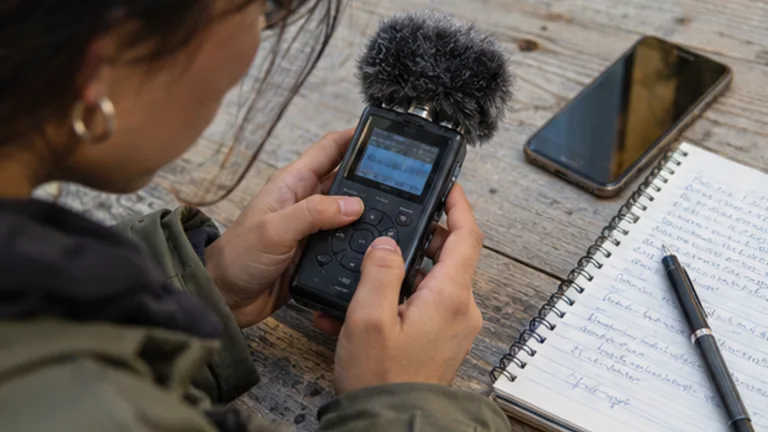
選擇素材
選擇要校對或交付的原始檔案。
校對內容
回聽對應段落,核對人名、數字與用字。
儲存成果
依交付用途選擇格式,儲存校對後的結果。
使用情境
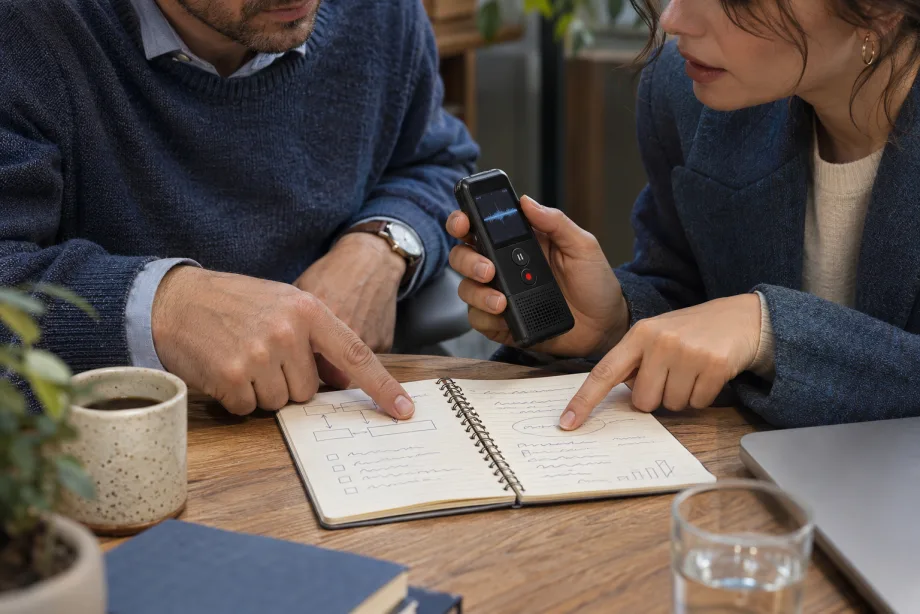
校對內容
用語音記下拜訪後的重點,整理成待辦前回聽廠商名稱和日期。
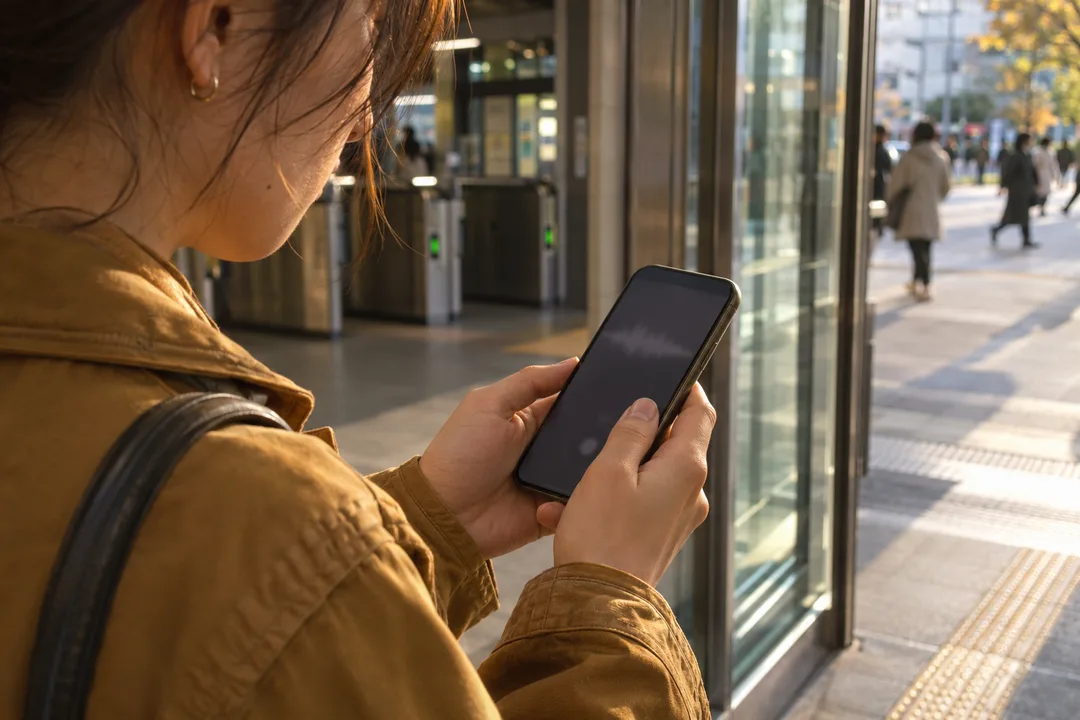
確認地址與聯絡人
把常被寫錯的人名及地址列出來,對照原始錄音與書面資料後再分享。

檔案格式
- Audio input
- MP3, M4A, AAC, WAV, FLAC, OGG, Opus
- Transcript files
- TXT, Markdown, CSV, JSON
- Timed subtitle files
- SRT, VTT
What you can do with a transcript

Read the summary and follow its links to the original passages.
User reviews
Illustrative examples
We kept the speaker’s wording
I transcribed the recording in the language the speaker used, then replayed the introduction to check a person’s name before sharing the text.
Hana MorrisInterview producerA term made sense in context
I compared a phrase in the transcript with the written brief. The time beside the line helped me hear how the participant actually said it.
Adrian ChenUX researcherA short sample was enough to start
I started with a few clear sentences on Auto detect. Once I recognized the language, I selected it and compared the same passage again.
Yara ColeCopy editorWe checked each language on its own
The recording switches languages midway through. I checked a short excerpt from each part before using the wording in our notes.
Isabel TanOperations leadEach quote keeps its place in the interview
I sent the team a short list of quotes with timestamps. When someone asked for context, we knew which part of the recording to replay.
Devon LiuResearch assistantThe existing text was enough to start
I opened the TXT I already had and cleaned up the wording before exporting the version I could send to the team.
Owen HaleContent editor

常見問題
- 可以下載純文字檔嗎?
- 校對後可匯出 TXT。如果後續要匯入試算表整理欄位,可選 CSV。
- 換了剪輯版本,時間碼還會對得上嗎?
- 時間碼以當時的素材為準。剪掉片頭或一段內容後,請用新版重新核對。