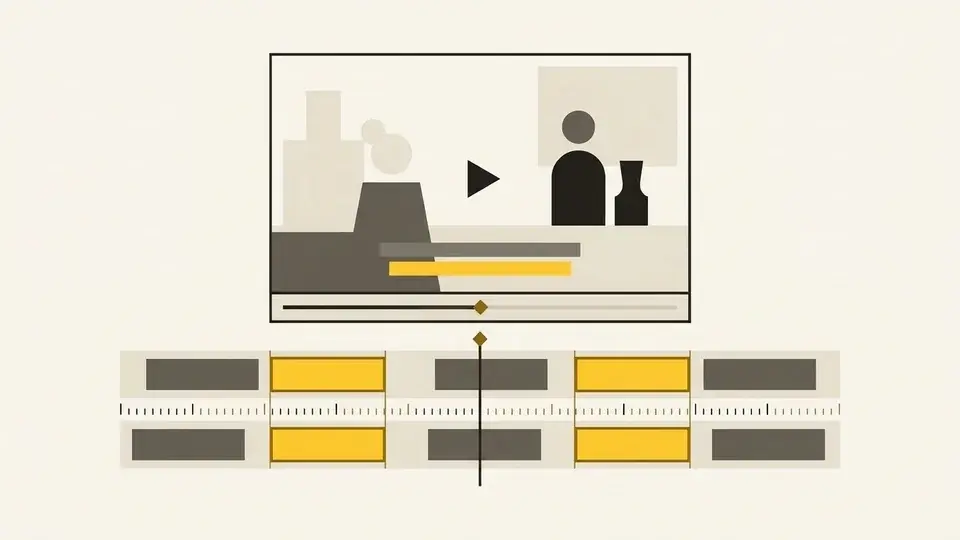
What is the technical difference between hardcoded and soft subtitles?
Soft subtitles live in a separate text track (SRT/VTT) rendered by the player at playback time; hardcoded subtitles are drawn permanently onto the video pixels during MP4 export.
Once captions are burned into an MP4, you cannot fix a typo, change font size, or swap English for Japanese without re-exporting from the uncaptioned master. That is why every captioning workflow should treat the reviewed SRT/VTT as the source of truth.
Which subtitle type should you deliver for each platform?
Match the delivery format to whether the destination player reliably displays closed captions and whether viewers watch muted by default.
Use the decision matrix below before rendering your final export.
| Platform / Destination | Recommended Type | Why |
|---|---|---|
| YouTube / Vimeo | Soft (SRT or VTT) | Supports multi-language switching, viewer font accessibility, and instant typo fixes without re-uploading |
| TikTok / Reels / Shorts | Hardcoded MP4 (or native editor captions) | Viewers scroll muted and expect consistent on-screen styling across devices |
| Slack / WhatsApp / Email clips | Hardcoded MP4 | Inline chat previews rarely load external `.srt` sidecar files |
| Corporate LMS / Training portals | Soft (VTT or SRT) | Required for screen-reader compatibility, searchable transcripts, and regional language tracks |
| Multilingual client delivery | Clean MP4 master + translated SRT/VTT | Lets localization teams update or swap languages without re-rendering video |
What golden rule prevents painful re-edits later?
Always archive three files together: the clean uncaptioned master MP4, the verified SRT/VTT, and—if needed for social—the burned-in MP4.
In HearDraft, on-device captioned MP4 export supports clips up to 10 minutes and 200 MB while preserving the original audio track, and you can also download the exact same reviewed cues as SRT or VTT at any time.
Frequently asked questions
- Does burning subtitles into an MP4 remove or alter my original audio?
- No. HearDraft’s captioned MP4 export keeps your original audio track and draws the selected original, translated, or bilingual subtitle track onto the video picture.
- Can I fix a spelling mistake after burning subtitles into an MP4?
- You cannot edit pixels inside a burned-in MP4 directly—edit the cue in HearDraft’s subtitle editor and re-export the captioned MP4 from the clean source video.
- Are soft SRT/VTT files better for SEO and accessibility?
- Yes. Platforms like YouTube and HTML5 players can expose soft caption tracks to screen readers, keyboard users, and search indexing, whereas burned-in text is invisible to players.