Subtitle Editor
Upload an existing subtitle file to correct wording and timing, split or merge cues, and export SRT or WebVTT.
Play a subtitle cue
Select a line to replay it on the clip. Download the same cues as an SRT file.
00:00:00,000 --> 00:00:01,897Move the fill light to the right of the mug.00:00:04,000 --> 00:00:06,506Keep the handle in the frame when you crop the shot.
How it works
Open a subtitle file
Upload an existing SRT or VTT with timed cues.
Edit the subtitle cues
Fix wording and time ranges, or split and merge subtitle segments.
Download your subtitles
Sign in to download SRT for an editor or VTT for a compatible web player.
Where to use the subtitles
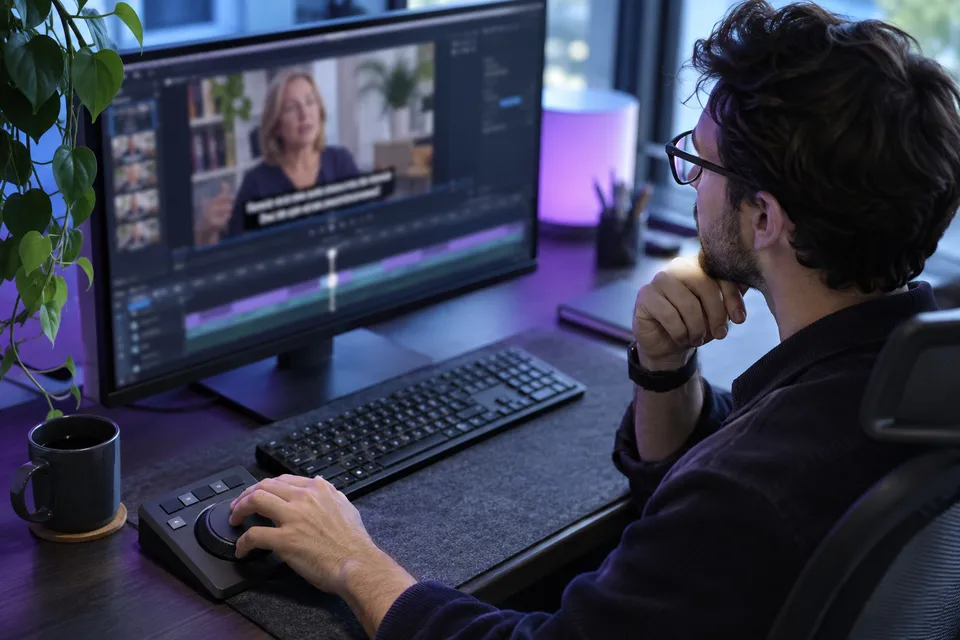
Correct a name before publishing
Search for the name in your captions and check each occurrence against the source.

Fix a track after cutting the opening
Check the cues against the final cut and adjust the ones that start too early or late.
User reviews
Illustrative examples
The translation matched the same cut
I checked the translated captions next to the original. I shortened a long line and then exported both languages for the same edit.
Samira PatelLocalization editorI fixed the cue in the SRT I had
I already had an SRT. I corrected the product name and adjusted when its line appeared, then saved the revised subtitle file.
Milo GrantCaption reviewerA late cue was easy to spot
The caption came up after the speaker started. I checked the finished video, adjusted the cue, and exported the updated subtitle file.
Felix ReedPost-production editorWe caught the misheard name in the captions
The transcript misspelled a name. I checked the line in the MP4, fixed it, and exported a fresh caption file.
Alma BrooksVideo producerI had captions ready for the web player
I checked the cue timing in the walkthrough and used the VTT in our player. The next person had the plain transcript for the help article.
Ivy RomeroWeb producerThe captions match the final cut
We trimmed the intro before publishing. I transcribed the final cut, checked when the first line starts, then imported the SRT into my video editor.
Mina ParkVideo editor

Frequently asked questions
- Can I turn SRT into VTT?
- Open a valid SRT and choose Download VTT to export the edited cues as WebVTT.
- Which subtitle files can I upload?
- Choose an SRT or VTT up to 2 MB with up to 1,500 cues. Sign in to download your edited track.