Why does picking the right transcription tool depend on what you deliver next?
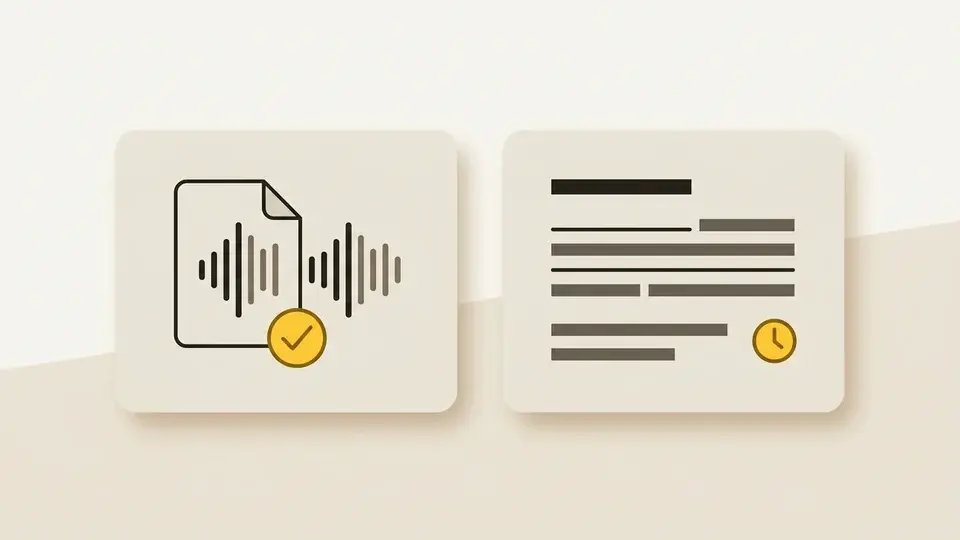
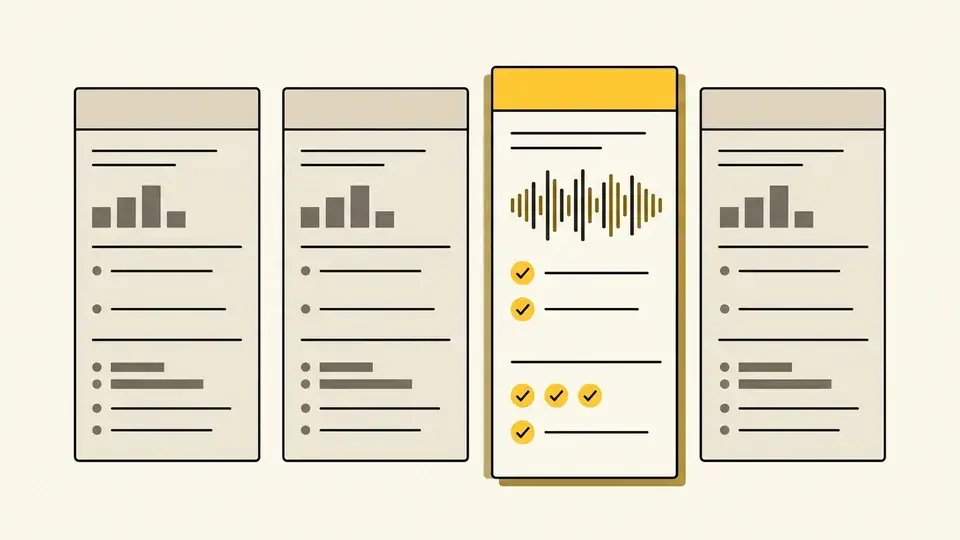
Speech-to-text tools diverge quickly after the first draft—some are built as video editors, some as live meeting recorders, and some as verifiable transcript workspaces.
Comparing transcription tools only by generic accuracy claims hides the bigger workflow differences: how you pay during bursty months, whether a bot joins your client calls, and how fast you can jump from a suspicious phrase back to the original audio.
Each tool below earns its keep for a distinct primary job.
How do HearDraft, Descript, Happy Scribe, and Notta compare on core workflow criteria?
Look at four practical axes: input model (saved file vs. live bot), pricing structure (minute caps vs. technical ceilings), editing focus, and export/API handoff.
Always verify current competitor tiers on each vendor’s live pricing page before purchasing, as plan allowances change periodically. HearDraft figures below reflect current published plans.
| Criterion | HearDraft | Descript | Happy Scribe | Notta |
|---|---|---|---|---|
| Primary strength | Saved-file transcription, timestamped quote checks, subtitles & API | Text-based video & podcast timeline editing | Transcription + optional paid human proofreading | Live meeting recording bots & call summaries |
| Billing structure | Free 3/day (10 min); Starter $16/mo or $96/yr with no monthly minute cap | Monthly media-hour / AI credit tiers | Monthly minute buckets + per-minute human service | Monthly minute quotas + per-meeting duration caps |
| Visible call bot required? | No — upload saved recordings directly | No (upload or screen record) | No (upload files) | Commonly used with live call bots (also supports upload) |
| Subtitle & text exports | TXT, Markdown, CSV, JSON, SRT, VTT + captioned MP4 | Video exports + captions/transcripts | SRT, VTT, DOCX, TXT, and broadcast caption formats | TXT, DOCX, SRT, PDF |
| Workspace-synced API | Yes — API v1 on active annual plans syncs tasks to web editor | Focused on creator app workflow | API available for batch pipelines | Focused on team workspace & CRM integrations |
When should you pick a different tool instead of HearDraft?
Skip HearDraft if you need multi-track non-linear video cutting, live calendar bots joining Zoom automatically, or certified human-typed legal transcripts.
If you spend hours trimming camera angles, cutting filler words out of finished MP4 cuts, and adding B-roll, a text-based video editor like Descript matches that job directly.
If your team needs an unattended bot to join every internal standup automatically, a meeting-bot tool saves manual uploads. HearDraft stays focused on turning saved recordings into verified text, summaries, translated subtitles, and clean exports without monthly minute anxiety.
Frequently asked questions
- Does HearDraft include human-verified transcription service?
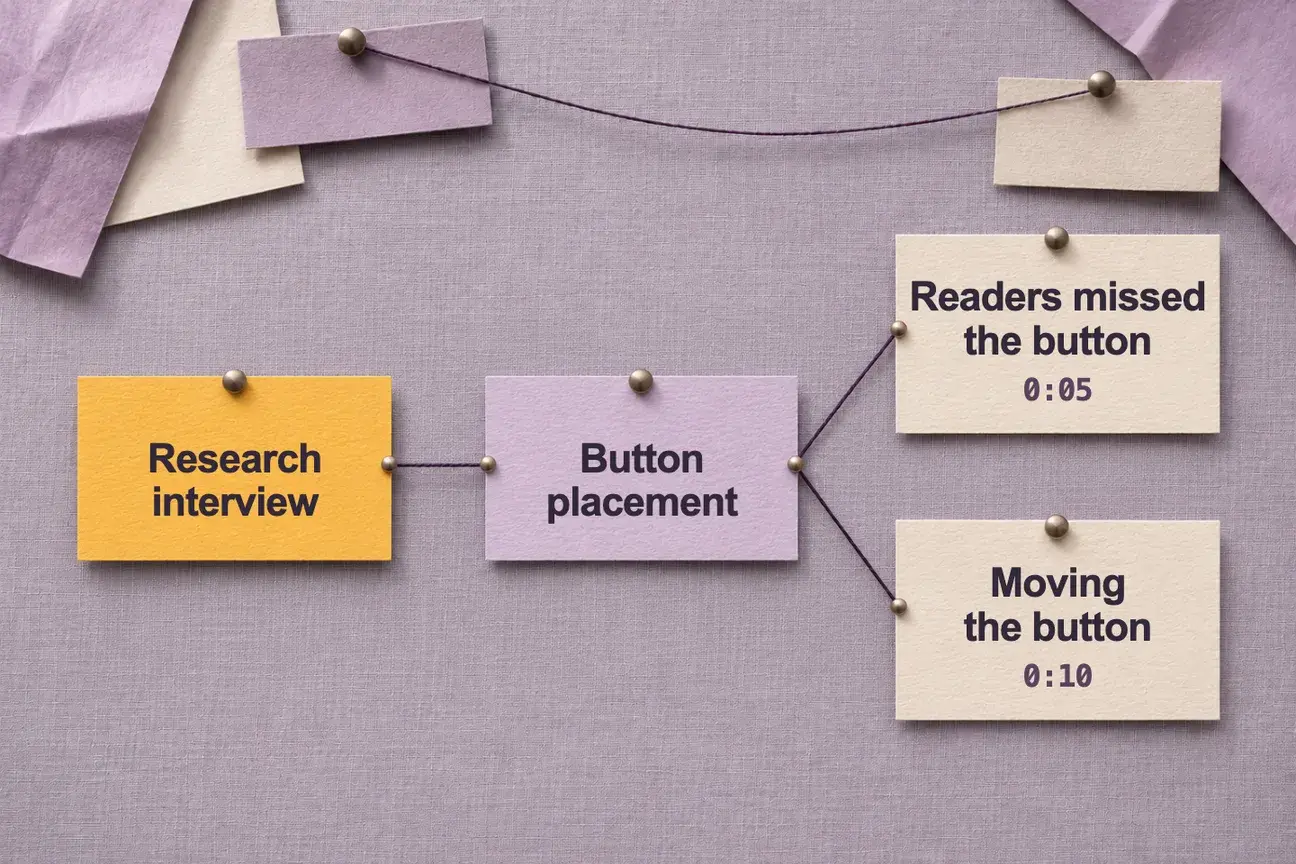
- No. HearDraft provides automated transcription paired with a timestamped browser editor so you or your team can replay and verify critical wording directly against the source audio.
- Can I import an existing SRT or transcript from another tool into HearDraft?
- Yes. HearDraft imports existing TXT, Markdown, SRT, and VTT files so you can edit text, adjust subtitle cue timings, translate captions, and re-export.
- How does HearDraft Team pricing work?
- HearDraft Team starts at 2 seats at $39.90/seat/month or $239.40/seat/year (50% off annually), with 250 GB storage per seat and no monthly minute cap.