Why do teams avoid automated meeting bots?
A visible bot participant changes how external guests, interviewees, and clients speak — and many enterprise Zoom or Google Meet hosts block uninvited bots outright.
Calendar-connected note takers work smoothly for routine internal standups because nobody needs to remember to hit record or upload a file afterward. The friction shows up the moment you speak with someone outside your company.
In user research interviews, sales discovery calls, legal consultations, or journalism, an unannounced bot in the participant list often triggers immediate discomfort or compliance pushback. Worse, bots only cover live video calls: they cannot help with an iPhone Voice Memo, a handheld field recorder, a podcast master, or a webinar video exported from another platform.
How do upload-based tools and meeting bots compare side by side?
The main difference is where consent, audio capture, and post-call verification happen: bots prioritize zero-click capture inside video calls, while upload tools prioritize control over any audio or video file.
Use the comparison below to match your day-to-day recording sources and privacy rules before picking a workflow.
| Criterion | Upload-Based Workspace (e.g. HearDraft) | Automated Meeting Bot (e.g. Otter / Fireflies) |
|---|---|---|
| Visible bot in call | No — you record natively and upload only chosen files | Yes — bot joins participant list (or requires desktop/browser capture) |
| Supported sources | Any audio/video file: Zoom exports, Voice Memos, podcasts, camera MOV/MP4 | Primarily live Zoom, Google Meet, and Microsoft Teams calls |
| Consent & scope control | You decide after the session which recordings enter the tool | Calendar rules can auto-join sensitive calls unless manually excluded |
| Audio quality | Can use full local or multi-track exports (WAV, M4A, MP4) | Depends on compressed live call stream |
| Quote & edit workflow | Click any timestamp to replay audio, edit text, rename speakers, export TXT/MD/CSV/SRT/VTT | Optimized for automated meeting summaries and CRM push |
When should you pick an upload-based transcription workflow?
Choose file upload whenever recordings come from mixed devices, require strict guest discretion, or need verified quotes and subtitle files.
If you already record calls with Zoom local recording, QuickTime, OBS, or a phone recorder, uploading the finished file takes seconds and avoids calendar permissions altogether. You never have to explain to a customer or interview subject why an extra attendee appeared on screen.
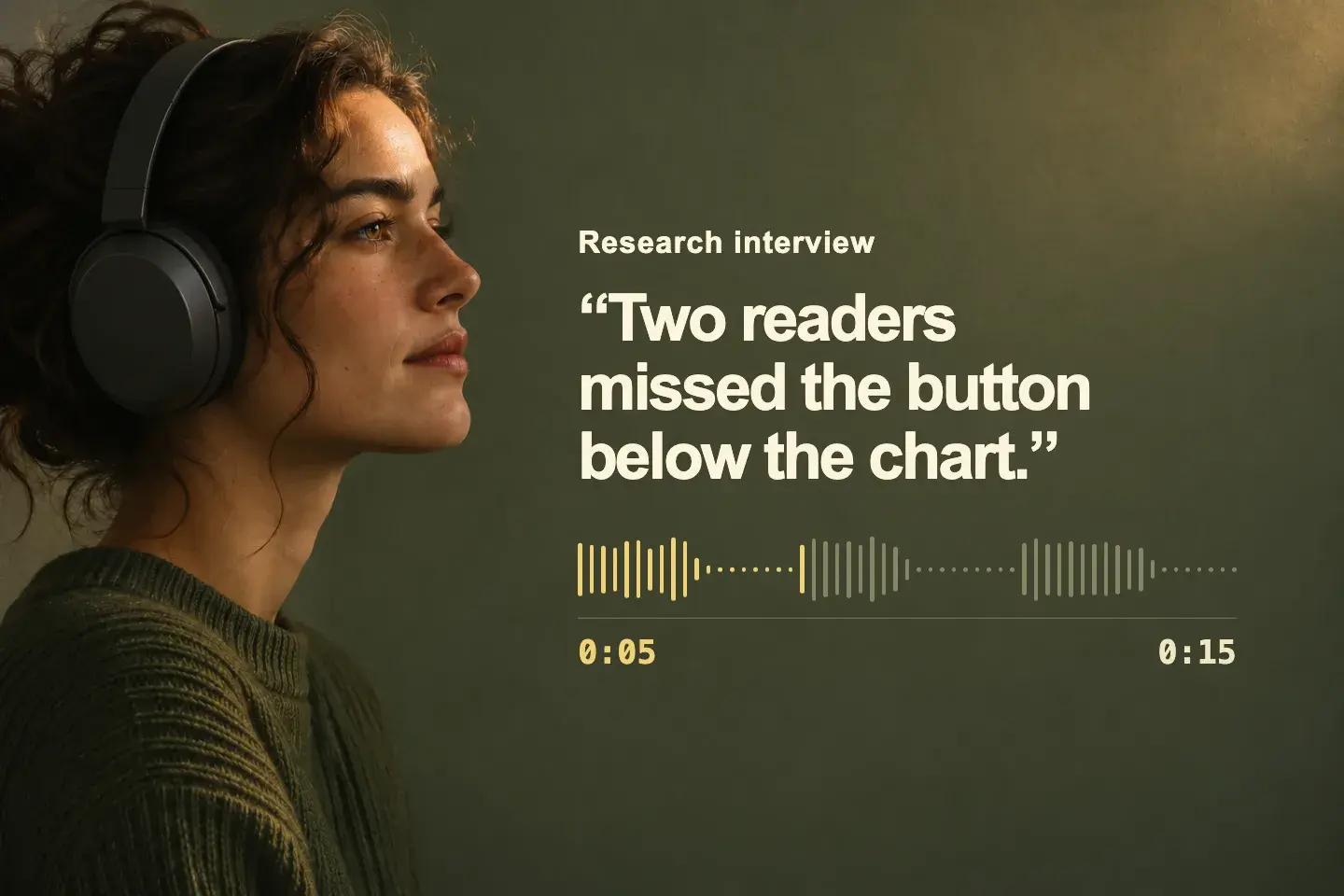
File-based workspaces also shine after transcription finishes. When a single number, deadline, or direct quote matters, being able to click that line’s timestamp and hear the exact two seconds of source audio prevents costly misunderstandings.
Can a team combine native call recording with automated API ingestion?
Yes — teams that want automation without guest-facing bots often record natively and submit finished files programmatically through an API.
With HearDraft’s annual plans, backend scripts can upload saved recordings to POST /api/v1/transcriptions using an Idempotency-Key and retrieve timestamped JSON segments automatically. Because tasks sync back into the HearDraft web workspace, editors can still open any file to check quotes or export SRT captions.
Frequently asked questions
- Can I transcribe a Zoom or Google Meet recording without a bot?
- Yes. Record the session using Zoom or Google Meet’s built-in recording feature, download the MP4 or M4A file, and upload it to HearDraft to generate an editable transcript and summary.
- How long are free uploaded recordings kept on HearDraft?
- Free uploads and transcripts are kept for 3 days, with up to 3 free transcriptions per day (up to 10 minutes and 100 MB each). Active paid plans remove the 3-day expiry and support recordings up to 10 hours.
- Does uploading a local recording improve transcription quality?
- Often yes. Local recordings avoid some real-time conference packet loss and let you upload cleaner WAV, M4A, or MP4 audio tracks directly.