How should you name and organize interview files before transcribing?
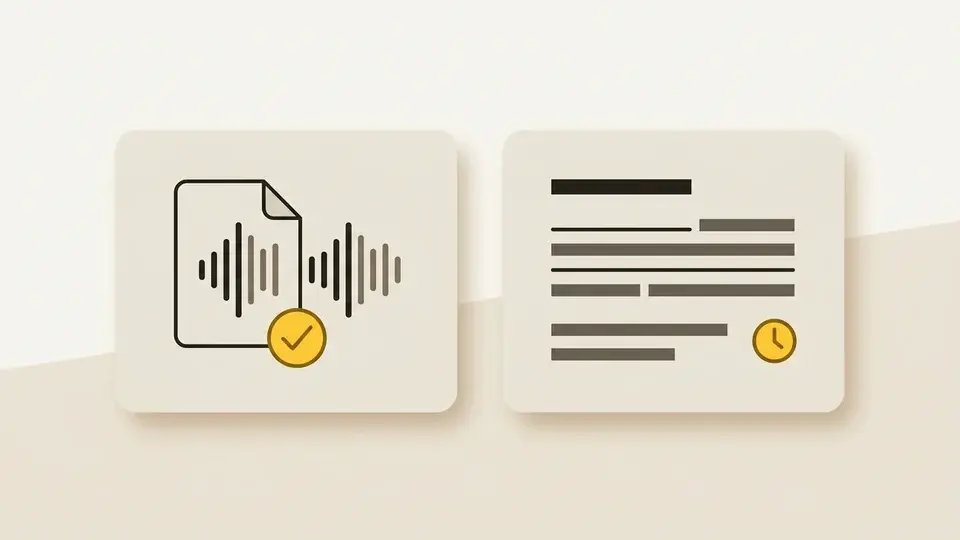
Assign a study prefix and participant code to every recording filename before upload so every exported transcript carries an unambiguous audit trail.
Avoid generic filenames like Recording_04.m4a. Use a consistent pattern such as 2026-checkout-study_P04.m4a and group all recordings from the same study inside a single HearDraft Project.
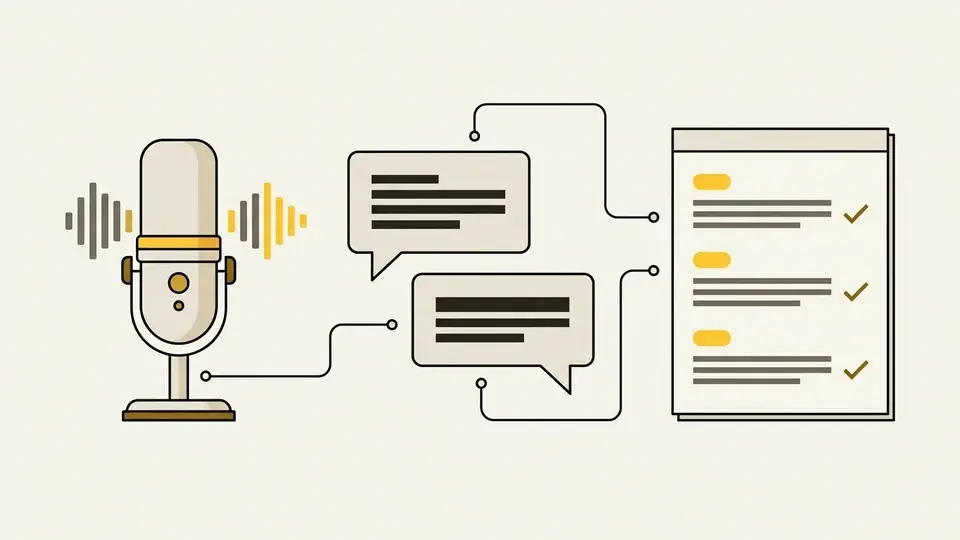
Before uploading, check whether the recording has two distinct microphones or a single room mic. Overlapping crosstalk on a single microphone is where automatic speaker labels most frequently need a quick manual check.
How do you verify an interview quote without re-listening to the whole hour?
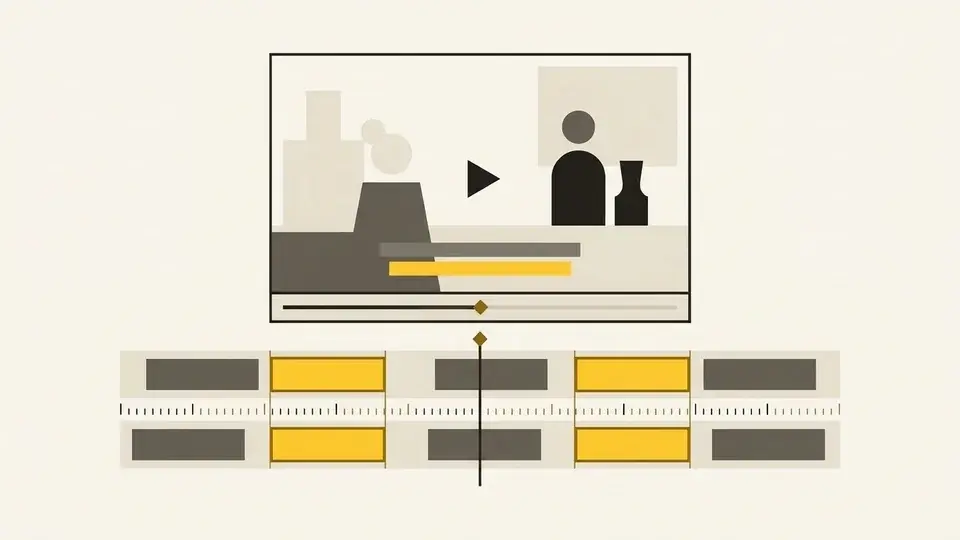
Read or search the transcript for candidate quotes, then click each passage’s timestamp to replay both the interviewer’s question and the participant’s exact phrasing.
Misquoted research findings rarely come from completely garbled transcripts—they usually come from missing a single negation ("did" vs. "didn’t"), mishearing a domain acronym, or quoting a hypothetical example as a literal user behavior.
In HearDraft, clicking a timestamp plays the original audio right beside the editable passage. Check the 10 seconds before a quote as well so you preserve what prompted the participant’s answer.

Which export format works best for Word, Excel, and qualitative coding tools?
Export TXT for Word or MAXQDA-style timestamped text imports, CSV for spreadsheet thematic coding, and Markdown when building clean internal research wikis.
Match the export format to your downstream tool so you do not waste time reformatting speaker headers by hand.
| Export Format | What It Preserves | Best Downstream Use |
|---|---|---|
| Plain Text (.txt) | Clean paragraphs, speaker labels, and readable timestamps | Open in Microsoft Word (Save As .docx) or import into qualitative tools that accept timestamped text (e.g. MAXQDA) |
| CSV (.csv) | Separate columns for start time, end time, speaker, and passage text | Excel, Google Sheets, Airtable, or R/Python thematic coding tables |
| Markdown (.md) | Headings, speaker emphasis, and structured sections | Notion, Obsidian, GitHub research repos, and internal readouts |
| JSON (.json) | Structured segments with exact millisecond startMs / endMs | Custom search indexes and automated research pipelines |
What should you strip before sharing transcripts with stakeholders?
Replace speaker names with participant codes inside the editor, then scan for company names, customer IDs, and geographic details before exporting.
HearDraft lets you rename a speaker label across passages inside the transcript editor before export. Keep the key mapping participant codes to real identities stored separately from your shared findings document.
Frequently asked questions
- Can I save a HearDraft interview transcript as a Word (.docx) file?
- Export your reviewed transcript as Plain Text (.txt), open it in Microsoft Word, and choose Save As to save a Word Document (.docx). Note that timestamps appear as plain text inside Word, so keep HearDraft open if you need audio playback.
- Can I keep multiple interviews from one study together?
- Yes. Create a Project in your HearDraft workspace and place all recordings for that study inside it so every transcript stays grouped.
- Does HearDraft automatically anonymize personal names inside spoken text?
- No. You can rename speaker labels in the editor, and you should manually review and redact identifying names or details inside the transcript text before sharing externally.