Subtítulos automáticos para videos
Crea subtítulos a partir de lo que se dice en el video. Revisa las palabras y su duración antes de descargar el archivo.
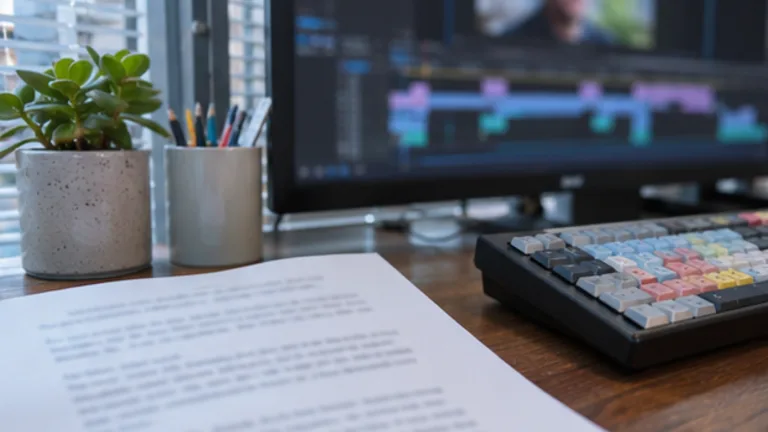
Resultado de ejemplo
Ejemplo leído en voz alta. Reproduce el fragmento o descarga el archivo correspondiente.
Formatos de archivo
- Vídeo de entrada
- MP4 · MOV · WebM · MKV
- Archivos de subtítulos con tiempos
- SRT · VTT
- Vídeo con subtítulos
- MP4
Cómo funciona
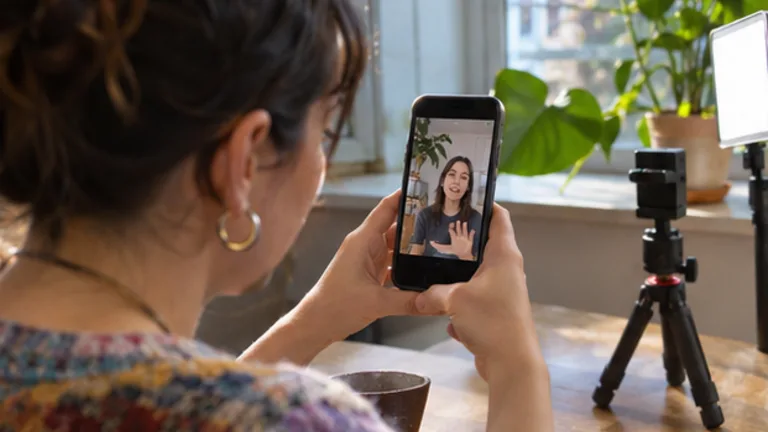
Elige el original
Elige la grabación guardada que necesitas revisar.
Revisa el borrador
Compara las líneas y revisa su duración en la misma versión del video.
Guarda el resultado
Elige el formato que necesita quien recibirá el archivo.
Caso de uso
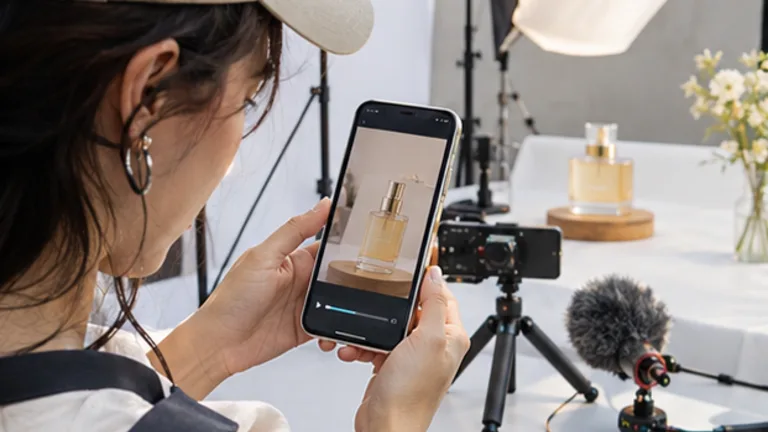
Revisa el borrador
En una demostración, comprueba que la instrucción aparezca a tiempo para seguir el paso.
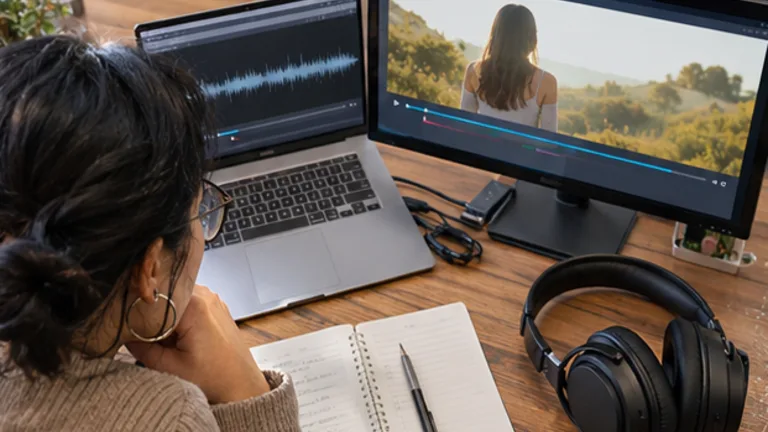
Revisar un cambio de plano
Reproduce el corte final para comprobar que la línea desaparece a tiempo.
What you can do with a transcript

Read the summary and follow its links to the original passages.
User reviews
Illustrative examples
The translation matched the same cut
I checked the translated captions next to the original. I shortened a long line and then exported both languages for the same edit.
Samira PatelLocalization editorI fixed the cue in the SRT I had
I already had an SRT. I corrected the product name and adjusted when its line appeared, then saved the revised subtitle file.
Milo GrantCaption reviewerA late cue was easy to spot
The caption came up after the speaker started. I checked the finished video, adjusted the cue, and exported the updated subtitle file.
Felix ReedPost-production editorWe caught the misheard name in the captions
The transcript misspelled a name. I checked the line in the MP4, fixed it, and exported a fresh caption file.
Alma BrooksVideo producerI had captions ready for the web player
I checked the cue timing in the walkthrough and used the VTT in our player. The next person had the plain transcript for the help article.
Ivy RomeroWeb producerThe captions match the final cut
We trimmed the intro before publishing. I transcribed the final cut, checked when the first line starts, then imported the SRT into my video editor.
Mina ParkVideo editor

Preguntas frecuentes
- ¿El archivo se puede abrir en un editor de video?
- Importa SRT o VTT en un editor compatible y usa el mismo corte del video para conservar la sincronía.
- ¿Las marcas coinciden con otro montaje?
- Usa la versión que transcribiste. Si recortas la entrada o quitas un fragmento, comprueba de nuevo los tiempos.