Dale forma a lo que escuchas.
Convierte audio y vídeo en texto editable y vuelve al momento exacto de la grabación.
Probar gratisSigue la grabación
Cada línea te lleva de vuelta al audio.
Elige una marca de tiempo para escuchar la frase en contexto.
Grabación y transcripción de ejemplo en inglés.Abrir transcripciónEntrevista de diseño
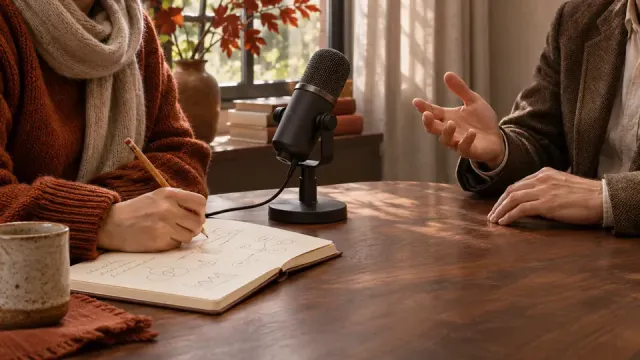
Transcripción
Qué puedes hacer con una transcripción
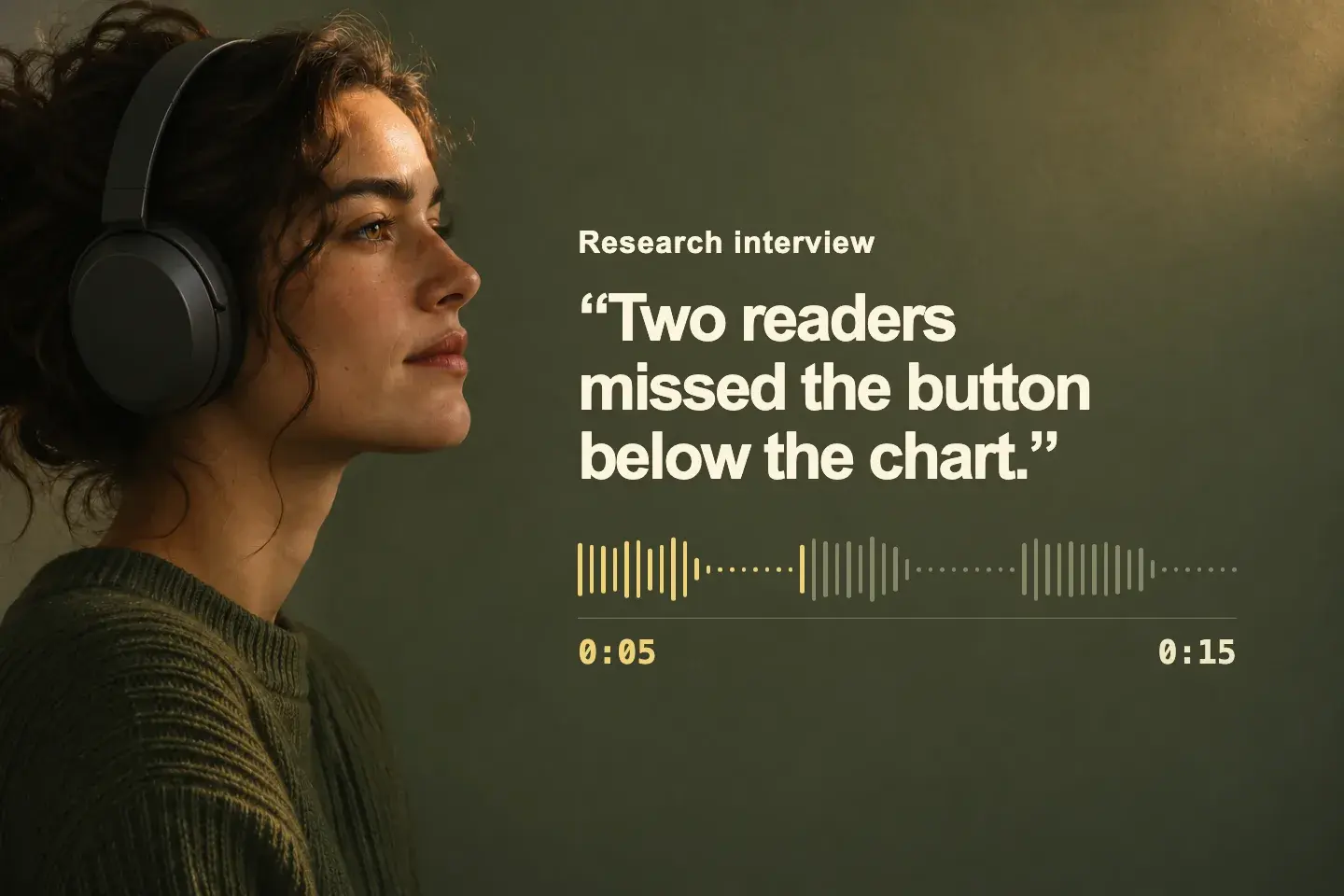
Elige una marca de tiempo o un fragmento destacado para volver a escuchar esa parte.
Traducir una transcripción
Pega tu transcripción en el Traductor de Google para leerla en otro idioma.
Continuar en ChatGPT
Pega tu transcripción en ChatGPT para hacer preguntas o preparar los próximos pasos.
Herramientas de transcripción
Qué puedes hacer con tus grabaciones
Vuelve al fragmento exacto antes de incorporarlo a tu próximo borrador.
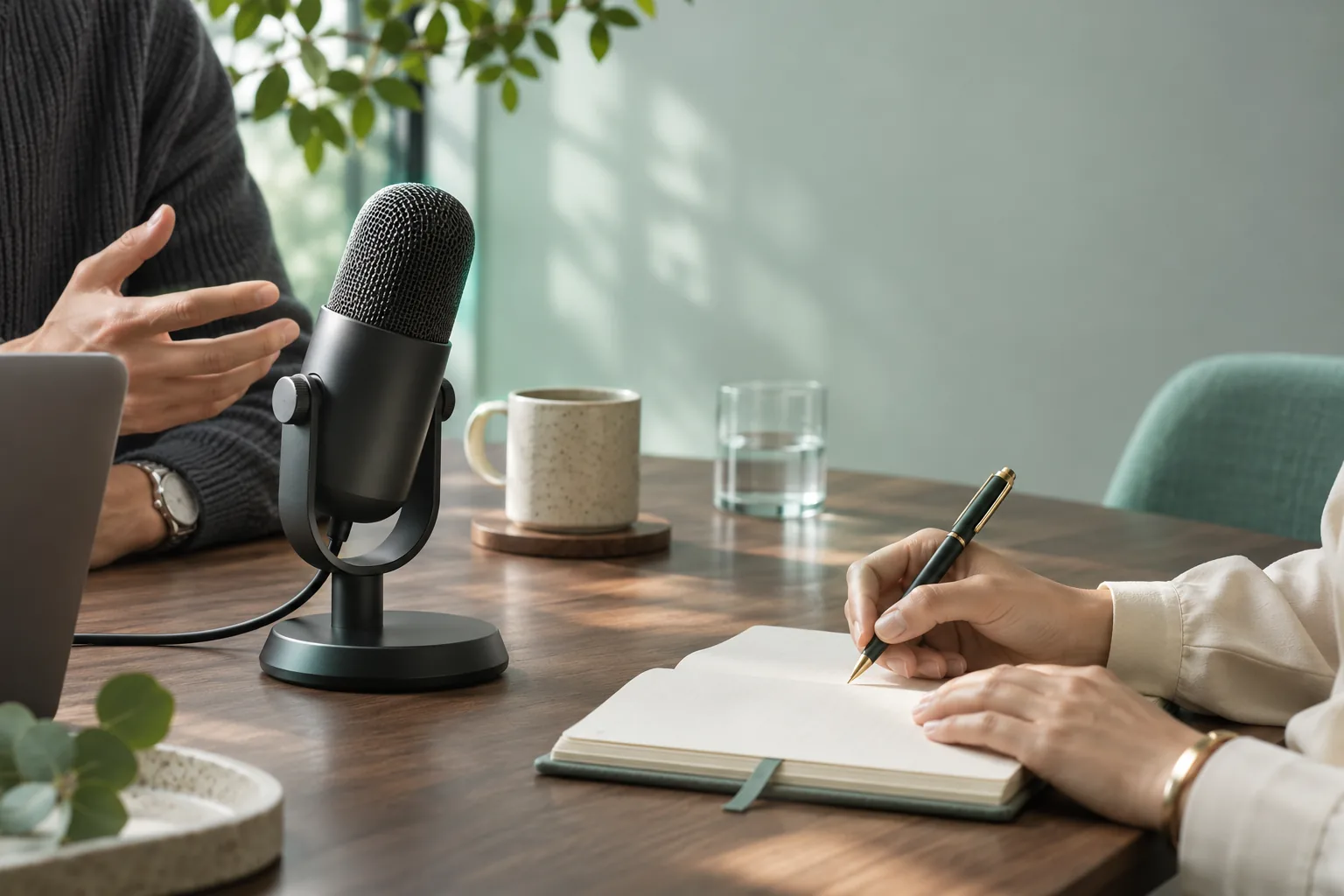
Resumir una reunión
Comprueba los responsables y las fechas antes de enviar el resumen.

Citar una entrevista con precisión
Escucha la respuesta en contexto y conserva las palabras exactas.
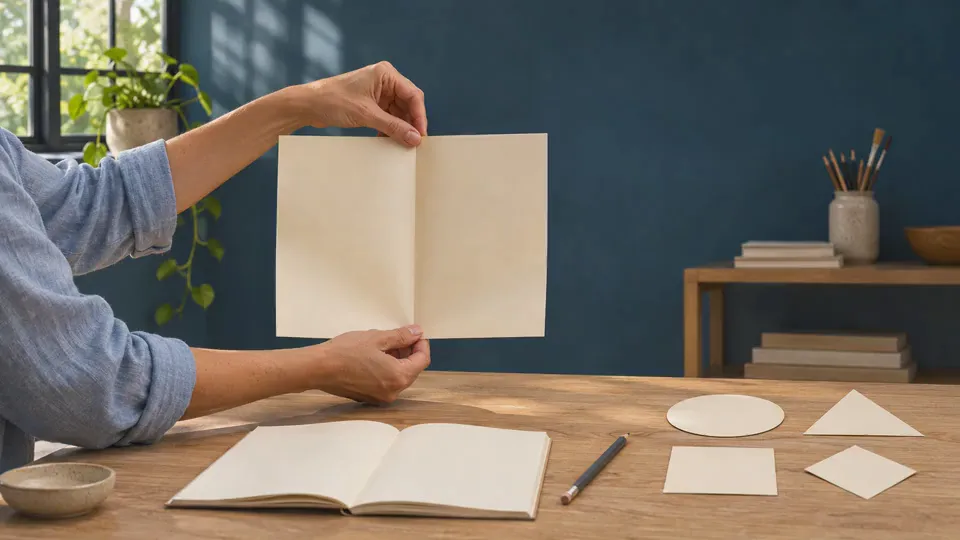
Preparar apuntes de clase
Anota los pasos de la explicación y vuelve al ejemplo cuando lo necesites.

Escribir notas para un pódcast
Encuentra los pasajes clave y conserva sus marcas de tiempo.
Subtitular un vídeo
Comprueba el texto y los tiempos con el montaje definitivo.
Aprovechar una nota de voz
Convierte una idea dictada en texto para tu documento.


Ejemplos de reseñas
Illustrative examples
The recap got the deadline right
I replayed the agreement before sending the recap. The revised estimate was due Wednesday morning, after the measurements were confirmed.
Nora BennettProject leadThe recording settled the wording
I had written that nobody spotted the button. When I replayed the interview, the speaker said two people missed it. I changed the line in my report.
Adrian ChenUX researcherThe timestamp went into the show notes
When I pull a line for the show notes, I keep its timestamp next to it. That gives my co-host a quick way to check the quote.
Jonah ReyesPodcast producerThe captions match the final cut
We trimmed the intro before publishing. I transcribed the final cut, checked when the first line starts, then imported the SRT into my video editor.
Mina ParkVideo editorA voice memo became a Word draft
I dictated what to add to an old proposal. I opened the TXT in Word later and copied the instruction into the paragraph I was editing.
Clara MorganWriterThe handout follows the lesson
I used the paper-folding steps from the class video for a handout. Replaying each step helped me put the instructions in the order I taught them.
Leila HassanTeacherThe walkthrough became release notes
The person recording the demo said where the preview link should go. I replayed that line and added the checked instruction to the release notes.
Rina PatelProduct specialistI checked the number before calling
A callback came in while I was away. I found the number in the transcript and replayed that line before dialing.
Theo SantosSupport coordinatorThe handoff shows what comes first
I needed to know whether the estimate could go out right after the site visit. In the Zoom recording, Alex said to wait until Maya confirmed the measurements.
Isabel TanOperations leadI fixed the cue in the SRT I had
I already had an SRT. I corrected the product name and adjusted when its line appeared, then saved the revised subtitle file.
Milo GrantCaption reviewerListeners can read along
I reviewed the guest names and added the plain text transcript to the episode page for people who wanted a reading copy.
Lina ChoPodcast publisherThe recap fits our Word template
Our team uses the same Word template each week. I open the TXT, check the owner and deadline, and copy both into the action table.
Ellis FosterProject coordinator

Preguntas frecuentes
- ¿Puedo probarlo sin cuenta?
- Puedes elegir una grabación sin iniciar sesión. Inicia sesión si se te solicita para comenzar la transcripción.
- ¿Cuáles son los límites de las grabaciones gratuitas?
- El plan gratuito permite 3 transcripciones al día, con un máximo de 10 minutos y 100 MB por archivo.
- ¿Puedo descargar una transcripción con el plan gratuito?
- Inicia sesión para exportar tu transcripción como texto. Si tiene marcas de tiempo válidas, también puedes descargar SRT o VTT.