Sous-titres automatiques
Obtenez des sous-titres à partir des paroles de votre vidéo. Relisez les répliques et ajustez leur durée avant de télécharger le fichier.
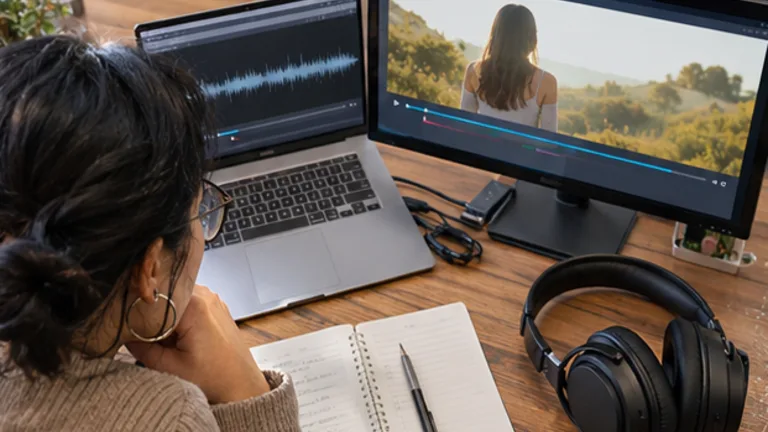
Exemple de résultat
Exemple lu à voix haute. Écoutez le passage ou téléchargez le fichier correspondant.
Formats de fichier
- Vidéo source
- MP4 · MOV · WebM · MKV
- Fichiers de sous-titres horodatés
- SRT · VTT
- Vidéo sous-titrée
- MP4
Comment ça marche
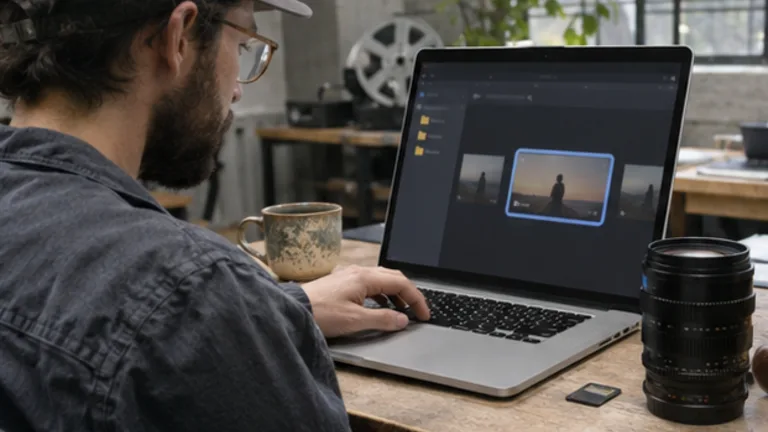
Choisir la source
Sélectionnez le fichier que vous souhaitez relire ou transmettre.
Relire le résultat
Comparez les répliques et vérifiez les temps sur la version correspondante de la vidéo.
Enregistrer le résultat
Choisissez le format de fichier adapté à la remise.
Cas d’usage
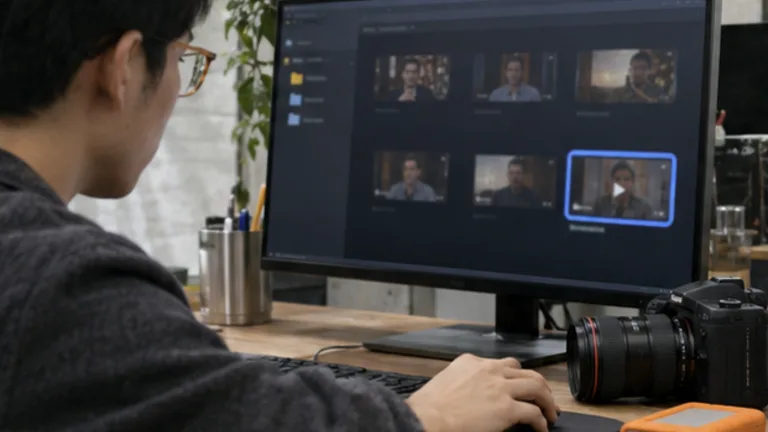
Relire le résultat
Pour un tuto, faites apparaître la consigne juste avant le geste et vérifiez que la phrase se lit à temps.
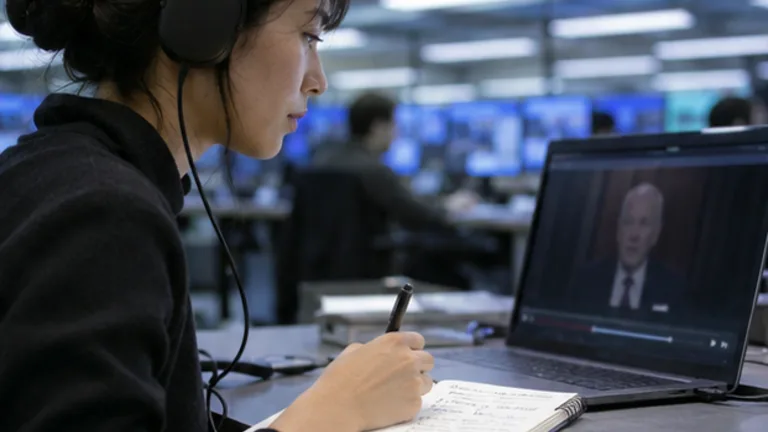
Contrôler un changement de plan
Vérifiez avec la vidéo finale que la réplique ne reste pas à l’écran après la coupe.
What you can do with a transcript

Read the summary and follow its links to the original passages.
User reviews
Illustrative examples
The translation matched the same cut
I checked the translated captions next to the original. I shortened a long line and then exported both languages for the same edit.
Samira PatelLocalization editorI fixed the cue in the SRT I had
I already had an SRT. I corrected the product name and adjusted when its line appeared, then saved the revised subtitle file.
Milo GrantCaption reviewerA late cue was easy to spot
The caption came up after the speaker started. I checked the finished video, adjusted the cue, and exported the updated subtitle file.
Felix ReedPost-production editorWe caught the misheard name in the captions
The transcript misspelled a name. I checked the line in the MP4, fixed it, and exported a fresh caption file.
Alma BrooksVideo producerI had captions ready for the web player
I checked the cue timing in the walkthrough and used the VTT in our player. The next person had the plain transcript for the help article.
Ivy RomeroWeb producerThe captions match the final cut
We trimmed the intro before publishing. I transcribed the final cut, checked when the first line starts, then imported the SRT into my video editor.
Mina ParkVideo editor

Questions fréquentes
- Quel fichier remettre au monteur ?
- Remettez le SRT ou le VTT avec la version de la vidéo qui a servi à préparer les sous-titres.
- Les repères sont-ils valables pour un autre montage ?
- Utilisez le montage qui a servi à la transcription. Revérifiez les repères si vous coupez une introduction ou un passage.