De l’enregistrement au texte.
Transformez vos fichiers audio et vidéo en texte modifiable et revenez à l’instant précis de l’enregistrement.
Essayer gratuitementSuivez l’enregistrement
Chaque ligne vous ramène à l’enregistrement.
Choisissez un repère pour écouter la phrase en contexte.
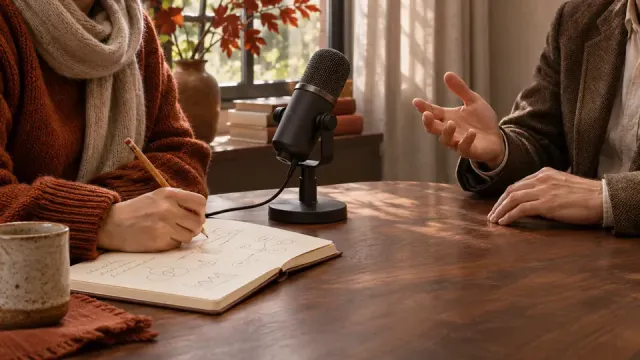
Enregistrement et transcription d’exemple en anglais.Ouvrir la transcriptionEntretien de design
Transcription
Que faire avec une transcription ?
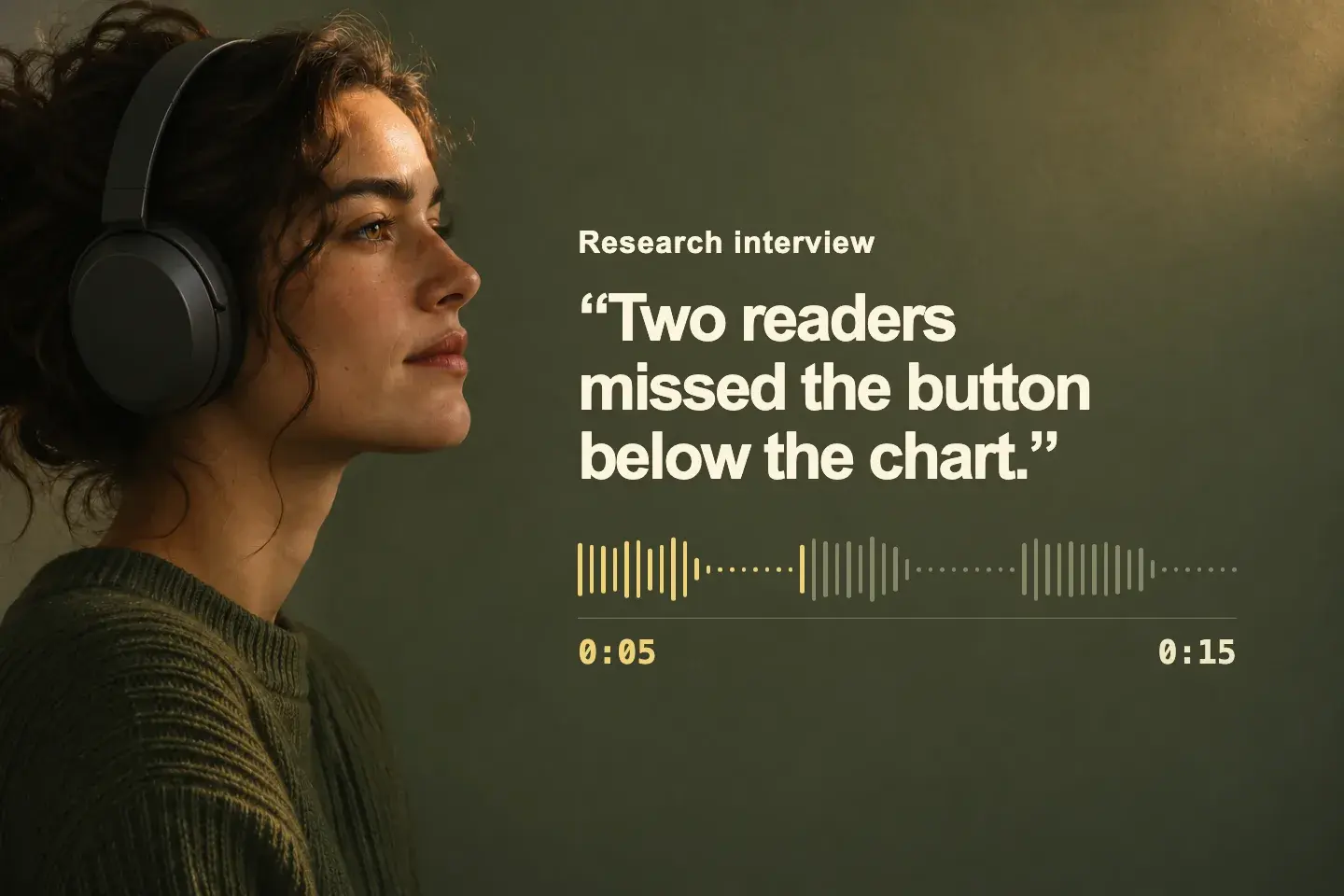
Cliquez sur un repère temporel ou un extrait sélectionné pour écouter ce passage.
Traduire une transcription
Collez votre transcription dans Google Traduction pour la lire dans une autre langue.
Continuer dans ChatGPT
Collez votre transcription dans ChatGPT pour poser des questions ou préparer la suite.
Outils de transcription
Des enregistrements aux premiers brouillons
Réécoutez le passage exact avant de l’intégrer à votre prochain document.
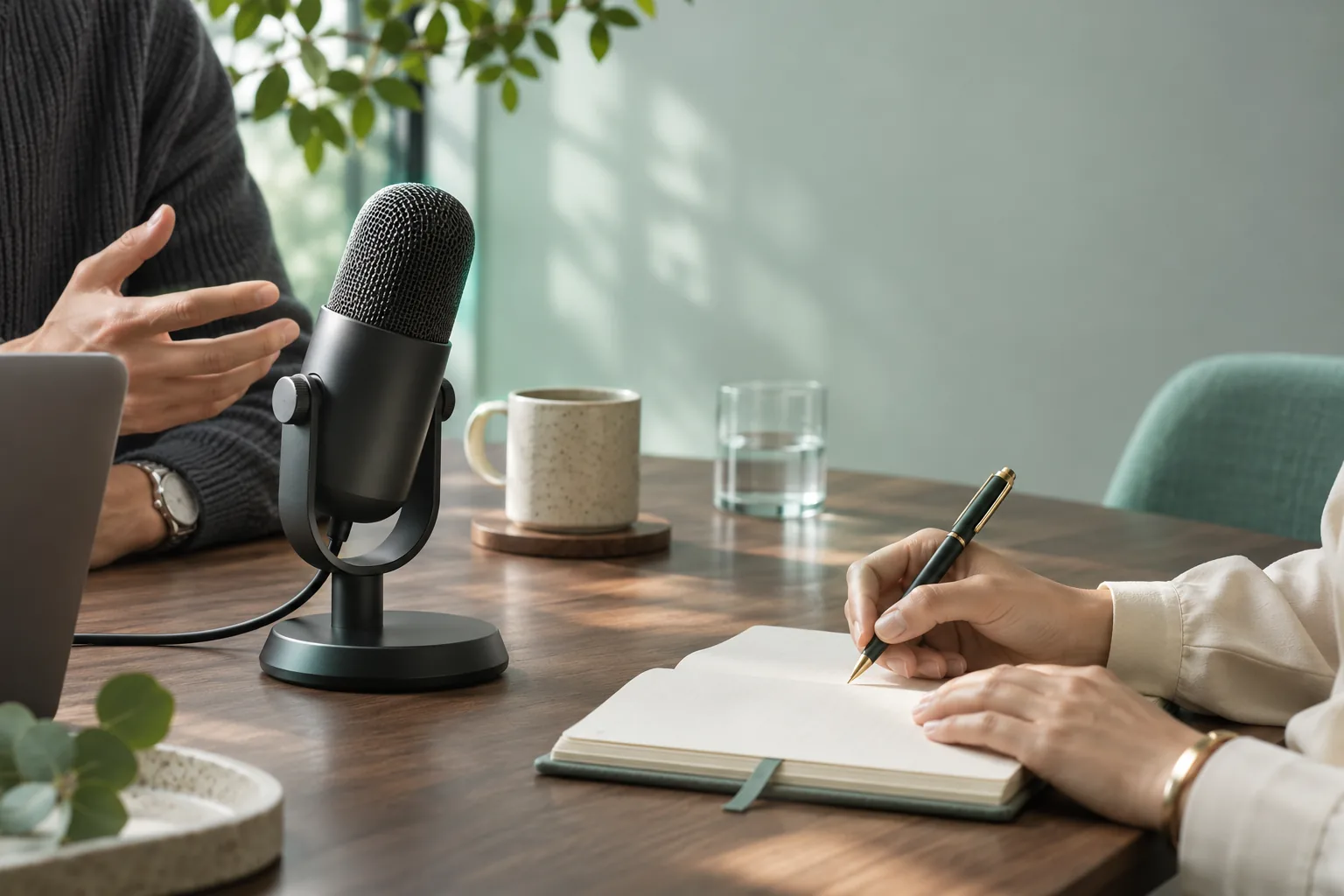
Résumer une réunion
Vérifiez les responsables et les échéances avant d’envoyer le compte rendu.

Citer un entretien avec précision
Réécoutez la réponse dans son contexte et reprenez les mots exacts.
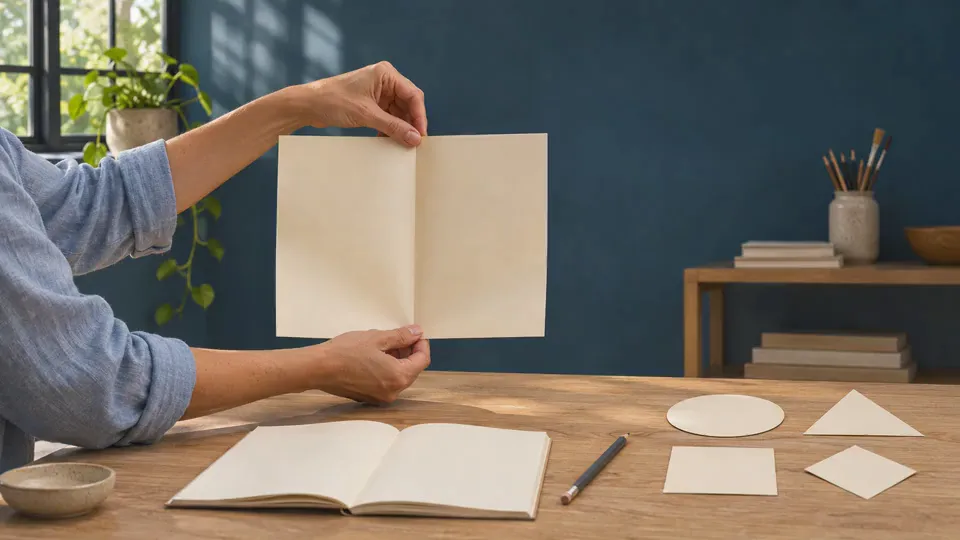
Préparer des notes de cours
Relevez les étapes de l’explication et retrouvez l’exemple au bon moment.
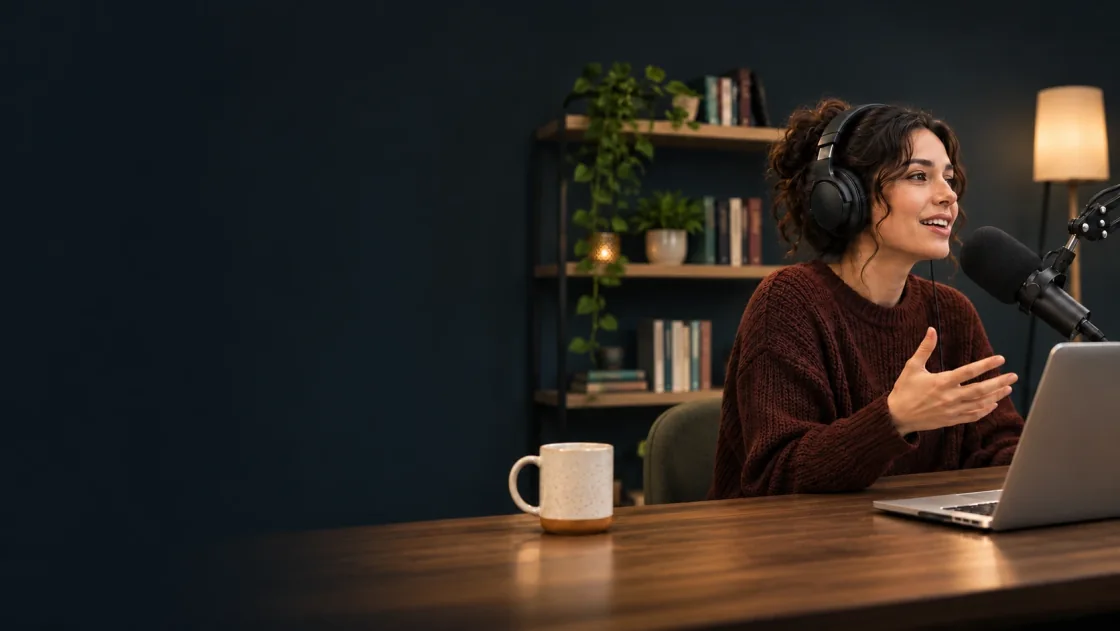
Rédiger les notes d’un podcast
Retrouvez les passages importants et conservez leurs repères temporels.
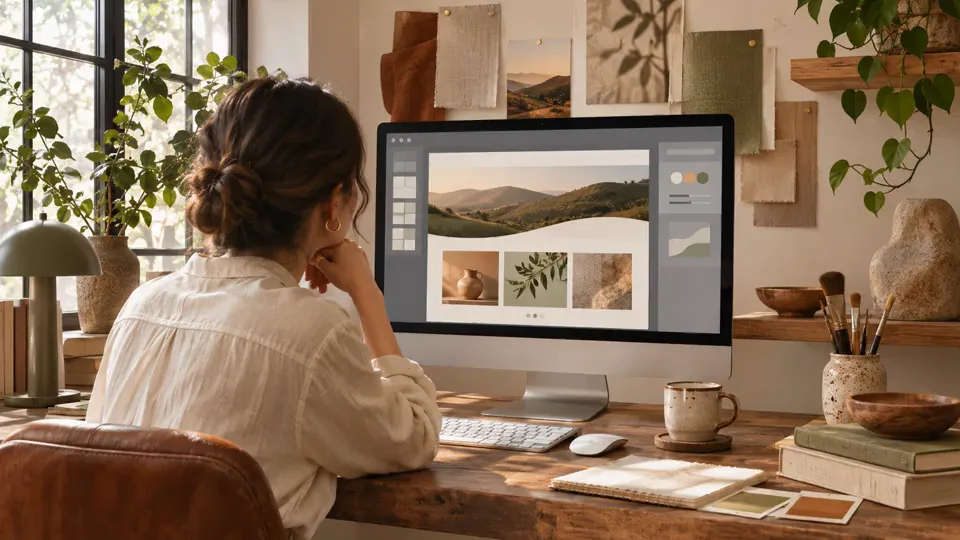
Sous-titrer une vidéo
Vérifiez les paroles et la synchronisation sur le montage final.
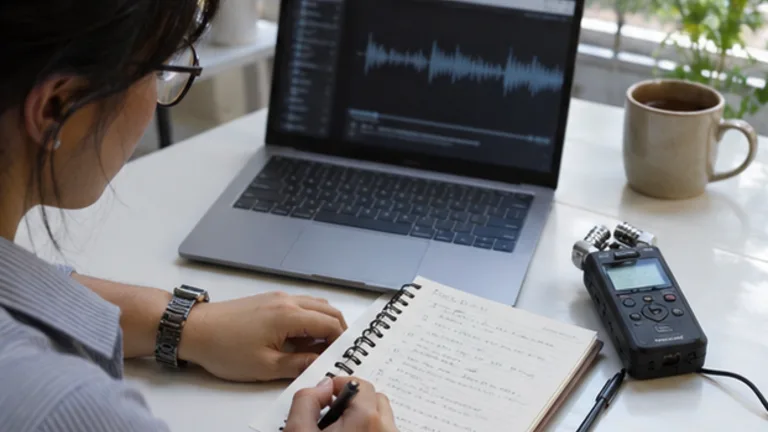
Réutiliser une note vocale
Transformez une idée dictée en texte à intégrer dans un document.


Exemples d’avis
Illustrative examples
The recap got the deadline right
I replayed the agreement before sending the recap. The revised estimate was due Wednesday morning, after the measurements were confirmed.
Nora BennettProject leadThe recording settled the wording
I had written that nobody spotted the button. When I replayed the interview, the speaker said two people missed it. I changed the line in my report.
Adrian ChenUX researcherThe timestamp went into the show notes
When I pull a line for the show notes, I keep its timestamp next to it. That gives my co-host a quick way to check the quote.
Jonah ReyesPodcast producerThe captions match the final cut
We trimmed the intro before publishing. I transcribed the final cut, checked when the first line starts, then imported the SRT into my video editor.
Mina ParkVideo editorA voice memo became a Word draft
I dictated what to add to an old proposal. I opened the TXT in Word later and copied the instruction into the paragraph I was editing.
Clara MorganWriterThe handout follows the lesson
I used the paper-folding steps from the class video for a handout. Replaying each step helped me put the instructions in the order I taught them.
Leila HassanTeacherThe walkthrough became release notes
The person recording the demo said where the preview link should go. I replayed that line and added the checked instruction to the release notes.
Rina PatelProduct specialistI checked the number before calling
A callback came in while I was away. I found the number in the transcript and replayed that line before dialing.
Theo SantosSupport coordinatorThe handoff shows what comes first
I needed to know whether the estimate could go out right after the site visit. In the Zoom recording, Alex said to wait until Maya confirmed the measurements.
Isabel TanOperations leadI fixed the cue in the SRT I had
I already had an SRT. I corrected the product name and adjusted when its line appeared, then saved the revised subtitle file.
Milo GrantCaption reviewerListeners can read along
I reviewed the guest names and added the plain text transcript to the episode page for people who wanted a reading copy.
Lina ChoPodcast publisherThe recap fits our Word template
Our team uses the same Word template each week. I open the TXT, check the owner and deadline, and copy both into the action table.
Ellis FosterProject coordinator

Questions fréquentes
- Puis-je essayer sans compte ?
- Vous pouvez sélectionner un enregistrement avant de vous connecter. Si cela vous est demandé, connectez-vous pour lancer sa transcription.
- Quelles sont les limites pour les enregistrements gratuits ?
- L’offre gratuite permet 3 transcriptions par jour, avec un maximum de 10 minutes et 100 Mo par fichier.
- Puis-je télécharger une transcription avec l’offre gratuite ?
- Connectez-vous pour exporter votre transcription en texte. Avec des repères valides, vous pouvez aussi exporter en SRT ou VTT.