動画を要約
研修や講義の動画から、話された内容を短くまとめます。章の時刻から元の説明を聞き直せます。

仕上がりの例
読み上げサンプルです。時刻を選んで聞くか、同じ内容のサンプルを保存できます。
- 章
- 一次対応の記録
- ポイント
- 受付時刻と依頼内容を最初に残す
活用例
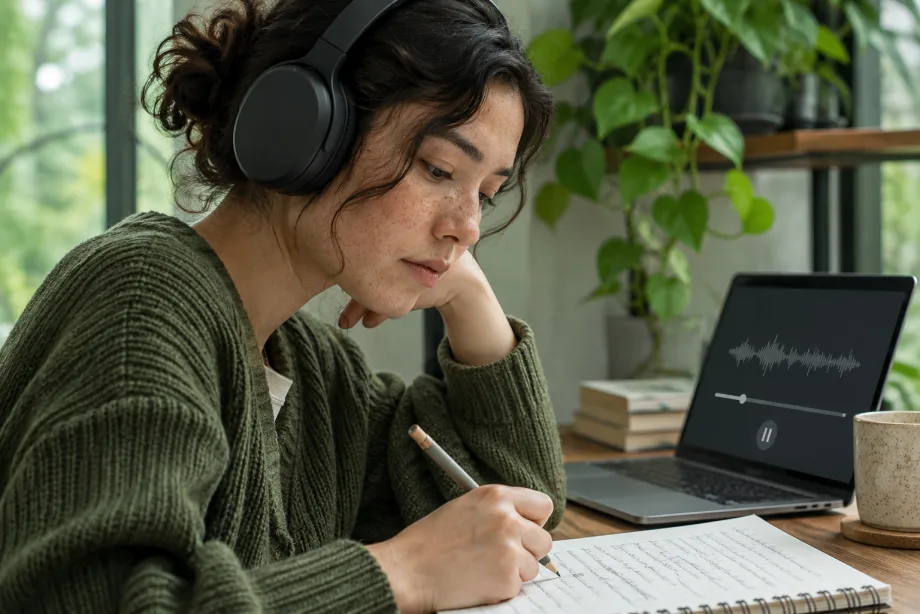
内容を確認
長い研修を見直す前に、どの章で例外の扱いを説明しているかを探せます。
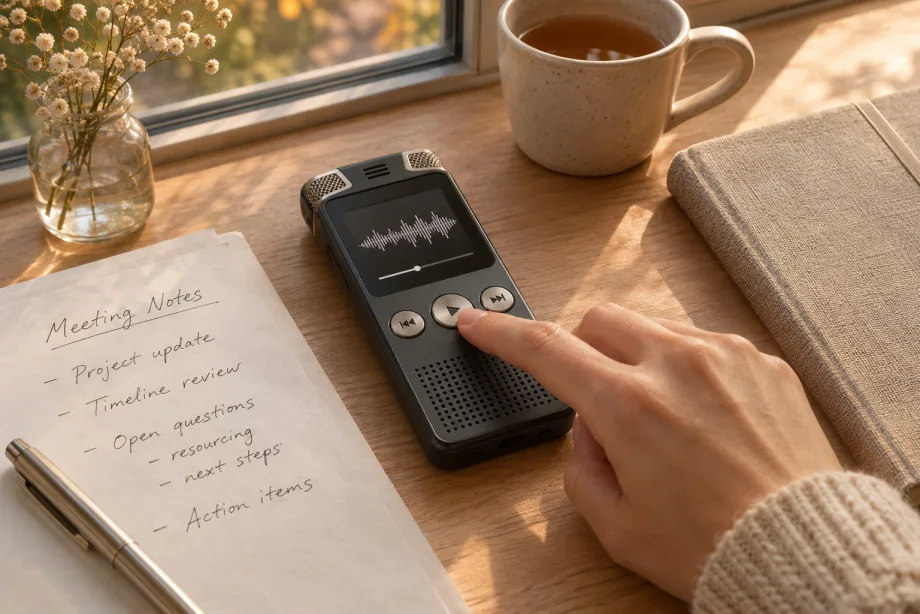
説明の根拠を探す
手順の例外だけ聞き直したいときは、章を開いて該当する説明を再生します。


使い方

素材を用意
校正や共有に使う録音ファイルを用意します。
内容を確認
決定事項、担当者、期限を元の発話と照合します。
結果を保存
渡す相手に合った形式を選んで保存します。
対応形式
- 入力動画
- MP4, MOV, WebM, MKV
- 文字起こしファイル
- TXT, Markdown, CSV, JSON
- タイムコード付き字幕ファイル
- SRT, VTT
What you can do with a transcript
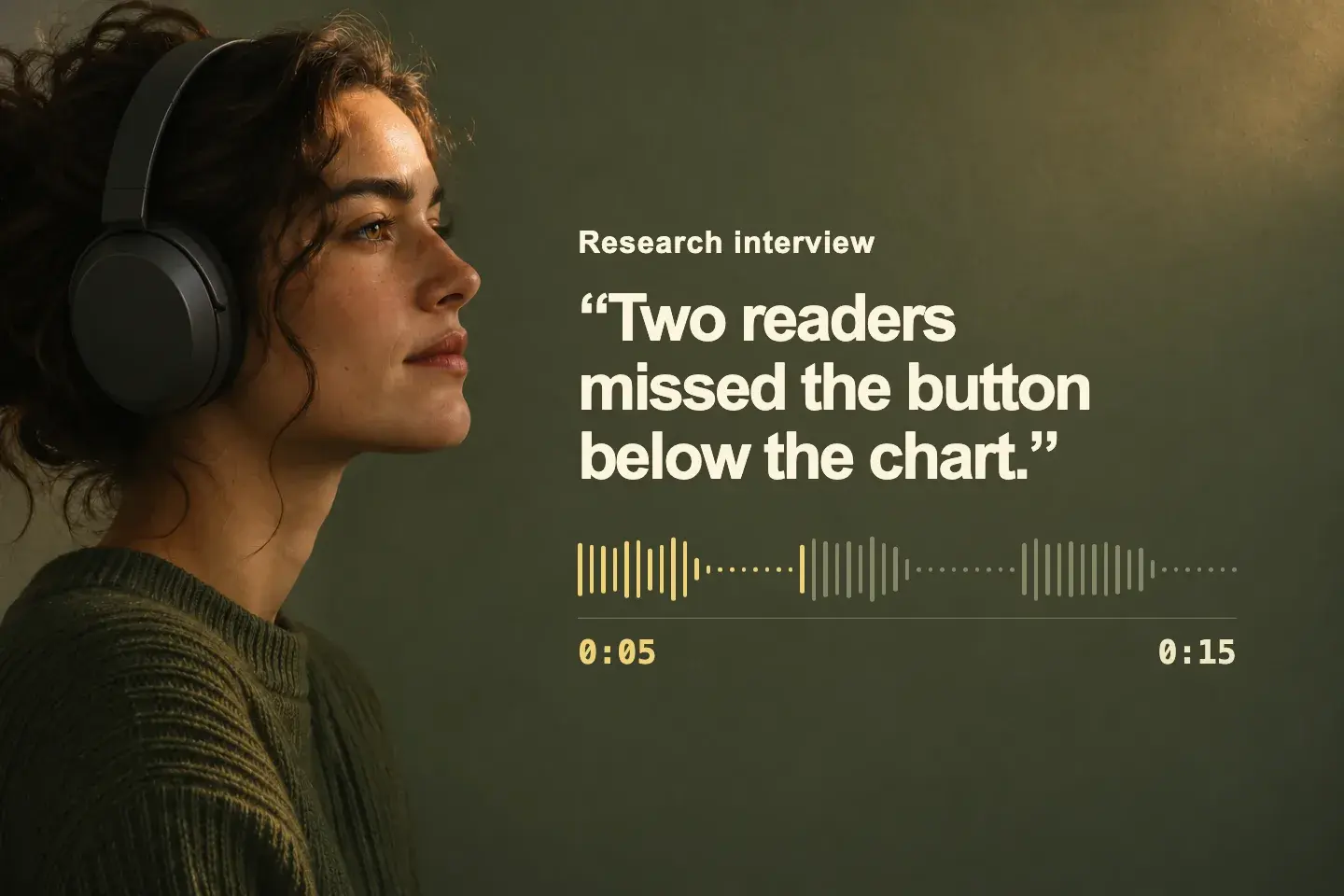
Click a timestamp or highlight to hear that part of the recording.
User reviews
Illustrative examples
The captions match the final cut
We trimmed the intro before publishing. I transcribed the final cut, checked when the first line starts, then imported the SRT into my video editor.
Mina ParkVideo editorThe handout follows the lesson
I used the paper-folding steps from the class video for a handout. Replaying each step helped me put the instructions in the order I taught them.
Leila HassanTeacherThe walkthrough became release notes
The person recording the demo said where the preview link should go. I replayed that line and added the checked instruction to the release notes.
Rina PatelProduct specialistI could quote the speaker in context
The speaker pointed at the chart mid-sentence. I watched that part again before quoting the line in our article.
Ren WalkerEditorial assistantWe caught the misheard name in the captions
The transcript misspelled a name. I checked the line in the MP4, fixed it, and exported a fresh caption file.
Alma BrooksVideo producerI had captions ready for the web player
I checked the cue timing in the walkthrough and used the VTT in our player. The next person had the plain transcript for the help article.
Ivy RomeroWeb producer

よくある質問
- 映像だけの実演も要約できますか?
- 要約は発話の文字起こしをもとに作成します。無言の実演や図は、動画を見ながら確認してください。
- 別の編集版でも時刻は合いますか?
- 文字起こしに使った版と合わせてください。冒頭を削除した場合や途中を切った場合は、新しい版で時刻を見直します。