Audio Summarizer
Summarize a recorded meeting, interview or voice memo. Open a chapter to compare the recap with the original audio.
Check a deadline in the original recording
Open the sample summary and play 0:04 to hear what needs to happen before Alex sends the estimate.
Meeting handoff.m4a
Alex will send the revised estimate Wednesday morning.
- 0:00When to send the estimate
- 0:04Deadline and condition
How it works
Choose a recording
Upload an audio file with speech, such as a meeting recording or a voice memo.
Read the key points
HearDraft transcribes the audio and uses the transcript to draft a summary and chapters.
Replay the part you need
Open a chapter and play it from its timestamp. Check a name, date or condition against the recording.
What to summarize
Write a meeting follow-up
Find the agreed deadline and replay the condition attached to it before sending the recap.
Review an interview
Find the answer about a specific problem, then check the exact wording before quoting it.
Sort through voice notes
Read the ideas you recorded on the go and replay the one you want to develop.
What you can do with a transcript
Click a timestamp or highlight to hear that part of the recording.
User reviews
Illustrative examples
The recap got the deadline right
I replayed the agreement before sending the recap. The revised estimate was due Wednesday morning, after the measurements were confirmed.
Nora BennettProject leadThe handoff shows what comes first
I needed to know whether the estimate could go out right after the site visit. In the Zoom recording, Alex said to wait until Maya confirmed the measurements.
Isabel TanOperations leadThe recording settled the wording
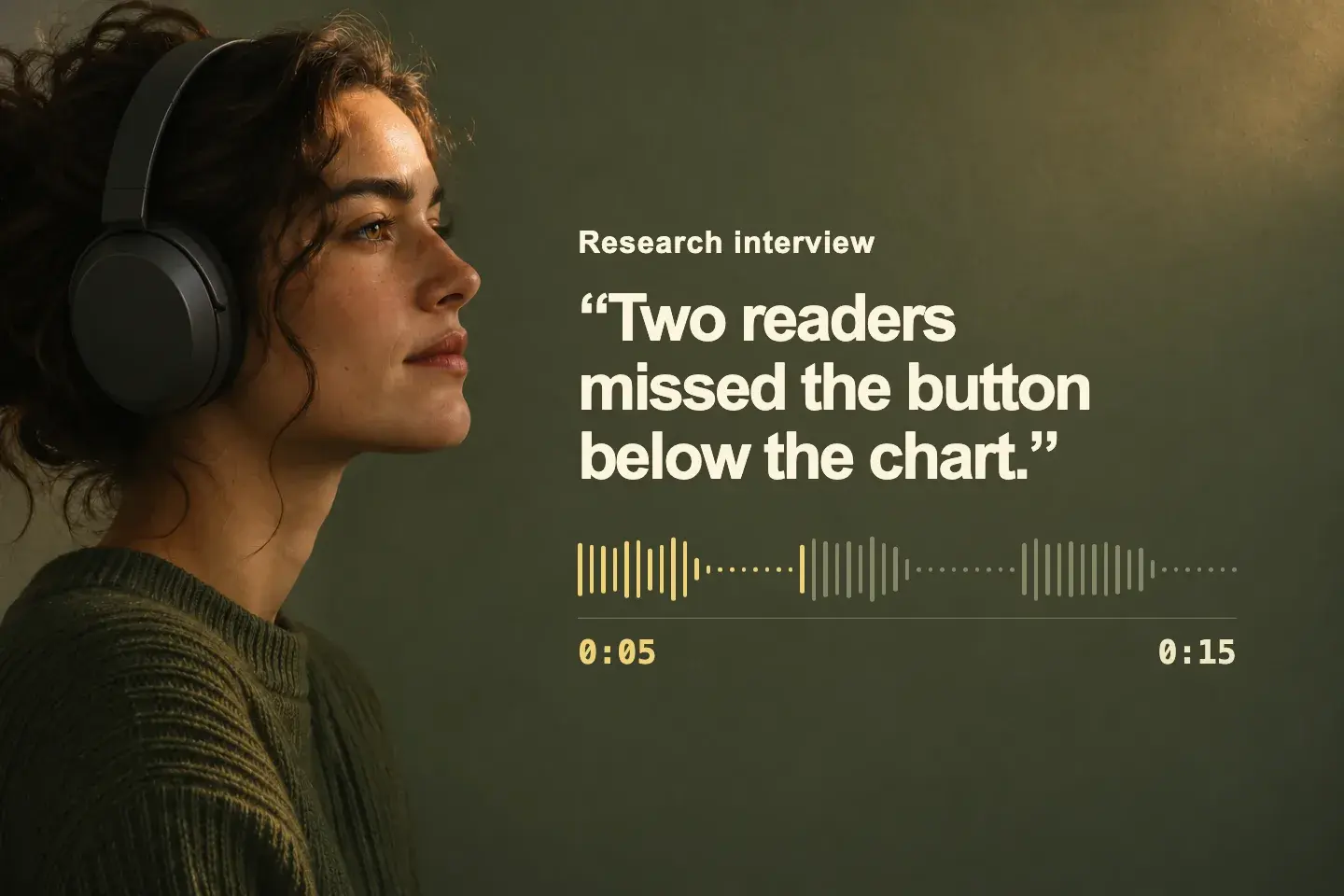
I had written that nobody spotted the button. When I replayed the interview, the speaker said two people missed it. I changed the line in my report.
Adrian ChenUX researcherThe out-of-office teammate had a recap
I rechecked the decision and who owns the next step, then added both to the written recap for the teammate who missed the call.
Samira ClarkeTeam coordinatorThere was a person beside each follow-up
Some next steps came up twice on the call. I checked the final answer and used the agreed owner in the recap.
Lewis TanImplementation leadThe handout follows the lesson
I used the paper-folding steps from the class video for a handout. Replaying each step helped me put the instructions in the order I taught them.
Leila HassanTeacher

Frequently asked questions
- Which audio formats can I upload?
- Use an audio file such as MP3, M4A, WAV, AAC, FLAC, OGG or Opus.
- Can I read the full transcript?
- Yes. The result has a Transcript tab beside Summary, so you can read the full wording and replay the audio.
- Can I jump to the original recording from a chapter?
- Yes. Open Chapters and use the play button beside a timestamp to hear that part of the recording.
- How large or long can my file be?
- Free includes 3 transcriptions a day, up to 10 minutes and 100 MB per recording.