Convert a voice message to text
Transcribe a short saved voice message. Open OGG, Opus, M4A or MP3 and replay the line with the time, address or instruction.
Check the pickup time and entrance
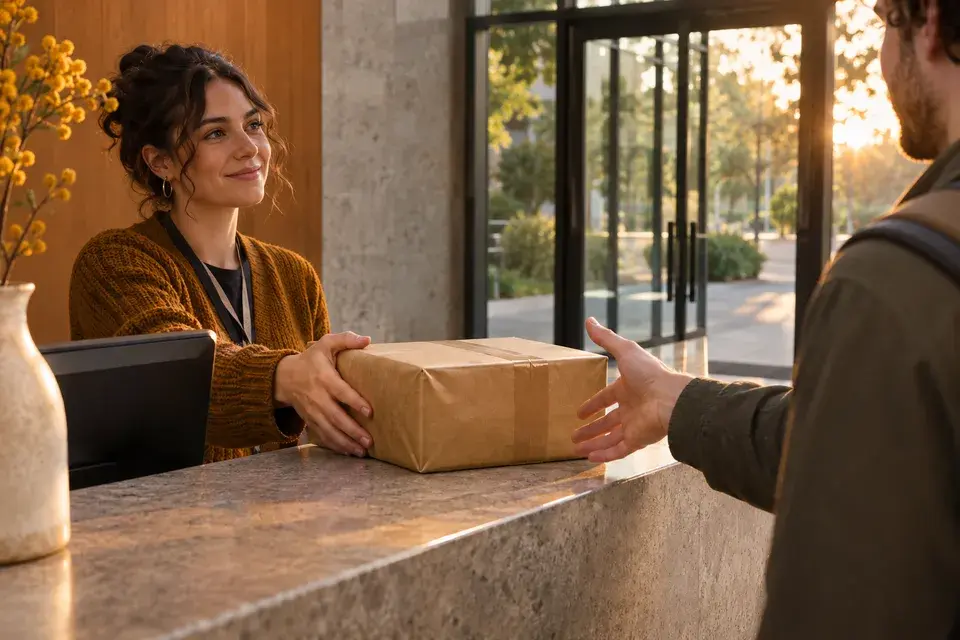
Play the sample message to hear where to collect the parcel. The next cue gives the front desk’s closing time.
- Could you collect the parcel from the west entrance at about quarter past five?
- The front desk closes at six.
How it works
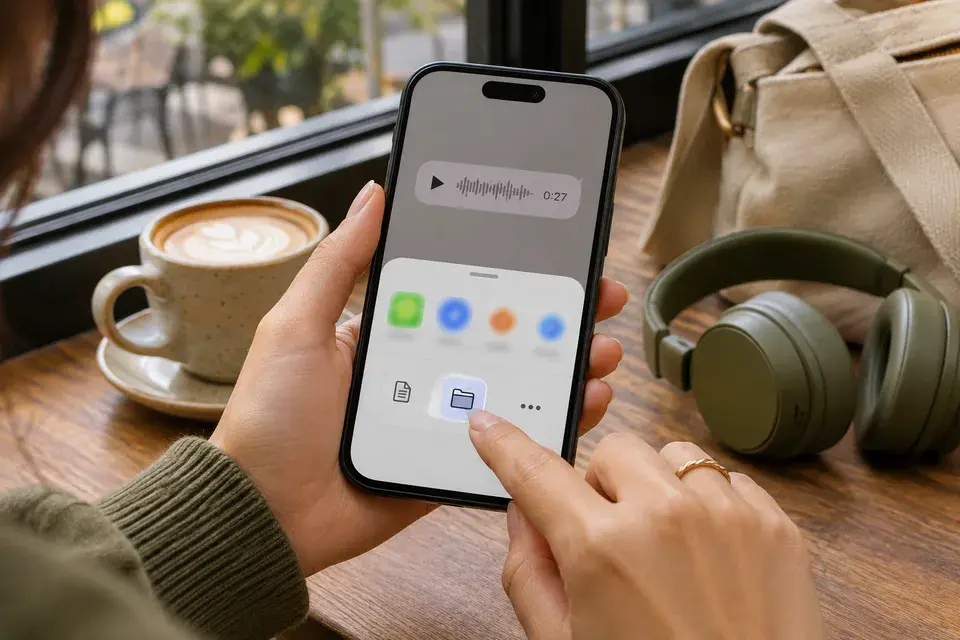
Save the message from the chat
Use the chat app’s share or save option if it offers one. Pick the audio attachment from your files.
Transcribe the clip
Upload the original OGG or Opus attachment. Keep replies that change the plan as separate files so you can check who said what.
Copy the detail you checked
Replay the relevant line before sharing it. Keep words like “about” when a time is approximate.
Ways to use the transcript
Send pickup directions to someone else
Copy the entrance and approximate pickup time after checking them against the audio.
Find the correction in a follow-up
Compare the two clips before you update a plan that changed during the conversation.
Save the audio attachment from your chat
Find the saved file before uploading
If your chat app offers Share or Save, put the attachment in a folder the browser can open. Check its duration against the message if several clips have similar filenames.
Keep the original audio format
Choose the saved OGG, Opus, M4A or MP3 file. If you only have a screenshot, go back to the chat for the audio attachment.
Turn the message into a usable pickup note
Check when to arrive and when the desk closes
The first line gives the approximate pickup time. The second gives a closing time. Keep each detail with the event it describes.
Check for a later correction
If a follow-up names another entrance, replay it before forwarding the directions and update the pickup note.
- Meet at · 00:00
- West entrance, about 5:15
- Front desk · 00:04
- Closes at 6:00
Supported files and exports
Use a transcript for notes and quotes. Choose SRT or VTT when captions need timing.
- Audio and video uploads
- MP3, M4A, AAC, WAV, FLAC, OGG, Opus, MP4, MOV, WebM, MKV
- Transcript files
- TXT, Markdown, CSV, JSON
- Timed subtitle files
- SRT, VTT
What you can do with a transcript

Read the summary and follow its links to the original passages.
User reviews
Illustrative examples
The recording settled the wording
I had written that nobody spotted the button. When I replayed the interview, the speaker said two people missed it. I changed the line in my report.
Adrian ChenUX researcherI checked the number before calling
A callback came in while I was away. I found the number in the transcript and replayed that line before dialing.
Theo SantosSupport coordinatorA voice memo became a Word draft
I dictated what to add to an old proposal. I opened the TXT in Word later and copied the instruction into the paragraph I was editing.
Clara MorganWriterI could tell who made the point
Two speakers answered the same question. I checked the audio against their labels and fixed the attribution before handing off the transcript.
Hana MorrisInterview producerEach quote keeps its place in the interview
I sent the team a short list of quotes with timestamps. When someone asked for context, we knew which part of the recording to replay.
Devon LiuResearch assistantThe timestamp went into the show notes
When I pull a line for the show notes, I keep its timestamp next to it. That gives my co-host a quick way to check the quote.
Jonah ReyesPodcast producer

Frequently asked questions
- Can I paste the chat link?
- Save the audio attachment from the chat and upload that file. A chat link cannot provide the recording to this tool.
- My chat app saved OGG or Opus. Can I upload it?
- Yes. Choose the original OGG or Opus attachment. The uploader also accepts M4A and MP3.
- Can I work with a transcript my chat app already made?
- If you can save the text as TXT, open it in the transcript editor. To replay and check the message, start with the original audio.
- How large or long can my file be?
- Free includes 3 transcriptions a day, up to 10 minutes and 100 MB per recording.