Convert WAV to text
Transcribe a short WAV file. Replay and edit by timestamp, then sign in to export TXT or CSV.
Follow a WAV recording in the transcript
Play 00:00 to hear what the rental includes. Jump to 00:04 for the question to ask before booking.
- The rental fee includes the projector and one handheld microphone.
- Ask about a second microphone before you confirm the booking.
How it works
Choose the WAV file
Use the dialogue track or studio mix with the clearest speech. If the file is over 100 MB, export the section you need as a separate file.
Check the line against the audio
Play the timestamp beside a name, number or condition. Correct the wording while you have the original in front of you.
Save the reviewed text
Sign in to export TXT for a document or CSV for a spreadsheet with separate start and end columns.
Ways to use the transcript
Review a studio read
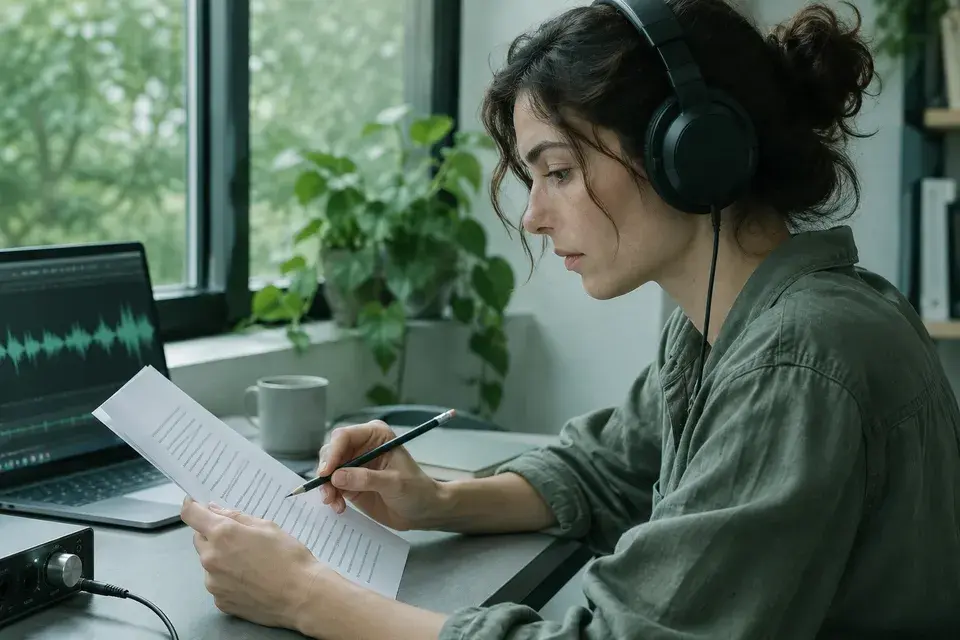
Compare the spoken take with the script and flag a missing product name before delivery.
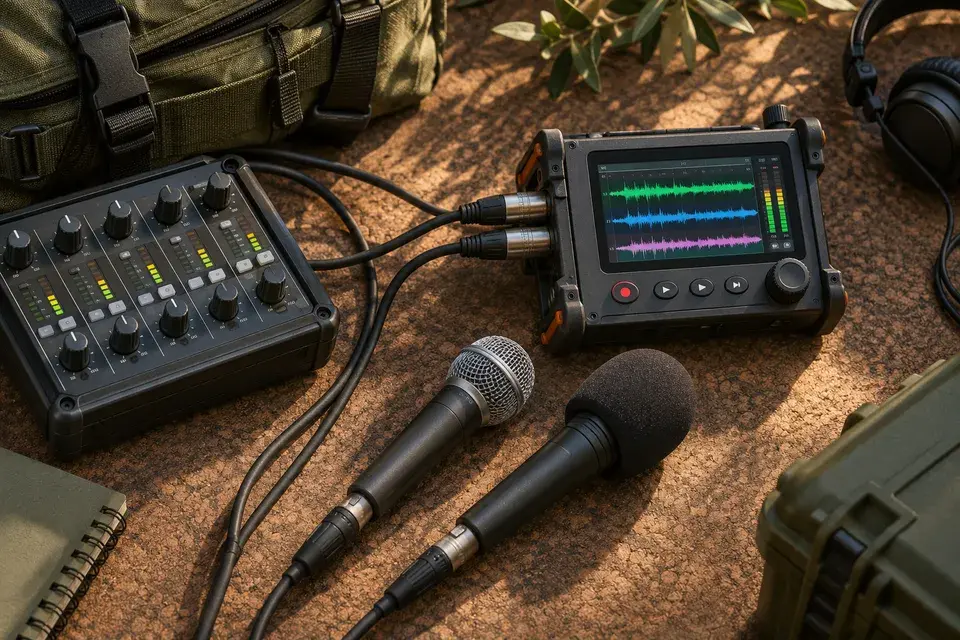
Log excerpts from a field recorder
Keep the original filename with each timestamp so you can find a quote again.
Choose the right WAV from a multitrack session
One conversation, one timeline
Export a dialogue mix from your recorder or audio editor if you need both sides of the conversation in one transcript.
One microphone to check
Use an isolated track to review a specific speaker. Keep the track name and its start offset if you will compare it with the full session.
Build a quote log from the recording
Keep the follow-up beside the quote
The sample names equipment included in the rental. Log the question about the second microphone separately so it stays open until someone confirms it.
Save the source and timestamp
Download CSV to sort passages by time. Keep the WAV filename with any rows you paste into a shared sheet.
- 00:00 · Included
- Projector and one handheld microphone
- 00:04 · Follow up
- Ask about a second microphone
Supported files and exports
Use a transcript for notes and quotes. Choose SRT or VTT when captions need timing.
- Audio and video uploads
- MP3, M4A, AAC, WAV, FLAC, OGG, Opus, MP4, MOV, WebM, MKV
- Transcript files
- TXT, Markdown, CSV, JSON
- Timed subtitle files
- SRT, VTT
What you can do with a transcript

Read the summary and follow its links to the original passages.
User reviews
Illustrative examples
The recording settled the wording
I had written that nobody spotted the button. When I replayed the interview, the speaker said two people missed it. I changed the line in my report.
Adrian ChenUX researcherI checked the number before calling
A callback came in while I was away. I found the number in the transcript and replayed that line before dialing.
Theo SantosSupport coordinatorA voice memo became a Word draft
I dictated what to add to an old proposal. I opened the TXT in Word later and copied the instruction into the paragraph I was editing.
Clara MorganWriterI could tell who made the point
Two speakers answered the same question. I checked the audio against their labels and fixed the attribution before handing off the transcript.
Hana MorrisInterview producerEach quote keeps its place in the interview
I sent the team a short list of quotes with timestamps. When someone asked for context, we knew which part of the recording to replay.
Devon LiuResearch assistantThe timestamp went into the show notes
When I pull a line for the show notes, I keep its timestamp next to it. That gives my co-host a quick way to check the quote.
Jonah ReyesPodcast producer

Frequently asked questions
- Do I need to convert WAV to MP3 first?
- You can select the WAV file directly. If the recording is too large, trim a copy to the passage you need or export a smaller audio file.
- Can I upload separate microphone tracks?
- Upload the mixed recording if you need one transcript with a single timeline. Separate uploads produce separate transcripts.
- What happens to timestamps if I trim the WAV?
- Timestamps are relative to the file you upload. If you need to cite a time in the original recording, keep the offset where the excerpt starts.
- How large or long can my file be?
- Free includes 3 transcriptions a day, up to 10 minutes and 100 MB per recording.