How do WAV, FLAC, M4A, MP3, and Opus compare for speech transcription?
Lossless formats like WAV bloat file size quickly on long recordings, whereas voice-friendly compressed formats (M4A, MP3, Opus) preserve speech intelligibility at a fraction of the megabytes.
Modern ASR pipelines resample audio internally to speech frequencies (typically 16 kHz mono). Uploading a 96 kHz / 24-bit stereo studio WAV adds upload wait time without giving the speech model extra phonetic clarity.
| Format | Compression | Approx. Size (1 hr Mono Speech) | When to Use It |
|---|---|---|---|
| WAV (16-bit, 48 kHz stereo) | Uncompressed PCM | ~690 MB | Short clips or studio masters; downmix/encode to M4A or MP3 for long files |
| FLAC | Lossless | ~200–350 MB | Archival masters when lossless storage is required |
| MP3 (128 kbps) | Lossy | ~57 MB | Universal compatibility for podcasts, interviews, and web players |
| M4A / AAC (64–96 kbps) | Lossy | ~29–43 MB | Native Apple Voice Memos & Zoom audio exports; great quality-to-size ratio |
| Opus / OGG (32–64 kbps) | Voice-optimized lossy | ~14–29 MB | Voice messages, long multi-hour recordings, and bandwidth-constrained API uploads |
How do you fit a multi-hour recording under a 100 MB upload limit cleanly?
Export mono 64 kbps MP3 or M4A at 16–44.1 kHz: a 3-hour mono 64 kbps file is roughly 86 MB and preserves crisp speech clarity.
If you have an enormous camera MOV or multi-hour studio WAV, extracting the audio track to mono 64 kbps MP3 with ffmpeg takes a few seconds and lets you upload the entire session as one continuous file (up to 10 hours on paid plans).
ffmpeg -i long-interview.wav -vn -ac 1 -ar 24000 -b:a 64k long-interview-speech.mp3If bitrate rarely breaks transcription, what actually degrades speech recognition?
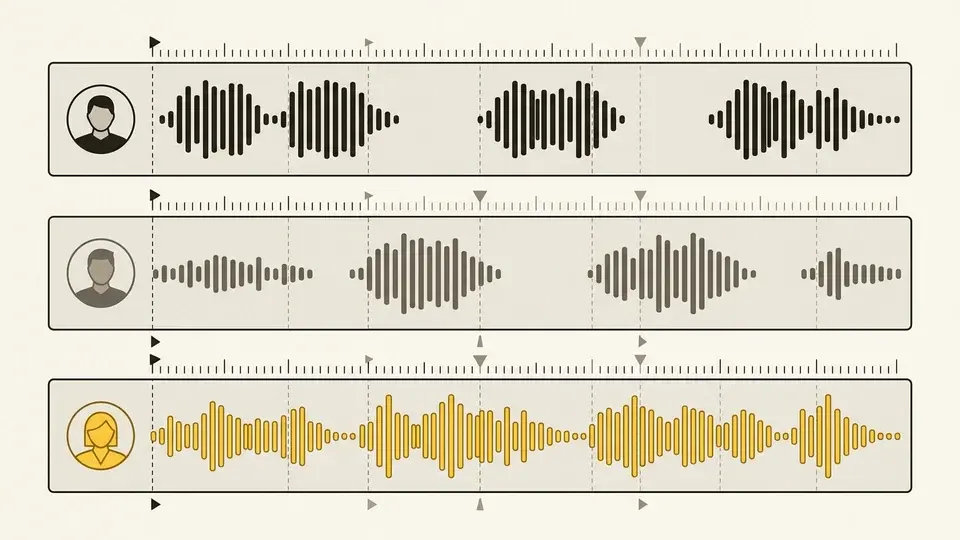
Room echo, distant microphones, aggressive noise gates that clip consonant endings, and two speakers talking simultaneously are the real culprits.
A 64 kbps M4A recorded 20 cm from a lapel mic will consistently outperform a 24-bit WAV recorded across an echoey conference table. When tough acoustics are unavoidable, timestamped playback in HearDraft lets you verify difficult passages quickly.
Frequently asked questions
- Which audio formats does HearDraft accept directly?
- HearDraft accepts MP3, M4A, WAV, AAC, FLAC, OGG, and Opus audio files, as well as MP4, MOV, WebM, and MKV videos containing a speech track.
- Should I re-encode my M4A or MP3 into WAV before uploading?
- No. Converting a compressed MP3 or M4A into WAV cannot restore lost audio detail—it only inflates the file size and slows down your upload.
- Does HearDraft support mono and stereo recordings?
- Yes. Both mono and stereo recordings are supported; mono 64–128 kbps MP3 or M4A is simply the most size-efficient choice for multi-hour files.