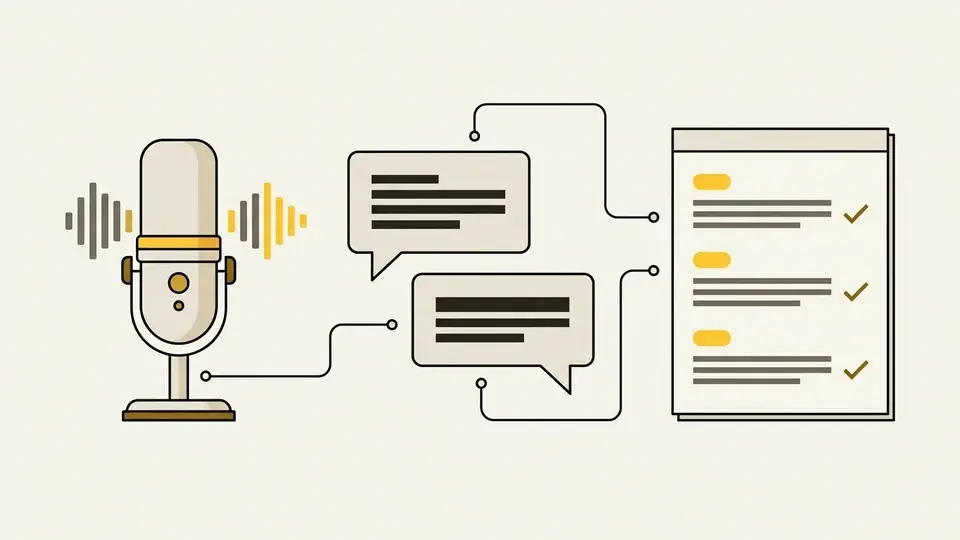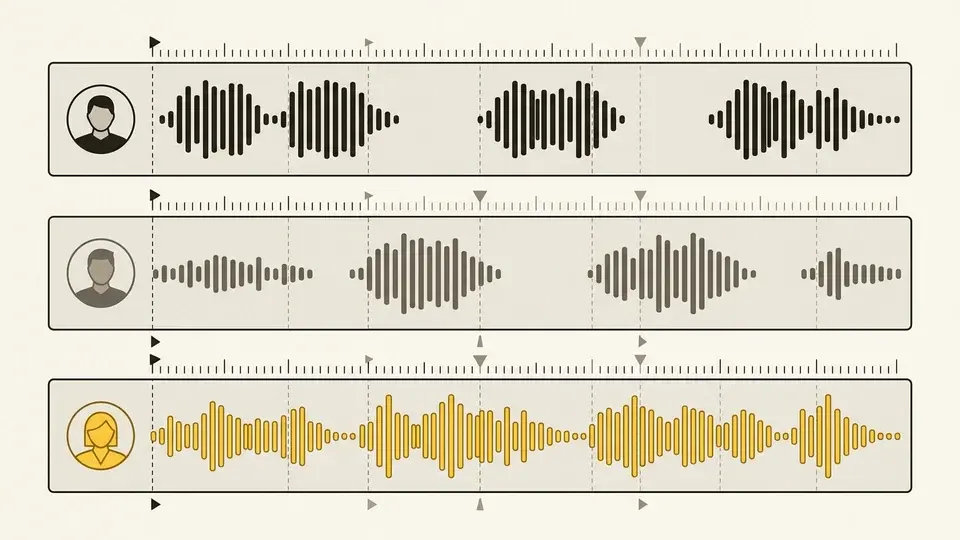
What happens behind the scenes during speaker diarization?
A diarization pipeline slices the audio into short speech windows, extracts a mathematical voice fingerprint for each window, groups similar fingerprints into anonymous speakers, and aligns those turn boundaries with transcript timestamps.
Because diarization only sees acoustic traits (pitch, timbre, cadence), it outputs generic labels like Speaker 1 and Speaker 2 rather than real names. Assigning real names or research participant codes happens during your quick editorial pass.
Where does automatic speaker separation still struggle?
Four acoustic conditions account for almost all speaker-label swaps in real recordings: overlapping speech, brief one-word interjections, room reverb, and similar voice profiles.
Knowing these four patterns helps you spot likely swaps in seconds instead of auditing every single line.
| Acoustic Condition | Typical Error in Transcript | Fastest Editorial Fix |
|---|---|---|
| Overlapping crosstalk | Two simultaneous sentences merge under one speaker label | Click the passage timestamp, replay 3 seconds, split or correct attribution |
| Short backchannels ("yeah", "right") | Attributed to the main speaker or missed as a separate turn | Ignore if non-substantive, or verify when confirming agreement on a decision |
| Single conference-room mic | Distant voices sound acoustically flat and get grouped together | Verify high-stakes decisions and rename speakers consistently across passages |
| Similar vocal timbre / phone audio | Two speakers swap labels mid-conversation | Spot-check transitions after long pauses and reassign speaker labels in editor |
How do you clean up speaker labels quickly in HearDraft?
Rename each generic speaker once across the transcript, then spot-check only the passages you plan to quote or turn into action items.
Inside HearDraft’s transcript editor, open the speaker picker on a passage to rename a speaker across matching turns, create a new speaker label, or reassign a single misattributed line after replaying its timestamp. Your edits autosave and carry straight into TXT, Markdown, CSV, and JSON exports.
Frequently asked questions
- Can HearDraft automatically detect real participant names?
- Automatic diarization assigns anonymous labels (such as Speaker 1 and Speaker 2) based on voice characteristics. You can rename any speaker label in the editor to real names or anonymized participant codes.
- Does renaming a speaker update my exported files?
- Yes. Once you rename or reassign speakers in the editor, TXT, Markdown, CSV, and JSON exports reflect the updated speaker labels.
- How can I improve speaker separation before recording?
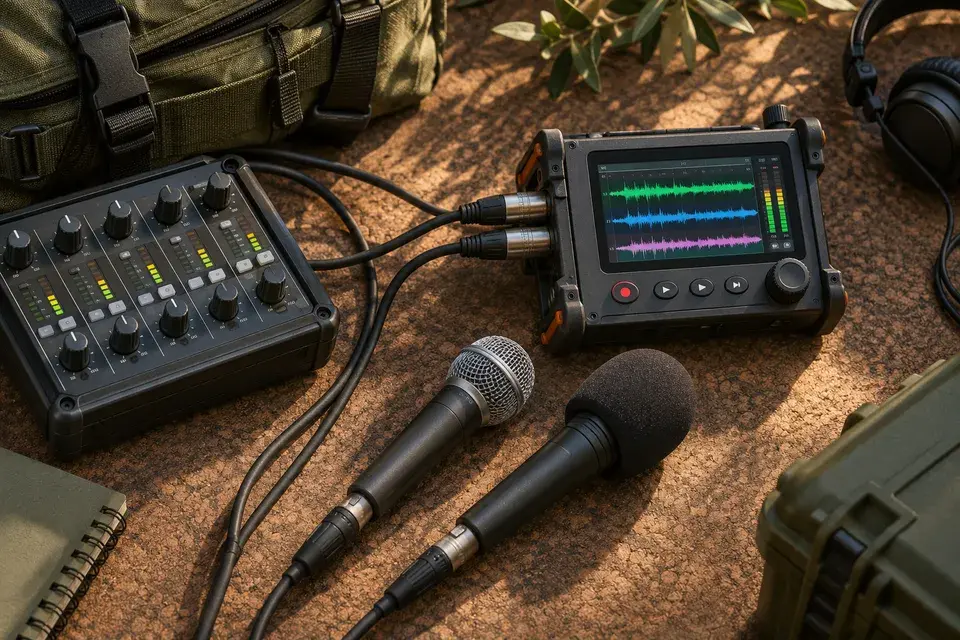
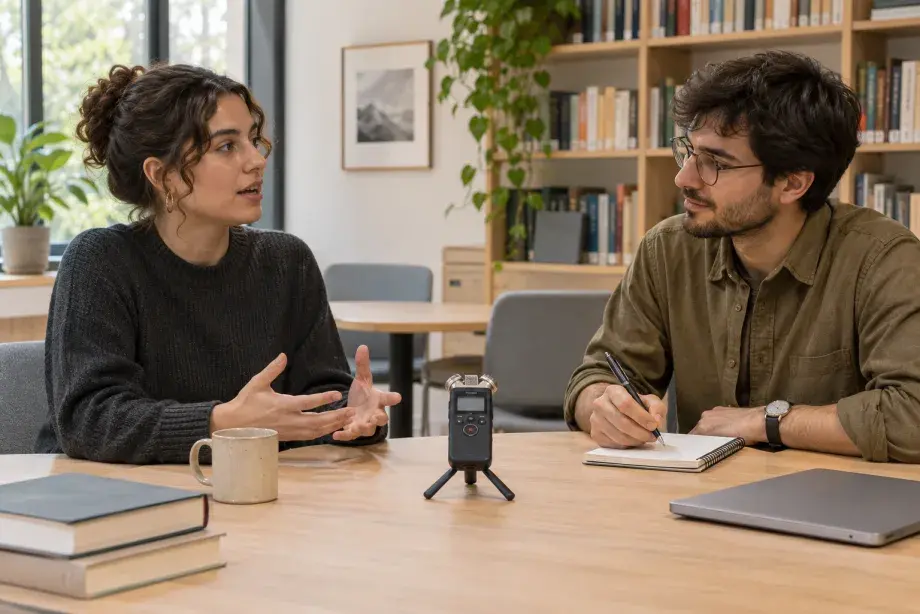
- Use close microphones, avoid talking over each other during key decisions, and record in a low-echo room whenever possible.