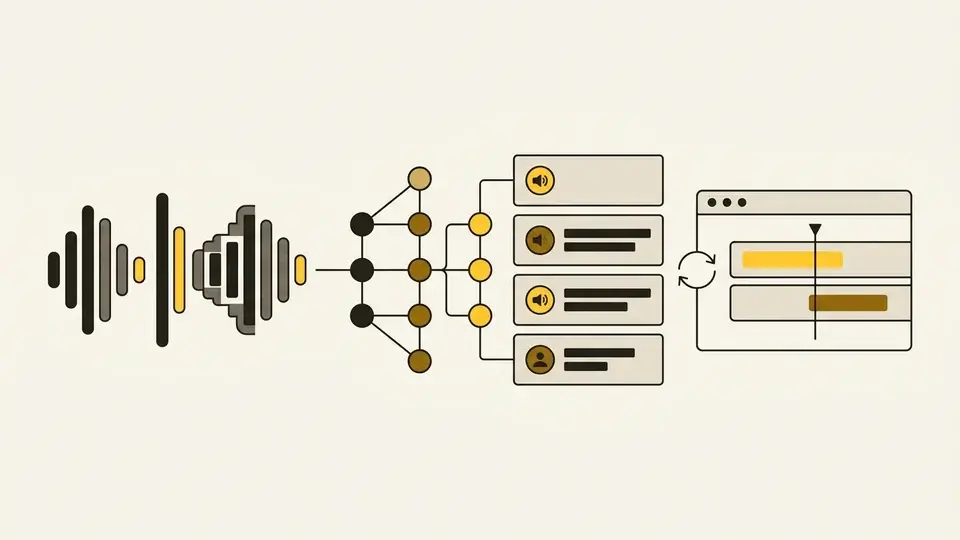
How should a transcription MCP workflow split local file tasks from cloud API calls?
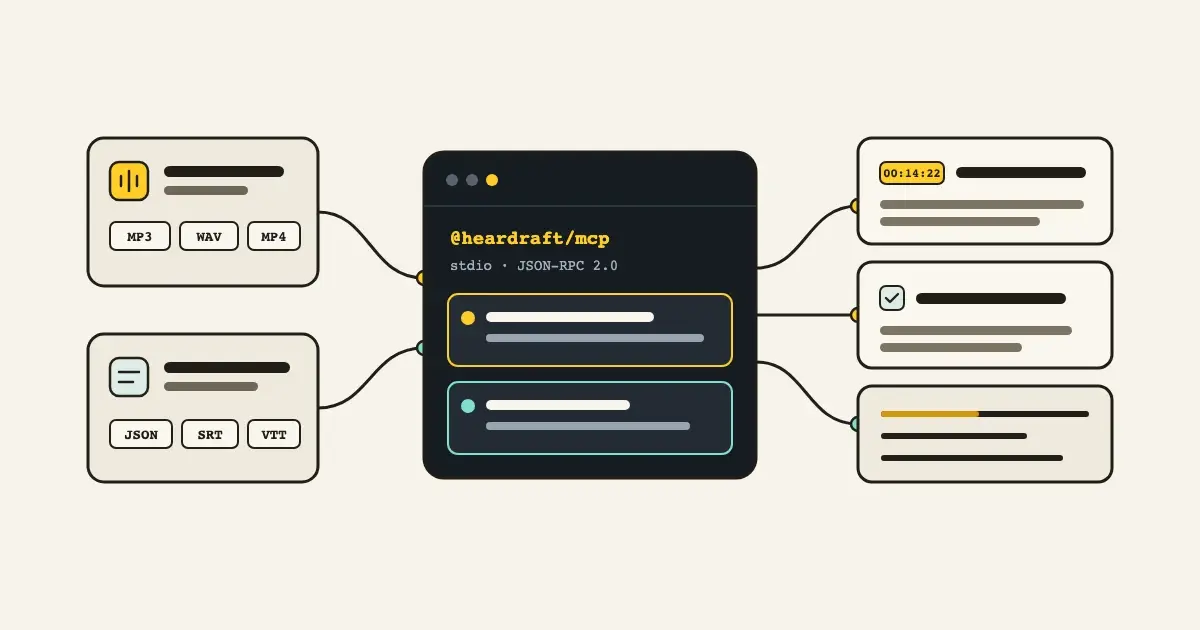
Keep transcript search, subtitle QA, and JSON-to-Markdown conversion local without credentials, and reserve network calls strictly for submitting new audio/video on active annual plans.
Teams often already have transcripts exported from their browser workspace as JSON, SRT, VTT, Markdown, or TXT. Running heavy parsing and subtitle checks inside the local stdio MCP process avoids re-uploading transcripts and works cleanly for users on HearDraft Free or monthly plans.
| Surface | Credential Needed | Best-Fit Jobs |
|---|---|---|
| Offline MCP Tools | None (local files only) | heardraft_search_exported_transcripts, heardraft_inspect_subtitles, heardraft_convert_transcript |
| Cloud API MCP Tools | HEARDRAFT_API_KEY (active annual plan) | heardraft_submit_transcription, heardraft_get_transcription with workspace sync |
| HearDraft Web Editor | Account / workspace session | Replay source audio at timestamps, rename speakers, style subtitles, export captioned MP4 |
Why pair MCP tools with focused Agent Skills for interviews, podcasts, and subtitles?
Raw tool access can still summarize carelessly unless explicit SKILL.md guardrails enforce verbatim quote attribution, ambiguity flags, and caption timing thresholds.
The four bundled playbooks inside packages/mcp/skills/—interview-evidence-brief, podcast-publishing-pack, meeting-decision-audit, and subtitle-qa-and-translation—require agents to preserve [MM:SS] cues beside every claim and flag lines exceeding 42 characters or 22 characters per second before subtitle burn-in.
What should teams still verify in the browser before publishing?
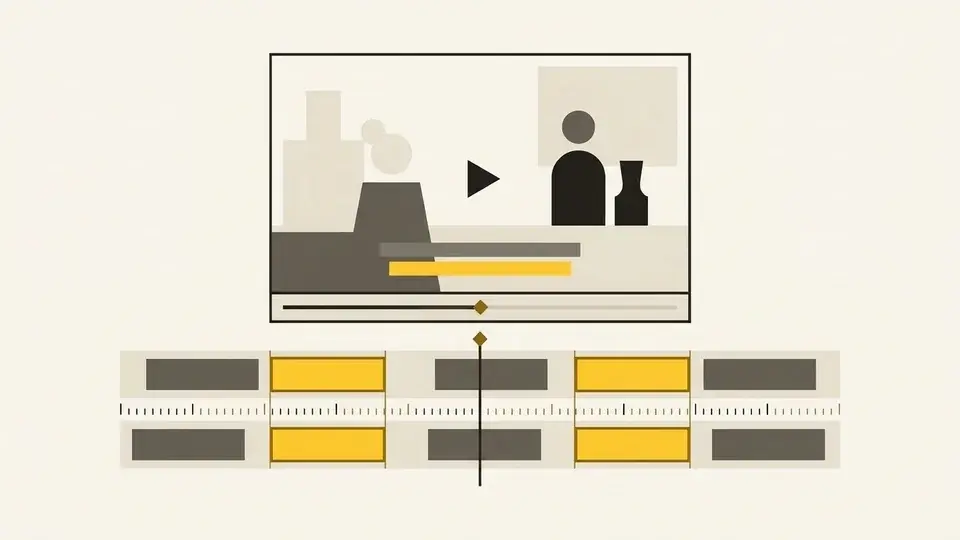
Check proper nouns, spoken numbers, overlapping speaker turns, and final subtitle placement against real video frames before sharing a report or exporting MP4.
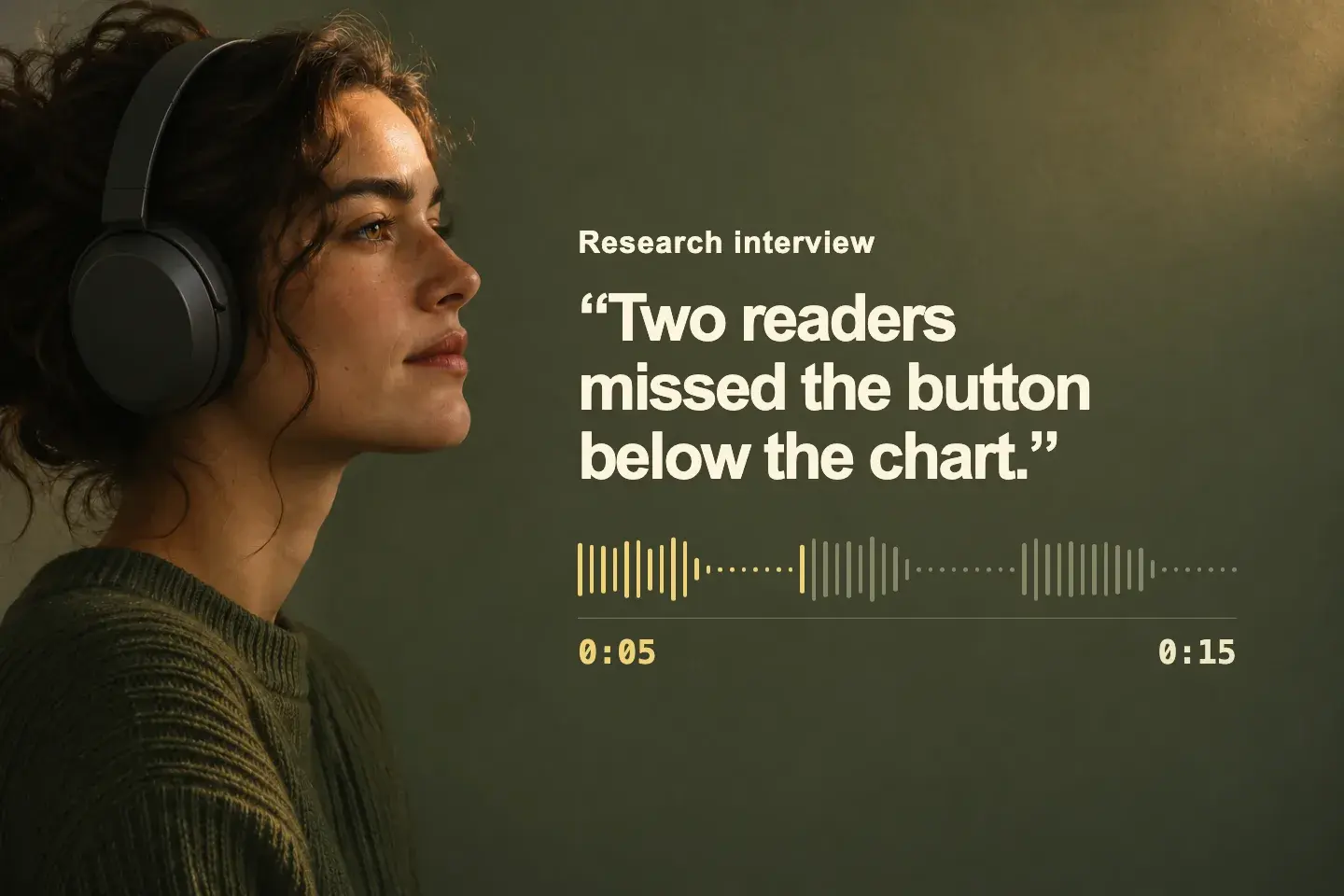
Because heardraft_submit_transcription syncs every job into your HearDraft Tasks list, an editor can jump directly to any flagged timestamp, listen to the original five seconds of speech, adjust speaker names, and finalize exports without rebuilding custom tooling.
Frequently asked questions
- Can I test @heardraft/mcp without an annual subscription?
- Yes. Export JSON, SRT, VTT, Markdown, or TXT from HearDraft Free and use the three offline tools (search, subtitle inspection, and format conversion) without setting HEARDRAFT_API_KEY.
- Which video or audio files can heardraft_submit_transcription upload?
- Active annual Starter and Team workspaces can upload supported audio and video formats up to 100 MB per file (up to 10 hours duration via web or supported files under 100 MB via API v1).
- What subtitle errors does heardraft_inspect_subtitles catch automatically?
- It flags overlapping cues, broken timecodes, zero-duration entries, empty cues, lines longer than 42 characters, and reading speeds exceeding 22 characters per second.
- Does the MCP server alter my source audio or transcripts?
- Offline tools only read exported files and return inspection reports or converted text in stdout/tool output. Cloud submissions create synced workspace tasks without touching local media files.