What are the four most common bugs when translating SRT files?
Generic copy-paste translation corrupts subtitle syntax because it treats timing lines and cue indices as editable prose.
If a video editor refuses to import your translated subtitles—or captions drift out of sync two minutes into the clip—one of these four errors is usually the culprit.
| Failure Mode | What Happens in the File | Symptom in Player / Editor | How to Prevent It |
|---|---|---|---|
| Corrupted timecode separator | 00:01:02,400 --> becomes 00:01:02.400 -> | Import fails or cue is silently skipped | Translate cue text separately from serialized timestamps |
| Merged or dropped cues | Two short cues combine into one paragraph | All subsequent subtitles drift early or vanish | Keep strict 1-to-1 cue ID mapping during translation |
| Text expansion overflow | English to German/Spanish/French expands 20–35% | 3–4 lines cover half the video frame | Inspect long cues in a subtitle editor and tighten wording |
| Non-UTF-8 encoding | File saved in legacy Windows-1252 or ANSI | Accented, Japanese, Korean, or Arabic glyphs turn into boxes | Always export UTF-8 encoded SRT or VTT |
What does a properly preserved cue translation look like?
Every cue number and exact millisecond range stays byte-for-byte identical while only the spoken lines change.
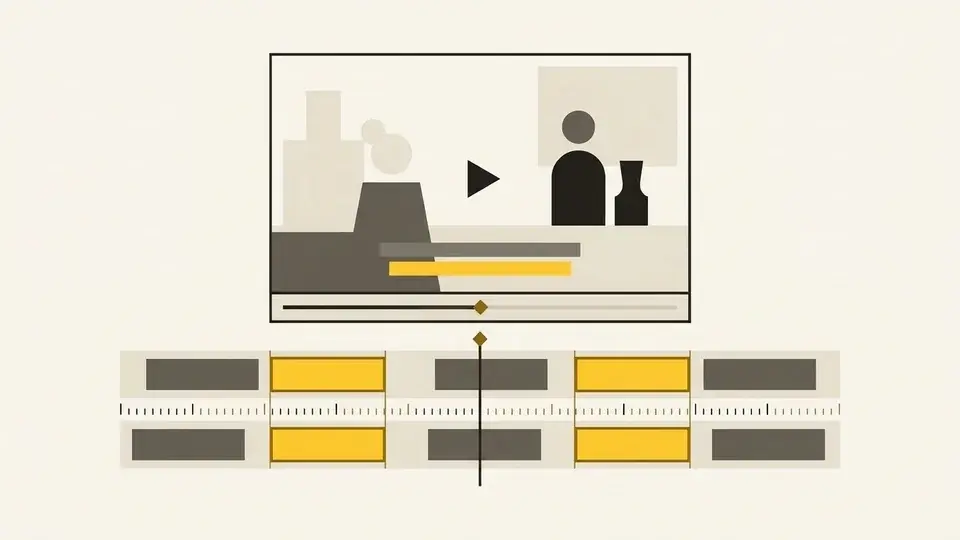
Notice below how cue 14 and cue 15 keep the exact same start and end times so dialogue cuts remain frame-accurate when imported back into your timeline.
# Original (EN)
14
00:00:42,100 --> 00:00:45,800
Replay the line before you quote the deadline.

15
00:00:46,000 --> 00:00:49,250
We confirmed Friday afternoon, not Thursday.

# Translated (ES — timestamps locked)
14
00:00:42,100 --> 00:00:45,800
Vuelve a escuchar la frase antes de citar la fecha límite.

15
00:00:46,000 --> 00:00:49,250
Confirmamos el viernes por la tarde, no el jueves.
How do you translate an SRT file cleanly from start to finish?
Validate the source SRT first, translate cues while keeping timing locked, check names and long lines, and export UTF-8 SRT, VTT, or bilingual tracks.
1. Fix source typos before translating: a misheard brand name or wrong homophone in English will turn into a confusing mistranslation in Japanese, German, or French.
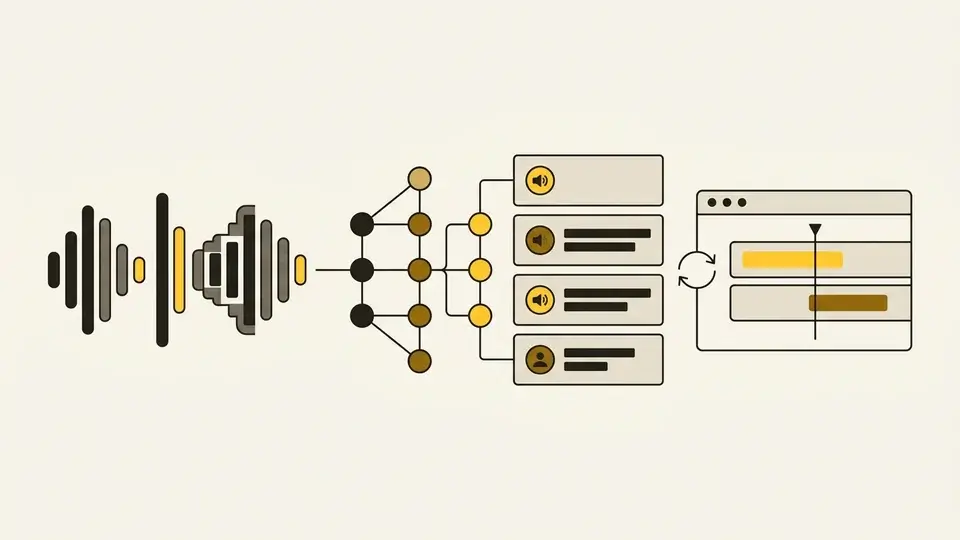
2. Upload the SRT or VTT to HearDraft’s Subtitle Translator (up to 2 MB) and choose your target language. HearDraft preserves each cue’s start and end milliseconds and lets you compare original and translated lines before exporting.
3. If you only have the raw audio or video and no SRT yet, start by transcribing the source recording first so you can verify the original speech before translating.

Frequently asked questions
- Does HearDraft Subtitle Translator preserve my original SRT timestamps?
- Yes. Translation updates the cue wording while preserving each cue’s start and end time ranges. You can still adjust individual timings in the editor if needed.
- Can I export a bilingual SRT file showing both languages?
- Yes. HearDraft’s subtitle translation workflow supports reviewing both languages together and exporting a translated or bilingual SRT file.
- What if I only have an audio file and no SRT yet?
- Upload the recording to Audio to Text or Translate Audio to Text to generate a timestamped source transcript first, review names and wording, then translate and export.