Translate audio to text
Transcribe a foreign-language recording first, check names and phrasing against the original audio, then translate the transcript or timed subtitles into English or another language.
Keep original timing and context when translating speech
Compare the source lines and translated text side by side so proper nouns, numbers, and cue timings stay accurate.
00:00:00,000 --> 00:00:01,897Move the fill light to the right of the mug.00:00:04,000 --> 00:00:06,506Keep the handle in the frame when you crop the shot.
Check both files before delivery
- Cue times
- Check the first and last cues of both files. The start and end times should match when only the wording changed.
- Reading time
- Play the French version on the final cut. Shorten a long line if it disappears before you can read it.
- File handoff
- Keep the source SRT. Name the new file with its language and use the same video cut for both.
How it works
Upload your recording
Add an MP3, M4A, WAV, or video file containing spoken audio. Leave Auto detect enabled or choose the language spoken in the recording.
Review the original transcript first
Replay unclear passages and correct names, acronyms, or technical terms in the source language so translation errors do not compound.
Translate and export text or subtitles
Sign in to translate the timed cues into English or another target language, review the translated lines, and download TXT, SRT, or VTT.
Ways to use the translation
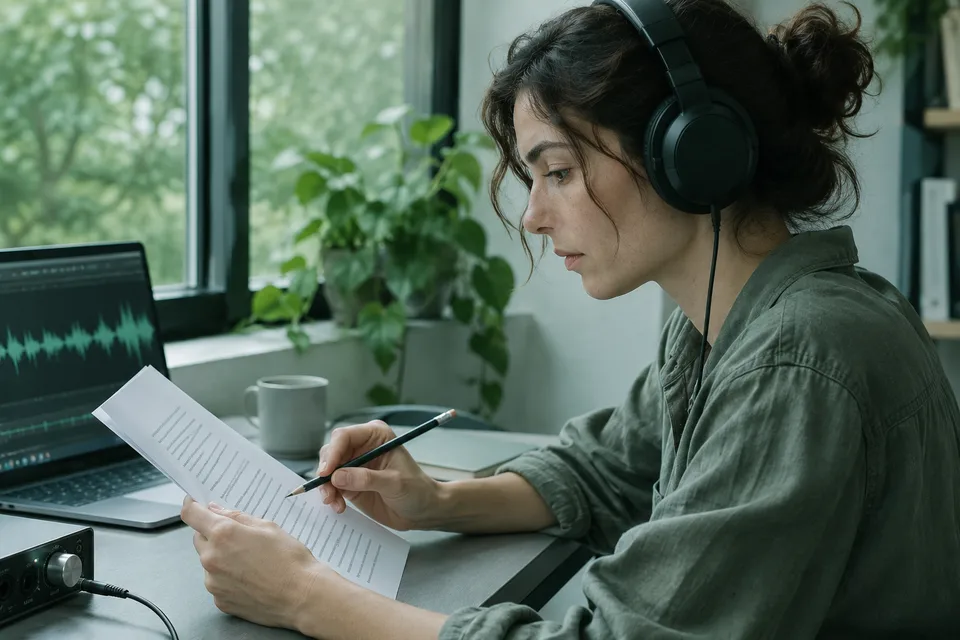
Translate international interviews and voice notes
Keep the original audio linked beside the source transcript so you can check names and nuance before exporting readable English text.

Prepare translated subtitles from spoken audio
Transcribe the recording first, verify the original cue timings, and download translated or bilingual SRT and VTT files for video editors.
Supported files and exports
Use a transcript for notes and quotes. Choose SRT or VTT when captions need timing.
- Audio and video uploads
- MP3, M4A, AAC, WAV, FLAC, OGG, Opus, MP4, MOV, WebM, MKV
- Transcript files
- TXT, Markdown, CSV, JSON
- Timed subtitle files
- SRT, VTT
What you can do with a transcript

Read the summary and follow its links to the original passages.
User reviews
Illustrative examples
The recording settled the wording
I had written that nobody spotted the button. When I replayed the interview, the speaker said two people missed it. I changed the line in my report.
Adrian ChenUX researcherI checked the number before calling
A callback came in while I was away. I found the number in the transcript and replayed that line before dialing.
Theo SantosSupport coordinatorA voice memo became a Word draft
I dictated what to add to an old proposal. I opened the TXT in Word later and copied the instruction into the paragraph I was editing.
Clara MorganWriterI could tell who made the point
Two speakers answered the same question. I checked the audio against their labels and fixed the attribution before handing off the transcript.
Hana MorrisInterview producerEach quote keeps its place in the interview
I sent the team a short list of quotes with timestamps. When someone asked for context, we knew which part of the recording to replay.
Devon LiuResearch assistantThe timestamp went into the show notes
When I pull a line for the show notes, I keep its timestamp next to it. That gives my co-host a quick way to check the quote.
Jonah ReyesPodcast producer

Frequently asked questions
- Does this tool create translated text or AI voice dubbing?
- HearDraft outputs translated text and timed subtitle files (TXT, SRT, VTT). It does not generate dubbed audio tracks or perform live real-time interpreting.
- Why transcribe the original language before translating?
- Checking the source transcript lets you fix misheard names, brand terms, or numbers against the original voice before translating, which prevents silent meaning drift.
- Can I translate an existing SRT or VTT file without uploading audio?
- Yes. If you already have timed captions, use the Subtitle Translator tool to upload your SRT or VTT directly while keeping the original timestamps.
- What are the free limits for audio translation workflows?
- Free accounts include 3 transcriptions per day up to 10 minutes and 100 MB per file, kept for 3 days. Sign in to translate cues and download files from your own recordings.
- What does Unlimited include?
- Starter and Team previews list unlimited transcriptions and up to 10 hours per recording. Checkout is in test mode. Compare plans.
- How large or long can my file be?
- Free includes 3 transcriptions a day, up to 10 minutes and 100 MB per recording.
- Where can I find the refund and cancellation rules?
- See Refunds and cancellation for the current checkout status.