SRT-Datei übersetzen ohne Zeitmarken zu verschieben
Lade eine vorhandene SRT- oder VTT-Datei hoch, übersetze die Untertitelzeilen mit unveränderten Timecodes und exportiere ein- oder zweisprachig.

So funktioniert es
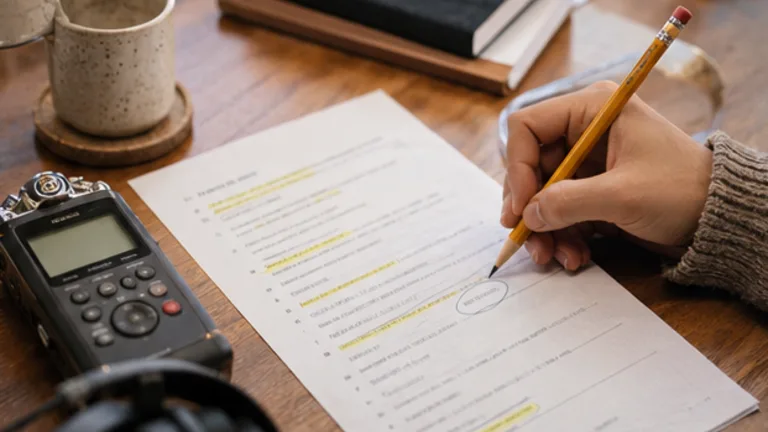
Untertiteldatei wählen
Wähle die SRT- oder VTT-Datei aus, die exakt zu deinem finalen Videoschnitt passt.
Übersetzen und Zeilen prüfen
Wähle die Zielsprache aus und prüfe Zeilenumbrüche sowie Lesegeschwindigkeit neben dem Original.
SRT oder VTT speichern
Lade die übersetzte Datei oder eine zweisprachige Untertitelspur mit den Start-Timecodes herunter.
Beispielvergleich
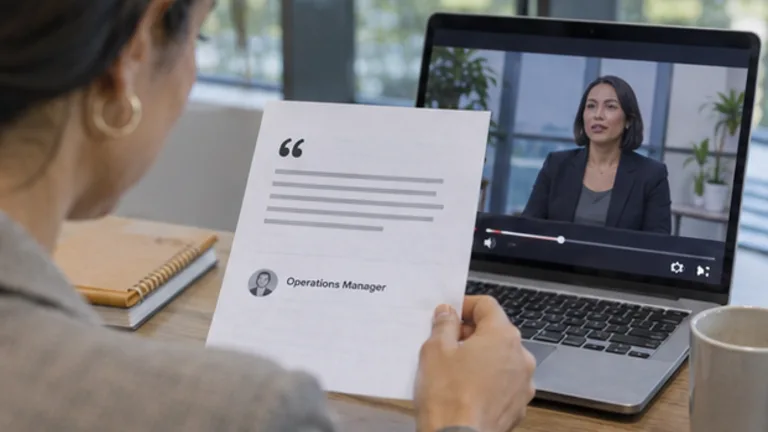
Veranschaulichendes Beispiel
- Original
- Die zweite Sitzung beginnt um zwölf Uhr.
- Übersetzung
- The second session starts at noon.
Prüfe zu lange Übersetzungen direkt vor der Übergabe an dein Schnittprogramm oder YouTube.
Anwendungsfälle
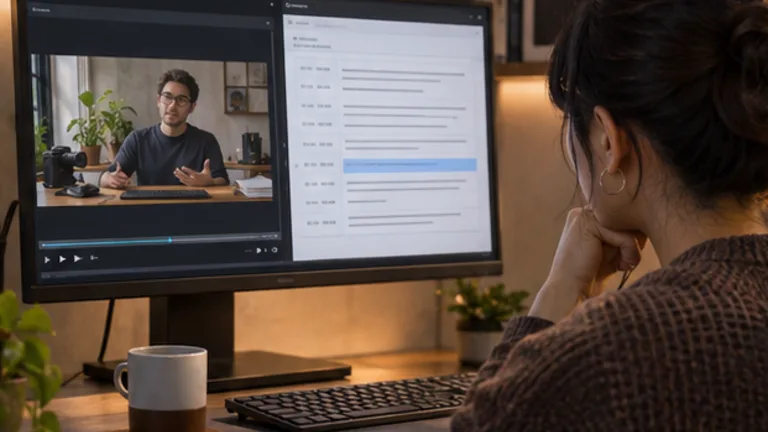
Produktvideos international bereitstellen
Übersetze geprüfte Untertitel für weitere Sprachversionen ohne alle Timecodes neu anzulegen.

Zweisprachige Schulungsvideos
Exportiere zweisprachige Spuren oder übernimm den Clip für den MP4-Export ins Subtitle Studio.
What you can do with a transcript
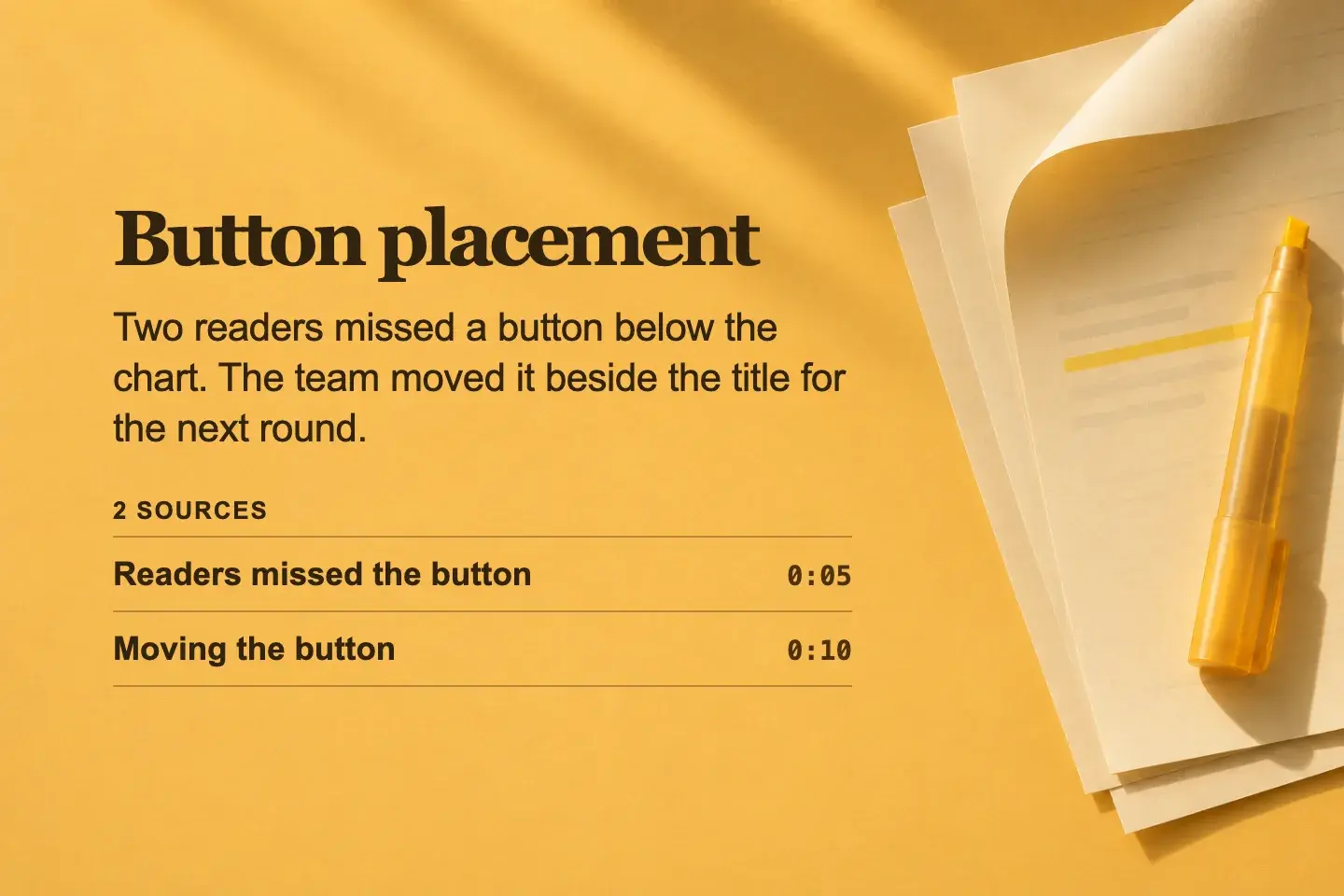
Read the summary and follow its links to the original passages.
User reviews
Illustrative examples
The translation matched the same cut
I checked the translated captions next to the original. I shortened a long line and then exported both languages for the same edit.
Samira PatelLocalization editorI fixed the cue in the SRT I had
I already had an SRT. I corrected the product name and adjusted when its line appeared, then saved the revised subtitle file.
Milo GrantCaption reviewerA late cue was easy to spot
The caption came up after the speaker started. I checked the finished video, adjusted the cue, and exported the updated subtitle file.
Felix ReedPost-production editorWe caught the misheard name in the captions
The transcript misspelled a name. I checked the line in the MP4, fixed it, and exported a fresh caption file.
Alma BrooksVideo producerI had captions ready for the web player
I checked the cue timing in the walkthrough and used the VTT in our player. The next person had the plain transcript for the help article.
Ivy RomeroWeb producerThe captions match the final cut
We trimmed the intro before publishing. I transcribed the final cut, checked when the first line starts, then imported the SRT into my video editor.
Mina ParkVideo editor

Häufige Fragen
- Muss ich für die SRT-Übersetzung ein Video hochladen?
- Nein. Für reine Untertitelübersetzungen genügt deine SRT- oder VTT-Datei.
- Bleiben die originalen Timecodes erhalten?
- Ja. Die Cue-Zeiten der importierten Datei bleiben für den Export als SRT oder VTT bestehen.