Vom Gehörten zum Entwurf.
Wandle Audio und Video in bearbeitbaren Text um und springe bei Bedarf zur Originalstelle zurück.
Kostenlos testenDer Aufnahme folgen
Jede Zeile führt zur Aufnahme zurück.
Wähle eine Zeitmarke, um die Aussage im Zusammenhang zu hören.
Beispielaufnahme und Transkript auf Englisch.Transkript öffnenDesign-Interview
Transkript
Was Sie mit einem Transkript machen können
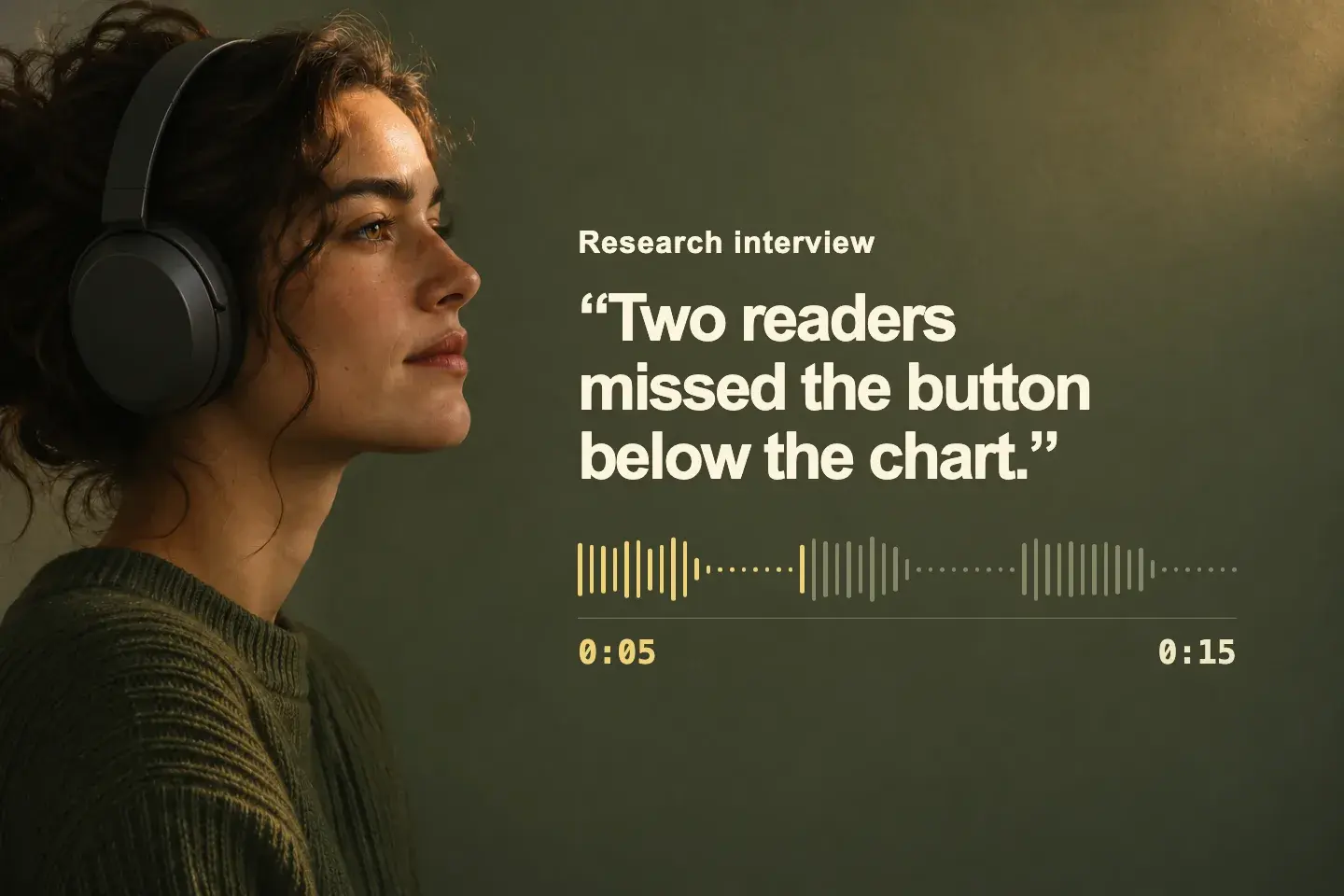
Wählen Sie einen Zeitstempel oder eine markierte Stelle, um den Ausschnitt abzuspielen.
Ein Transkript übersetzen
Fügen Sie Ihr Transkript in Google Übersetzer ein, um es in einer anderen Sprache zu lesen.
In ChatGPT weiterarbeiten
Fügen Sie Ihr Transkript in ChatGPT ein, um Fragen zu stellen oder nächste Schritte zu formulieren.
Werkzeuge für Transkription
Was aus deinen Aufnahmen werden kann
Prüfe die entscheidende Stelle, bevor du aus der Aufnahme einen Entwurf machst.
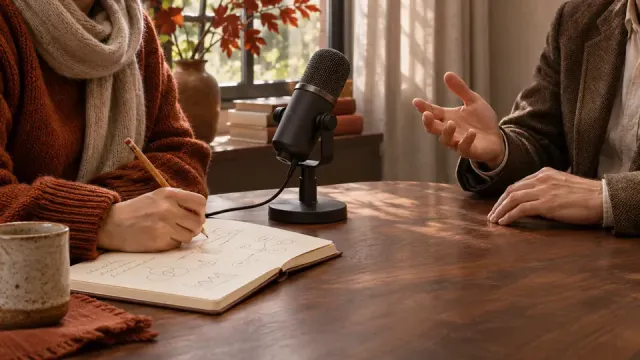
Ein Meeting zusammenfassen
Prüfe Zuständigkeiten und Termine, bevor du die Zusammenfassung verschickst.

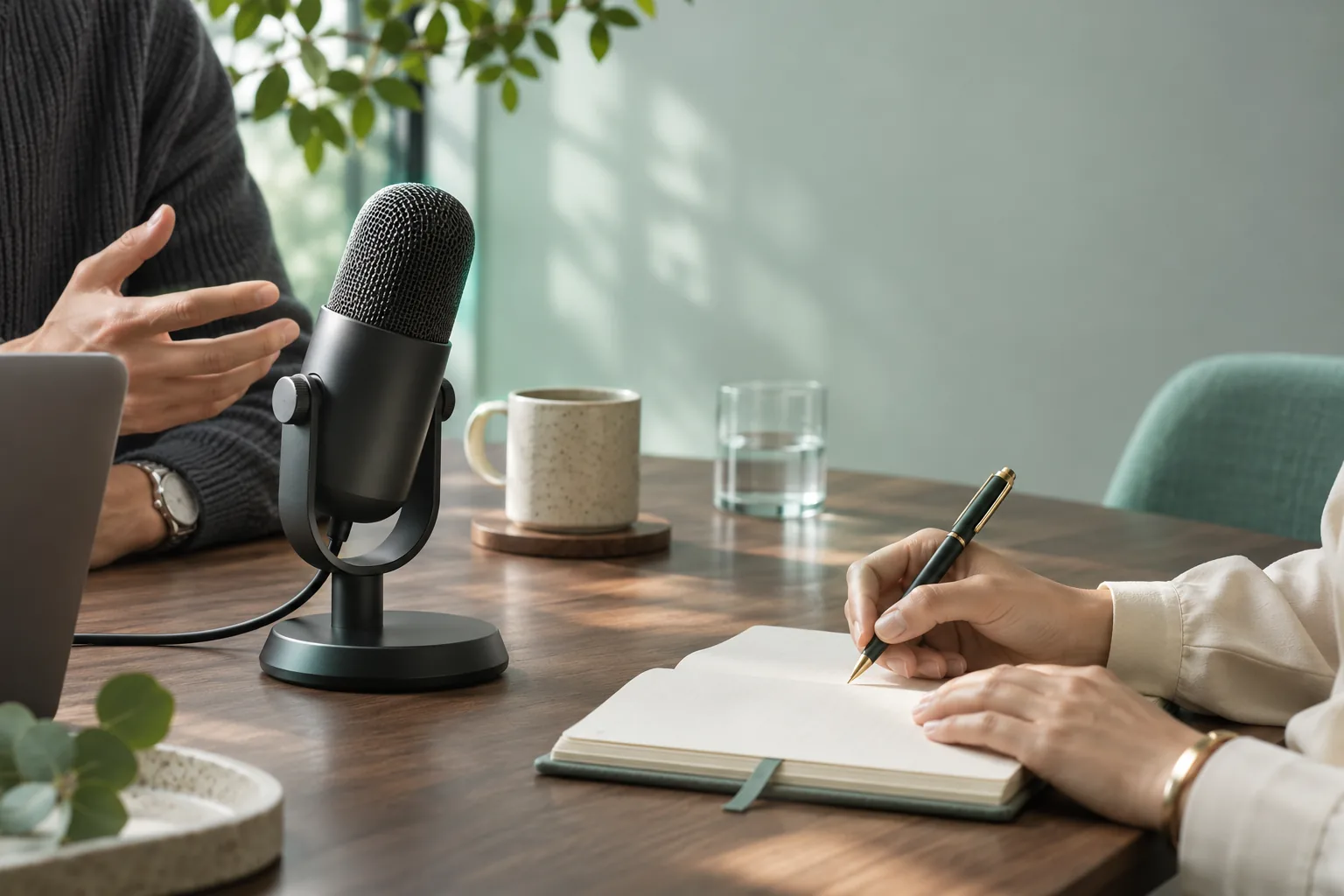
Ein Interview genau zitieren
Hör dir die Antwort im Zusammenhang an und übernimm den genauen Wortlaut.
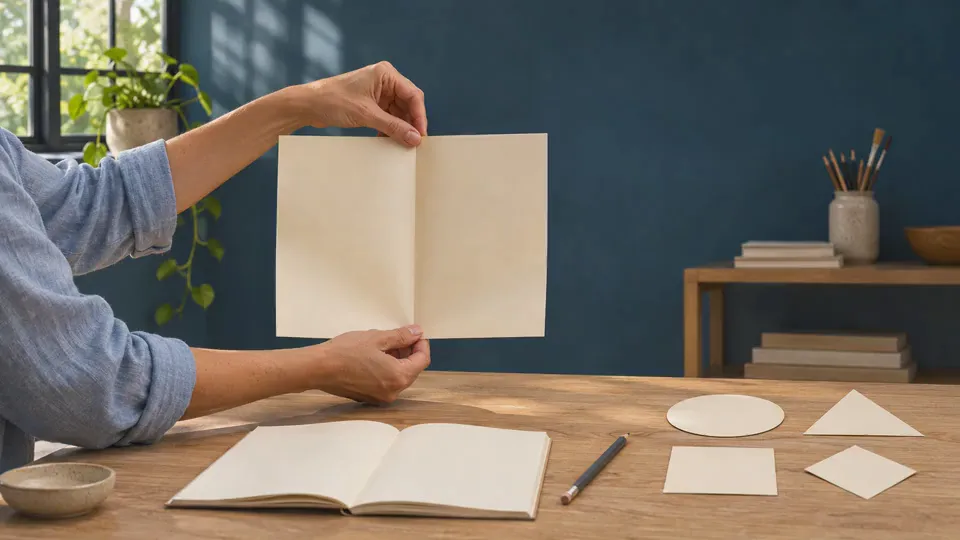
Lernnotizen erstellen
Halte die Schritte aus einer Vorlesung fest und springe zum passenden Beispiel zurück.
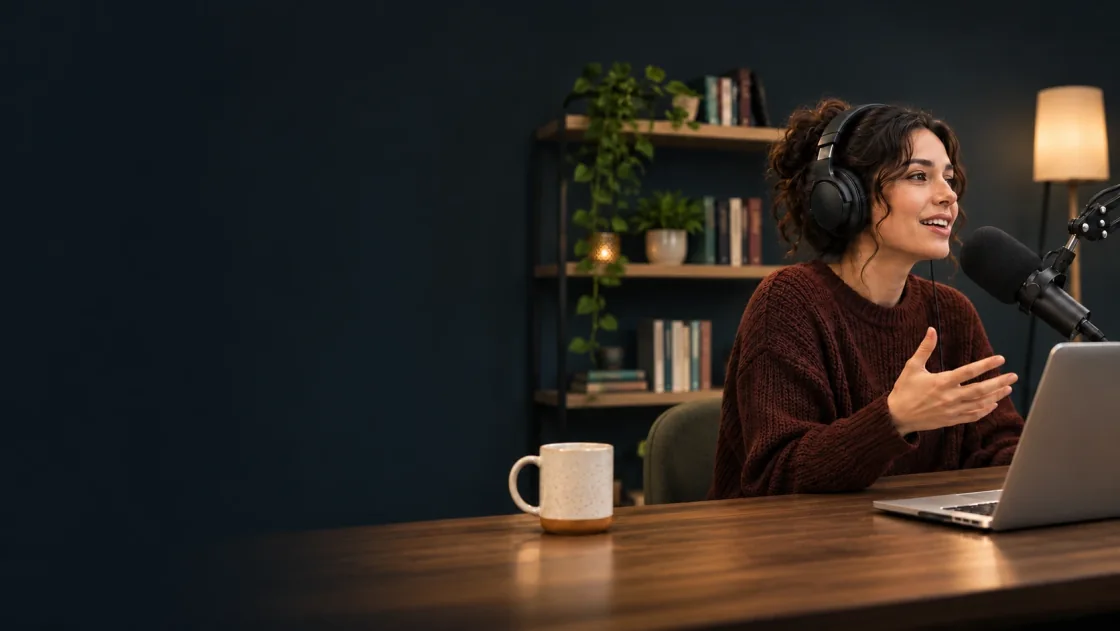
Shownotes für einen Podcast schreiben
Finde die wichtigsten Aussagen und behalte ihre Zeitmarken.
Ein Video untertiteln
Prüfe Text und Zeitmarken für den finalen Schnitt.
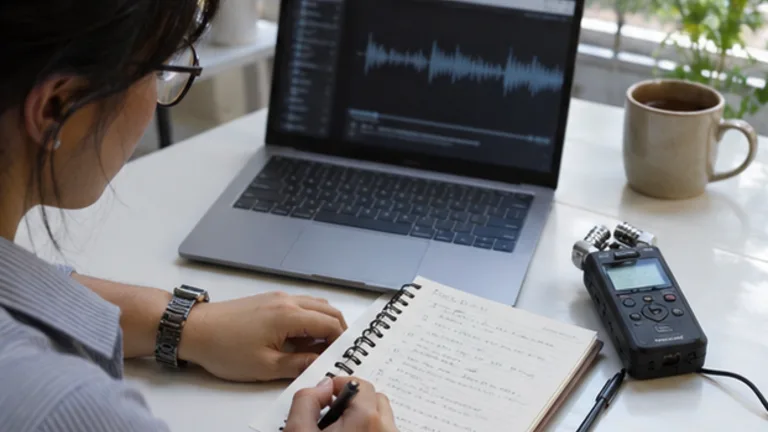
Eine Sprachnotiz weiterverwenden
Wandle deine Notiz in Text um und füge sie in den passenden Absatz ein.


Beispiele für Bewertungen
Illustrative examples
The recap got the deadline right
I replayed the agreement before sending the recap. The revised estimate was due Wednesday morning, after the measurements were confirmed.
Nora BennettProject leadThe recording settled the wording
I had written that nobody spotted the button. When I replayed the interview, the speaker said two people missed it. I changed the line in my report.
Adrian ChenUX researcherThe timestamp went into the show notes
When I pull a line for the show notes, I keep its timestamp next to it. That gives my co-host a quick way to check the quote.
Jonah ReyesPodcast producerThe captions match the final cut
We trimmed the intro before publishing. I transcribed the final cut, checked when the first line starts, then imported the SRT into my video editor.
Mina ParkVideo editorA voice memo became a Word draft
I dictated what to add to an old proposal. I opened the TXT in Word later and copied the instruction into the paragraph I was editing.
Clara MorganWriterThe handout follows the lesson
I used the paper-folding steps from the class video for a handout. Replaying each step helped me put the instructions in the order I taught them.
Leila HassanTeacherThe walkthrough became release notes
The person recording the demo said where the preview link should go. I replayed that line and added the checked instruction to the release notes.
Rina PatelProduct specialistI checked the number before calling
A callback came in while I was away. I found the number in the transcript and replayed that line before dialing.
Theo SantosSupport coordinatorThe handoff shows what comes first
I needed to know whether the estimate could go out right after the site visit. In the Zoom recording, Alex said to wait until Maya confirmed the measurements.
Isabel TanOperations leadI fixed the cue in the SRT I had
I already had an SRT. I corrected the product name and adjusted when its line appeared, then saved the revised subtitle file.
Milo GrantCaption reviewerListeners can read along
I reviewed the guest names and added the plain text transcript to the episode page for people who wanted a reading copy.
Lina ChoPodcast publisherThe recap fits our Word template
Our team uses the same Word template each week. I open the TXT, check the owner and deadline, and copy both into the action table.
Ellis FosterProject coordinator

Häufige Fragen
- Kann ich es ohne Konto ausprobieren?
- Du kannst eine Aufnahme vor der Anmeldung auswählen. Melde dich an, wenn du zum Start der Transkription aufgefordert wirst.
- Welche Grenzen gelten für kostenlose Aufnahmen?
- Der kostenlose Tarif erlaubt 3 Transkriptionen pro Tag, jeweils bis zu 10 Minuten und 100 MB.
- Kann ich im kostenlosen Tarif ein Transkript herunterladen?
- Melde dich an, um dein Transkript als Text zu exportieren. Mit gültigen Zeitmarken kannst du es auch als SRT oder VTT speichern.