Transcribe an Instagram video
Use a saved Reel or video to create editable text from its spoken audio. Review timing before you export subtitles.
How it works
Choose the final Reel export
Choose the file used for the Reel or another copy you have permission to upload. Use the final cut for matching cue times.

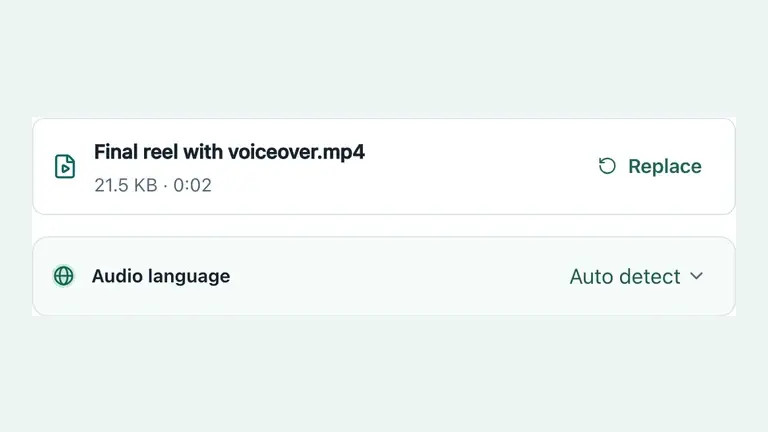
Source video Upload the video with its voiceover
Upload the video. Review voiceover sections alongside cuts and music.
Review speech and overlays separately
Check that the transcript matches what was spoken. Add important words that only appeared as text overlays separately.
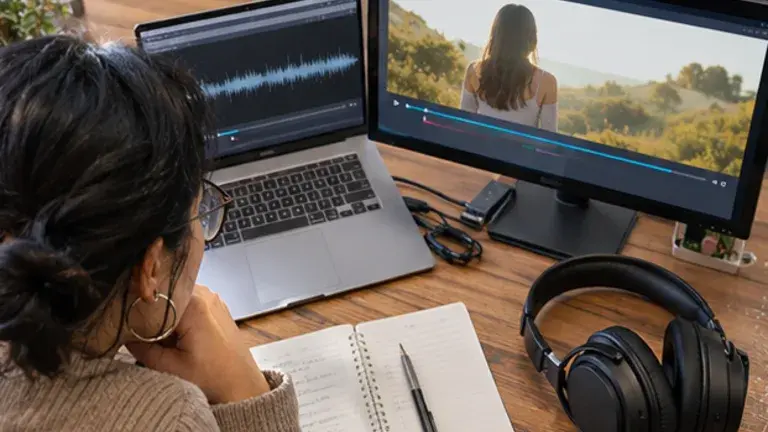
Illustrative example Hold the button until the light flashes twice.
Check voiceover timing against the finished Reel
Check the cue against the demonstration
Replay the moment the light flashes. Make sure the subtitle gives viewers time to read “twice” before the next shot.
Capture words that only appear on screen
If a sticker names the button and the voiceover only says “the button,” copy that label from the video when writing the instructions.
Hold the button until the light flashes twice.
Ways to use the transcript
Write a caption for a Reel
Keep the details from the narration and confirm the words against the final cut.
Turn a Reel into a written tutorial
Use the reviewed voiceover as the draft and fill in any steps shown only in the video.
Supported files and exports
Use a transcript for notes and quotes. Choose SRT or VTT when captions need timing.
- Audio and video uploads
- MP3, M4A, AAC, WAV, FLAC, OGG, Opus, MP4, MOV, WebM, MKV
- Transcript files
- TXT, Markdown, CSV, JSON
- Timed subtitle files
- SRT, VTT
What you can do with a transcript

Read the summary and follow its links to the original passages.
User reviews
Illustrative examples
The captions match the final cut
We trimmed the intro before publishing. I transcribed the final cut, checked when the first line starts, then imported the SRT into my video editor.
Mina ParkVideo editorThe handout follows the lesson
I used the paper-folding steps from the class video for a handout. Replaying each step helped me put the instructions in the order I taught them.
Leila HassanTeacherThe walkthrough became release notes
The person recording the demo said where the preview link should go. I replayed that line and added the checked instruction to the release notes.
Rina PatelProduct specialistI could quote the speaker in context
The speaker pointed at the chart mid-sentence. I watched that part again before quoting the line in our article.
Ren WalkerEditorial assistantWe caught the misheard name in the captions
The transcript misspelled a name. I checked the line in the MP4, fixed it, and exported a fresh caption file.
Alma BrooksVideo producerI had captions ready for the web player
I checked the cue timing in the walkthrough and used the VTT in our player. The next person had the plain transcript for the help article.
Ivy RomeroWeb producer

Frequently asked questions
- Will it read the text stickers in a Reel?
- The transcript comes from the audio. Check text stickers, signs and titles in the video separately.
- How do I handle a Reel with dialogue over music?
- Check the spoken lines against the original audio. If the dialogue is hard to hear, use a clearer source file when you have one.
- Can I use my voiceover file instead of the Reel?
- Yes. Upload a separate voiceover when you need the words. For subtitles with matching timing, use the final video with its cuts and pauses.
- What does Unlimited include?
- Starter and Team previews list unlimited transcriptions and up to 10 hours per recording. Checkout is in test mode. Compare plans.
- How large or long can my file be?
- Free includes 3 transcriptions a day, up to 10 minutes and 100 MB per recording.
- Where can I find the refund and cancellation rules?
- See Refunds and cancellation for the current checkout status.