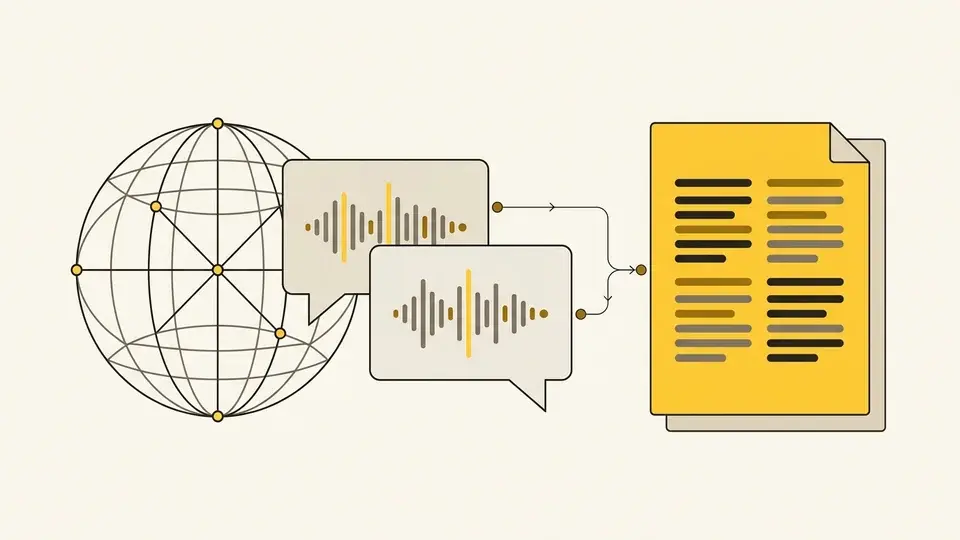
When should you use automatic detection vs. choosing a language manually?
Keep Auto detect on for clear single-language files, and pick the primary language manually when the first 30 seconds contain intros in English, silence, or code-switching.
Automatic language detectors typically inspect an opening speech window. If a Japanese product interview starts with 20 seconds of English greetings or background music, auto-detection can lock onto English and garble the rest of the session.
Selecting the dominant language upfront avoids misrouting—and if the recording genuinely switches between two languages mid-sentence, plan for a quick timestamped pass over product names, acronyms, and speaker handoffs.
What should you verify for different multilingual recording scenarios?
Each language group has predictable failure points—from honorifics and homophones to right-to-left punctuation—that take minutes to fix when you can replay audio inline.
Use the checklist below when reviewing non-English transcripts or preparing English subtitles for international audiences.
| Audio Scenario | Common ASR Edge Case | Recommended Verification Step |
|---|---|---|
| Japanese business / interviews | Company names, kanji homophones, overlapping polite backchannels | Replay proper nouns and check speaker attribution before sharing minutes |
| Cantonese / Hong Kong mixed audio | Colloquial spoken Cantonese vs. written Standard Chinese + English terms | Verify colloquial wording and keep cue splits concise for SRT/VTT |
| German / French / Spanish interviews | Compound nouns, regional accents (Swiss, Quebec, LatAm), numbers | Confirm dates, currency figures, and domain terms at their timestamps |
| Arabic & Hebrew (RTL) recordings | Mixed English product names inside RTL lines, punctuation ordering | Check RTL punctuation and test exported SRT in your target video player |
Why should you review the original-language transcript before translating?
A single misheard source word turns into a plausible-looking mistranslation that readers without the source language cannot spot.
In HearDraft, you transcribe the recording in its spoken language first, replay uncertain passages to fix names or numbers, and then translate the timed cues into English or another target language. Keeping both original and translated tracks lets bilingual teammates audit sensitive quotes quickly.
Frequently asked questions
- Does HearDraft support multilingual audio even though the workspace UI is in English?
- Yes. Audio language is independent of the workspace interface. You can transcribe recordings in dozens of spoken languages using Auto detect or manual language selection.
- Can I keep both the original language and English translation in one subtitle file?
- Yes. HearDraft’s subtitle translation workflow lets you compare original and translated cues side by side and export a translated or bilingual SRT.
- How do I handle Cantonese captions with English phrases mixed in?
- Review the source cues beside the recording to check mixed English terms and colloquial phrasing, then export UTF-8 SRT or VTT. See our dedicated Cantonese subtitle guide for details.