Transcribe a recorded call
Create an editable transcript from a saved phone or support call. Replay a line when you need to check a name, number or promise.
How it works
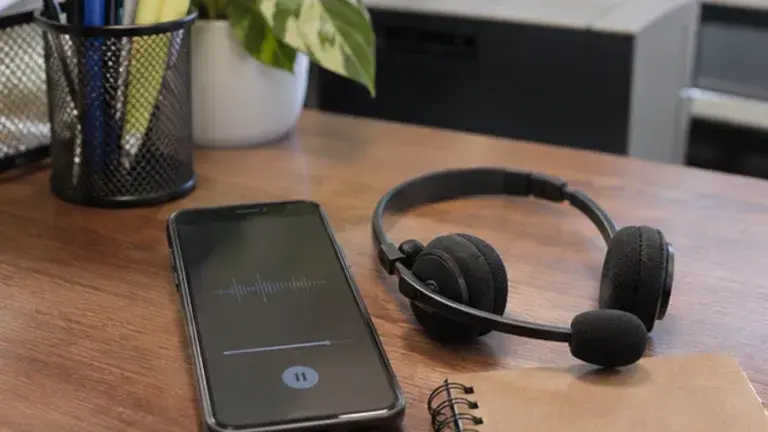
Export a saved call
Save the call as an audio file you have permission to use. Choose the original export when it is available.
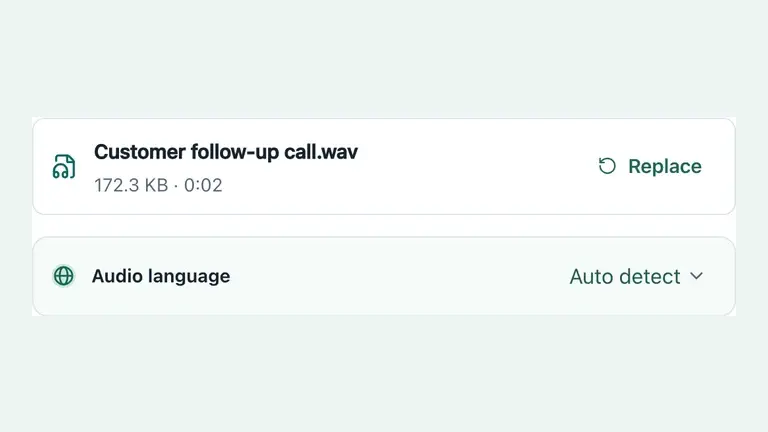
Source recording Upload the call recording
Upload the recording and set the spoken language if you know it.
Verify names and commitments
Replay account numbers, commitments and speaker changes. Correct the text before using it as a written record.
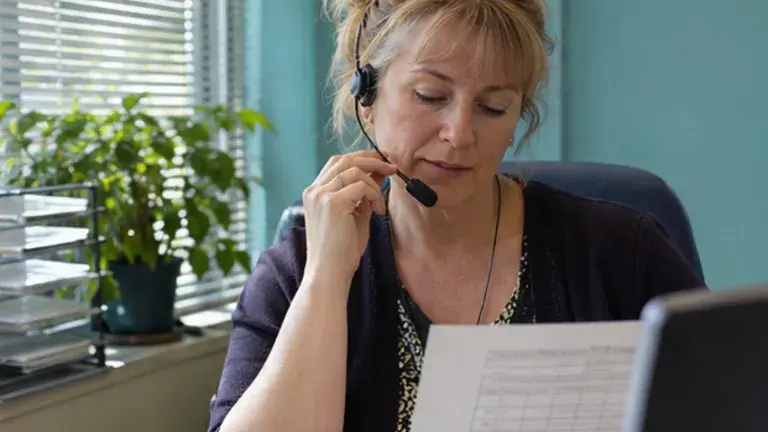
Illustrative example I can call back between two and four on Thursday.
Verify the commitment before writing a follow-up
Read the promise with the reply
Replay the next line to see whether the other person accepted the proposed time. Use the final agreement in your follow-up.
Check names and numbers against the audio
When the caller corrects a digit or spells a surname, keep the confirmed detail in your written handoff.
I can call back between two and four on Thursday.
Ways to use the transcript
Review a support handoff
Find the customer’s exact description of what failed and pass it to the next agent.
Confirm a callback window
Keep the agreed time and the caller’s time zone if it was stated. Leave an open question when the recording gives no time zone.
Supported files and exports
Use a transcript for notes and quotes. Choose SRT or VTT when captions need timing.
- Audio and video uploads
- MP3, M4A, AAC, WAV, FLAC, OGG, Opus, MP4, MOV, WebM, MKV
- Transcript files
- TXT, Markdown, CSV, JSON
- Timed subtitle files
- SRT, VTT
What you can do with a transcript

Read the summary and follow its links to the original passages.
User reviews
Illustrative examples
The recap got the deadline right
I replayed the agreement before sending the recap. The revised estimate was due Wednesday morning, after the measurements were confirmed.
Nora BennettProject leadThe handoff shows what comes first
I needed to know whether the estimate could go out right after the site visit. In the Zoom recording, Alex said to wait until Maya confirmed the measurements.
Isabel TanOperations leadThe out-of-office teammate had a recap
I rechecked the decision and who owns the next step, then added both to the written recap for the teammate who missed the call.
Samira ClarkeTeam coordinatorThere was a person beside each follow-up
Some next steps came up twice on the call. I checked the final answer and used the agreed owner in the recap.
Lewis TanImplementation leadThe recap kept the open question
I included the question about the site visit in the recap. It pointed the team to the right part of the saved call when they needed the context.
Maya EllisClient success leadThe recap fits our Word template
Our team uses the same Word template each week. I open the TXT, check the owner and deadline, and copy both into the action table.
Ellis FosterProject coordinator

Frequently asked questions
- Can HearDraft join or record a live call?
- This workflow starts with a call you have already recorded. Upload the file after the call.
- How do I tell the caller and the agent apart?
- Replay the opening introductions, then correct their speaker labels in the editor before sharing the transcript.
- What if both people talk at once?
- Replay the overlapping section and keep any words you can verify. Mark uncertain details in your notes before passing them on.
- What does Unlimited include?
- Starter and Team previews list unlimited transcriptions and up to 10 hours per recording. Checkout is in test mode. Compare plans.
- How large or long can my file be?
- Free includes 3 transcriptions a day, up to 10 minutes and 100 MB per recording.
- Where can I find the refund and cancellation rules?
- See Refunds and cancellation for the current checkout status.