Song to Text for Clear Vocal Recordings
Start with an isolated vocal or spoken lyrics. Create a text draft, replay difficult lines and correct the words before export.
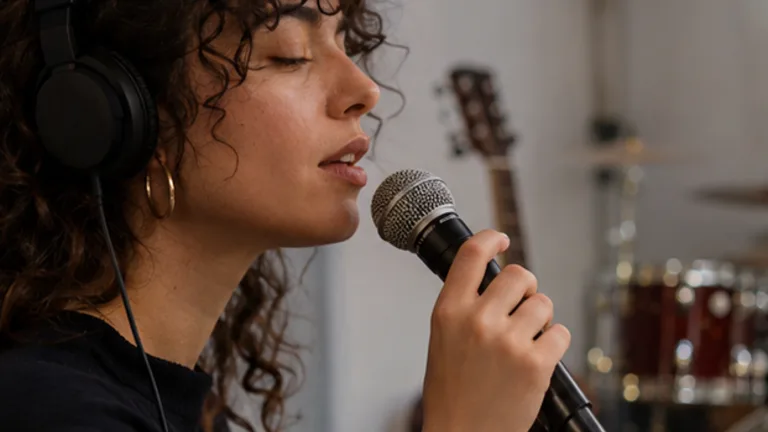
How it works
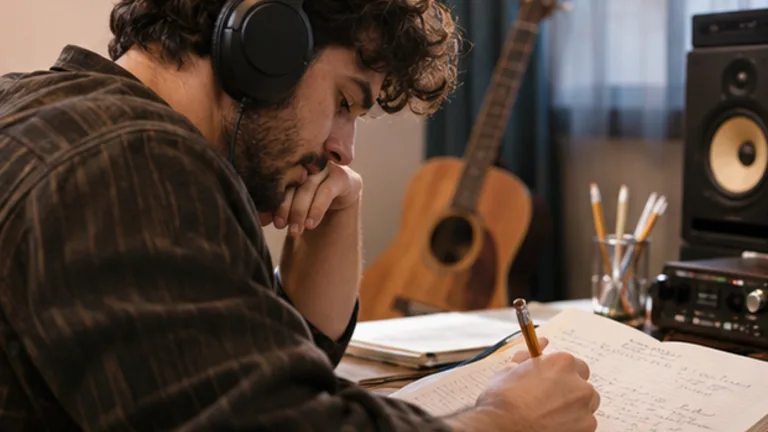
Choose an audible verse or chorus
Choose a section you can hear clearly. Use the vocal stem if you have access to it.
Upload the excerpt for a text draft
Upload the excerpt as audio and check how the transcript handles sung words.
Arrange the lines after listening back
Replay unclear phrases and compare repeated choruses. Music, harmonies and vocal effects can obscure the words.
From a first draft to checked lyrics
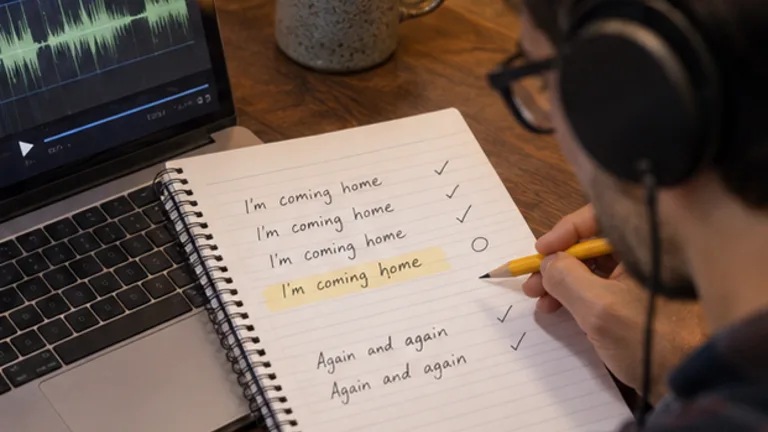
Illustrative example
- First draft
- The river carries our last light home. Follow the road where we used to go.
- Checked lyric sheet
- The river carries our last light home
Follow the road we used to know
Replay the end of the line, correct the wording, then add the line breaks you want in the lyric sheet.
From a vocal take to a lyric sheet
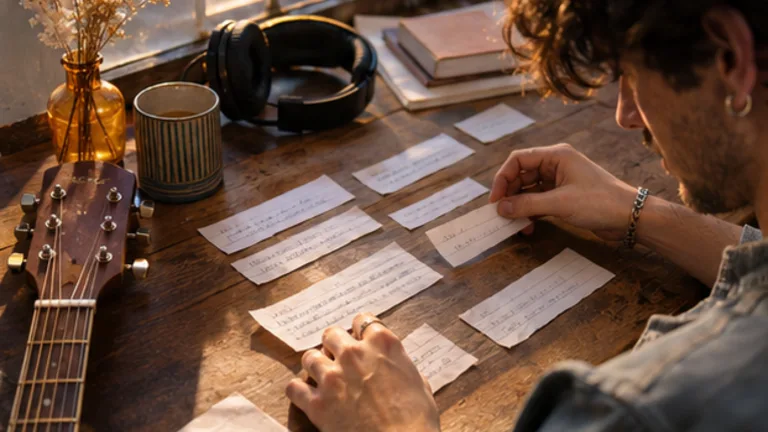
Review an original song demo
Write down words from a take before sending a draft lyric sheet to a collaborator.
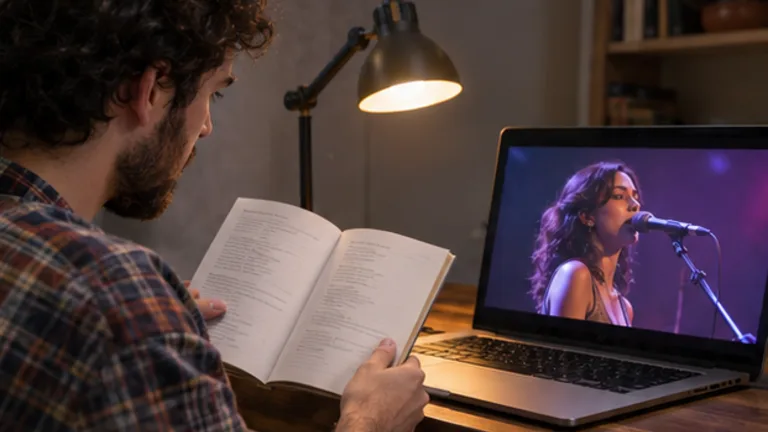
Prepare words for a lyric video
Check the words against the final take. Use Add Subtitles to Video to time the lines and export the captioned MP4.
Supported files and exports
Use a transcript for notes and quotes. Choose SRT or VTT when captions need timing.
- Audio and video uploads
- MP3, M4A, AAC, WAV, FLAC, OGG, Opus, MP4, MOV, WebM, MKV
- Transcript files
- TXT, Markdown, CSV, JSON
- Timed subtitle files
- SRT, VTT
What you can do with a transcript

Read the summary and follow its links to the original passages.
User reviews
Illustrative examples
The vocal take was easier to check
I used the vocal recording I already had, replayed the words that were unclear, and marked the phrases I still needed to confirm.
Emilia HughesAudio producerI could lay out the lyric sheet
I checked the words from my demo against the recording. Then I put the lines and chorus breaks where I wanted them in my draft.
Clara MorganWriterI kept the note between takes
I found the spoken direction between takes and replayed it before writing down which section the group wanted to repeat.
Rina PatelProduct specialistThe second chorus used a different word
I compared two repetitions in the recording before using the line in a post. The later take ends a little differently.
Noel CostaPodcast marketerThe final take guided the captions
I used the checked wording as a draft and listened to the final vocal again while lining up the text in my video editor.
Milo GrantCaption reviewerThe feedback stayed with the right take
I wrote down the spoken feedback with the take name and timestamp, so I could find the remark again while editing the session notes.
Ivy RomeroWeb producer

Frequently asked questions
- Will it recognize instrumental notes or chords?
- HearDraft creates text from audible words. Use music notation software for notes and chords.
- Will the transcript match the song’s verse and chorus layout?
- Review the audible words, then add your own line breaks and verse or chorus labels when you prepare the text.
- How do I add the checked words to a music video?
- Open Add Subtitles to Video with the final cut. Correct the cues in the subtitle editor, then export an MP4 with the original audio and your selected caption track.
- What does Unlimited include?
- Starter and Team previews list unlimited transcriptions and up to 10 hours per recording. Checkout is in test mode. Compare plans.
- How large or long can my file be?
- Free includes 3 transcriptions a day, up to 10 minutes and 100 MB per recording.
- Where can I find the refund and cancellation rules?
- See Refunds and cancellation for the current checkout status.