Automatyczne napisy do wideo
Wygeneruj napisy z mowy w zapisanym filmie. Popraw treść i czasy wyświetlania, a potem wyeksportuj SRT, VTT lub wideo MP4.
Przykład zsynchronizowanego napisu
Przykład poglądowy
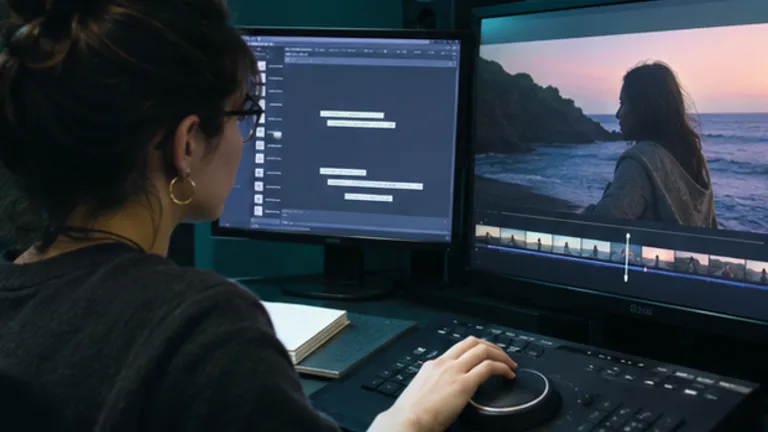
Poczekaj na zieloną kontrolkę, zanim otworzysz pokrywę filtra.Dopasuj początek i koniec kwestii wprost przy osi czasu wideo.
Formaty plików
- Źródłowe wideo
- MP4 · MOV · WebM · MKV
- Pliki napisów z czasem
- SRT · VTT
- Wideo z napisami
- MP4
Jak to działa
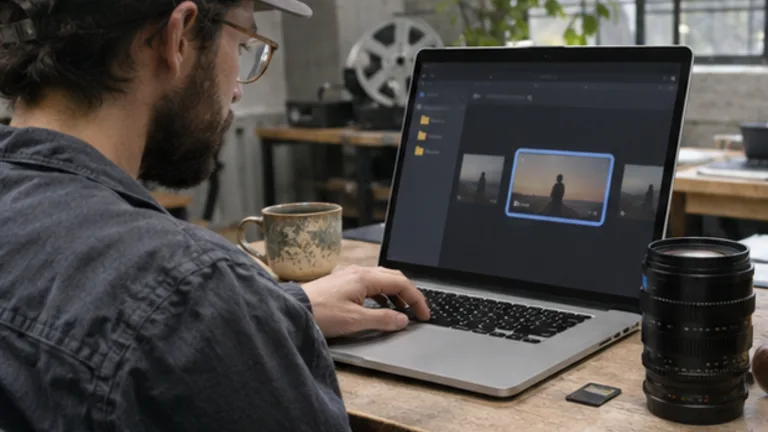
Dodaj plik wideo
Wybierz gotowy montaż MP4, MOV, WebM lub MKV ze swojego komputera.
Popraw tekst i czasy
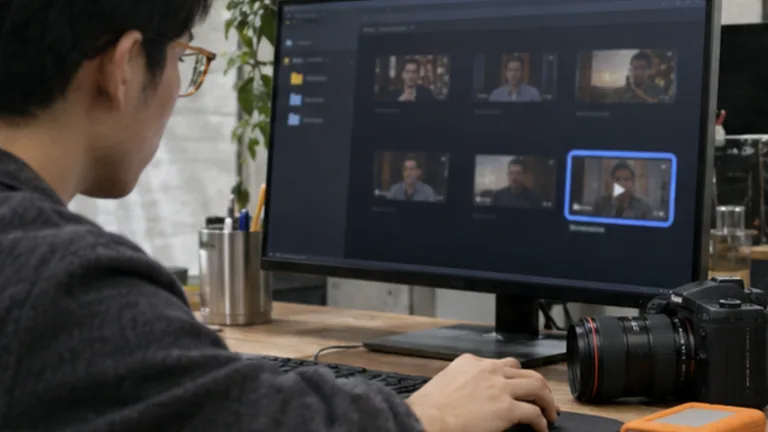
Odtwórz fragment wideo przy każdym napisie, popraw podział linii i polskie znaki.
Pobierz napisy lub MP4
Zaloguj się, aby pobrać plik SRT, VTT albo wideo MP4 z wtopionymi napisami.
Zastosowania
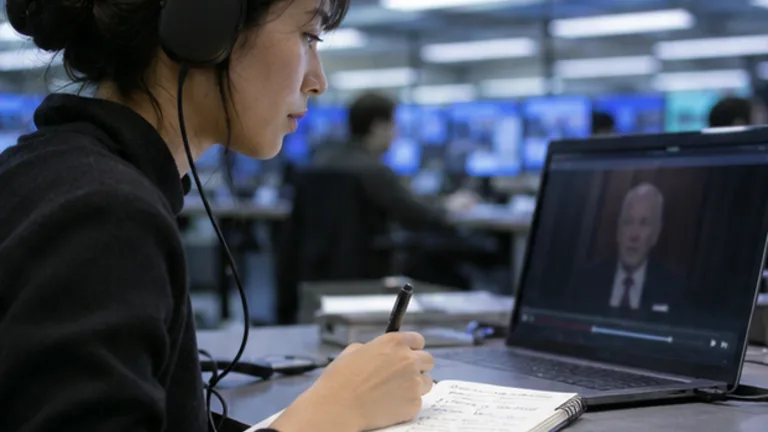
Szkolenia i filmy instruktażowe
Dodaj wyraźne napisy do nagrań ekranu i kursów bez ręcznego przepisywania dialogów.
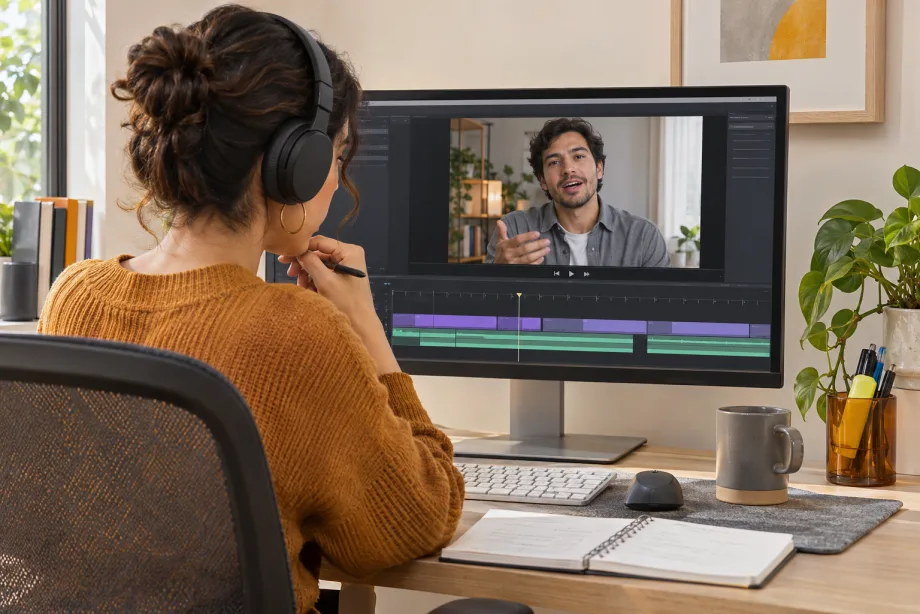
Krótkie materiały na media społecznościowe
Wyeksportuj MP4 z gotowymi napisami w wybranym stylu lub zachowaj oddzielny plik SRT.

What you can do with a transcript
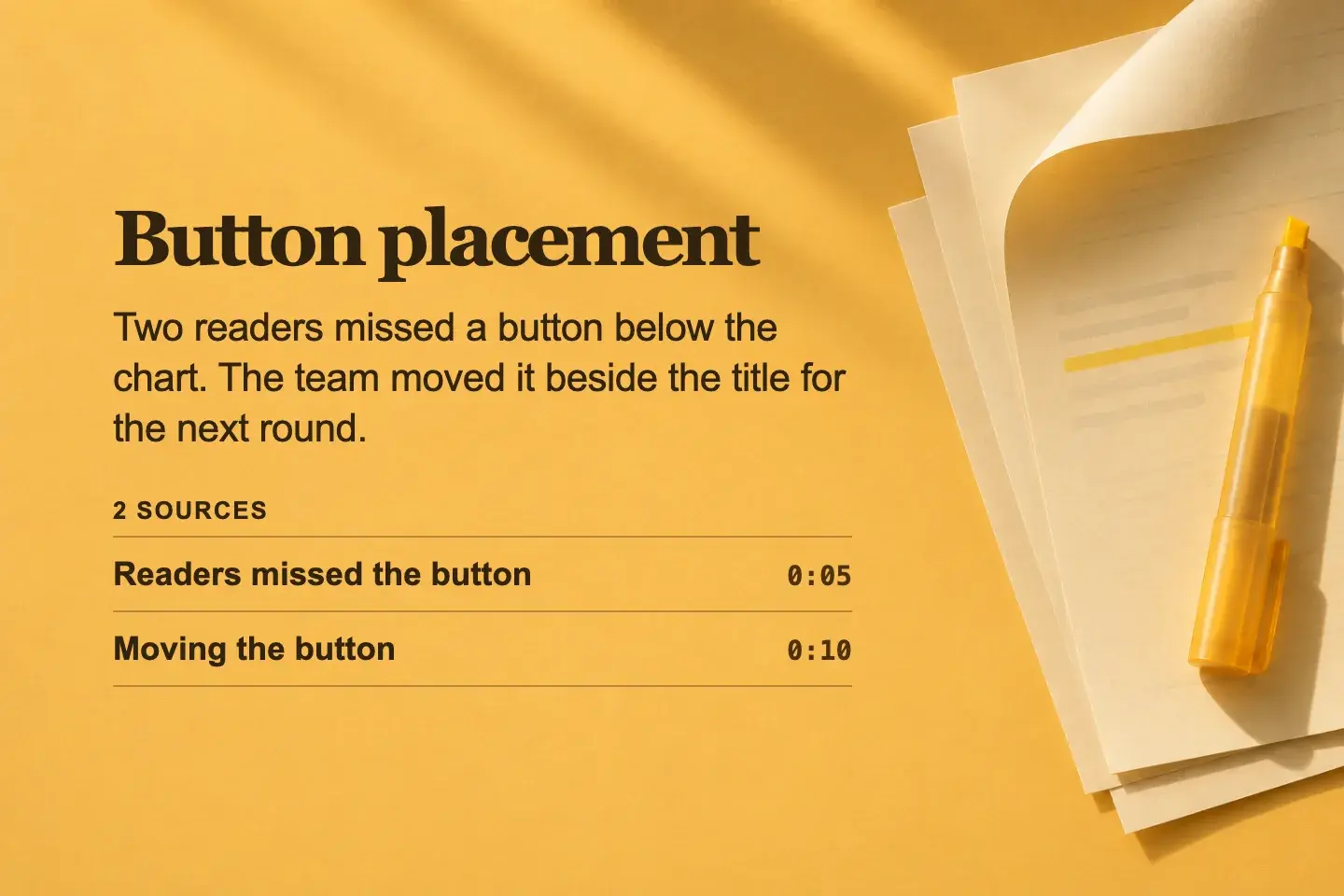
Read the summary and follow its links to the original passages.
User reviews
Illustrative examples
The translation matched the same cut
I checked the translated captions next to the original. I shortened a long line and then exported both languages for the same edit.
Samira PatelLocalization editorI fixed the cue in the SRT I had
I already had an SRT. I corrected the product name and adjusted when its line appeared, then saved the revised subtitle file.
Milo GrantCaption reviewerA late cue was easy to spot
The caption came up after the speaker started. I checked the finished video, adjusted the cue, and exported the updated subtitle file.
Felix ReedPost-production editorWe caught the misheard name in the captions
The transcript misspelled a name. I checked the line in the MP4, fixed it, and exported a fresh caption file.
Alma BrooksVideo producerI had captions ready for the web player
I checked the cue timing in the walkthrough and used the VTT in our player. The next person had the plain transcript for the help article.
Ivy RomeroWeb producerThe captions match the final cut
We trimmed the intro before publishing. I transcribed the final cut, checked when the first line starts, then imported the SRT into my video editor.
Mina ParkVideo editor

Częste pytania
- Czy mogę wyeksportować wideo z napisami bezpośrednio w przeglądarce?
- Tak. W Studio Napisów możesz wyeksportować zarówno pliki SRT i VTT, jak i plik MP4 z nałożonymi napisami.
- Czy napisy obsługują polskie znaki diakrytyczne?
- Tak. Eksportowane pliki SRT i VTT korzystają z kodowania UTF-8 oraz czcionek obsługujących polskie znaki.